
elkiwina - Minecraft Skins & Skin History
Current Minecraft skin of the player elkiwina, loaded from the official Mojang API. Rotate the 3D model with your mouse or finger, then download the skin as a PNG file and use it in Minecraft: Bedrock Edition or Java Edition for free. When elkiwina changes their skin, this page updates automatically and the old skin stays in the history below.
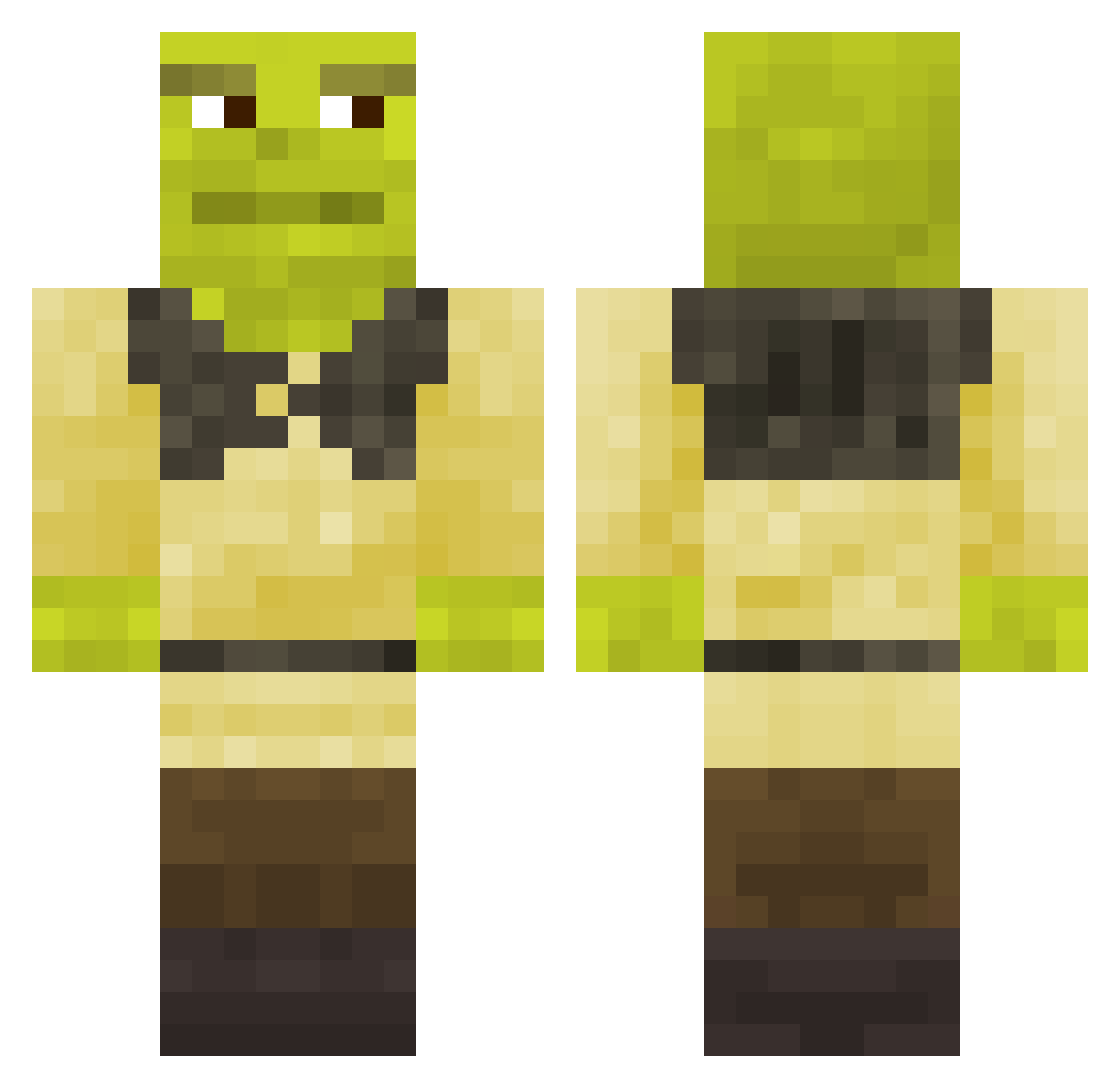
Other players with this skin (743)
elkiwina was the 608th player we have seen with this skin, first spotted on 16.10.2026. The same skin was seen on these players. Open a nickname to see their current skin and skin history.
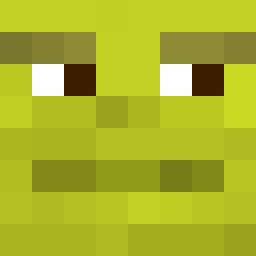 Zrixg RiceFarmer099 Arkadata47 WH6Q madMiky Bomfalleralla69 Aleja_198 Floris_013 Ruslike EJDMek AnasLeCoyote lil_joe777 Loockly JwCrew Xennoxhd pepe_prozinx HunterdaHunter21 No4_47 Lucalollo11 edo08edo Its305z dark_vinicius TitoPlus taylormcmahon Carlgot Kicra__ S_arenas goox5 tescoblvde Jangaron Mykhail59753 Legal_Fox Iuunanx AgtDanik spicedpotato killermammoth98 lenkahh M46N3 izafan chaxseqtt MckDck Fliniks _mqrkk JanVanHalst Phrazek Pellicanosss Ciand04 immacupofmilktea fungomistico104 TenAlyx ForemanKeith jawDSPUIOWHdiUW xXMagic_FetusXx NotSimonL SLIMEDOZER Jonesy0630 gauth_2007 idyshij_k_peke Serfilat21v Sneclk
More Shrek Minecraft skins
How to install the elkiwina skin
- Press the Download button above to save the skin as a PNG file.
- Minecraft: Bedrock Edition (PE): open the Dressing Room from the main menu (or tap your character → Edit Character), go to Classic Skins → Owned, press the + (new skin) button, choose the downloaded PNG and pick the Classic (Steve) model. Works on PC and mobile; consoles cannot import custom skins.
- Minecraft: Java Edition: open the Minecraft Launcher, go to the Skins tab, click New Skin, load the PNG, pick the Classic (Steve) model and press Save & Use. You can also upload it at minecraft.net → Profile → Change Skin.
The skin does not show up after import - what should I do?
Restart Minecraft and open the Dressing Room again - imported skins sometimes appear only after a restart. Also make sure you selected the imported skin and picked the Classic (Steve) model.
Which model should I choose, Classic or Slim?
This skin is designed for the Classic (Steve) model. If you pick the wrong model, the arms of the skin will look stretched or squeezed.
Is the skin of elkiwina free to download?
Yes. Press Download, save the PNG file and use it in Minecraft: Bedrock Edition or Java Edition - no payment or registration needed. The skin also works on multiplayer servers and Realms.
More skins
Looking for more? Go back to all Minecraft skins and check the top skins of the week, month and all time, or find any player's skin by nickname.