
elkevo20 - Minecraft Skins & Skin History
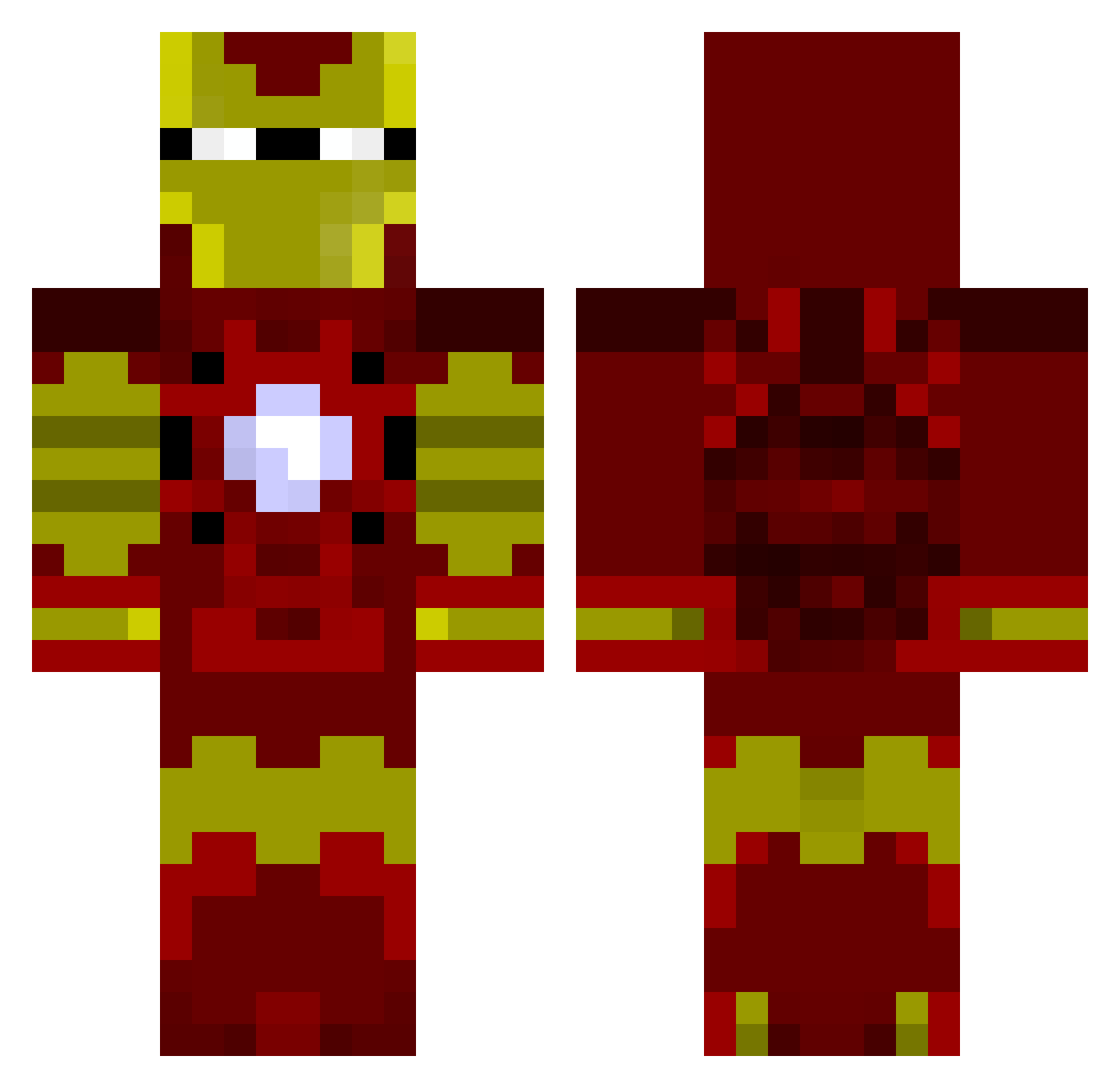
Current Minecraft skin of the player elkevo20, loaded from the official Mojang API. Rotate the 3D model with your mouse or finger, then download the skin as a PNG file and use it in Minecraft: Bedrock Edition or Java Edition for free. When elkevo20 changes their skin, this page updates automatically and the old skin stays in the history below.
Other players with this skin (805)
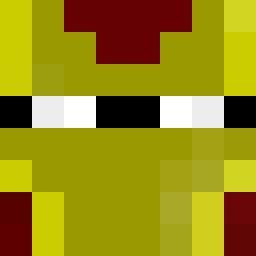
elkevo20 was the 179th player we have seen with this skin, first spotted on 14.08.2026. The same skin was seen on these players. Open a nickname to see their current skin and skin history.
 ahusch rob0282 ADayToRemember6 harmsch pcp_demons Risorius benjikun YOSINLIN FatMadPanda Arad_Uliel WyattXshirt LoMikeyK mitchmoo1234 solarspaceTV davidney 1Fire1 kirstenleanne Rhinoswagga AEROCODEX maxipad69 DannyBoy2020 _sanek_YouTube noobiel Etheneda waits4thebus Havoc_Lion Celticfan912 CruNchY_MunCheY StreetWeasel Rower2k14 QsX_ToXiT95 OwNaTo_ xCBKx_R3APER TheKnifeParty izidoro mackiller40 Trevor588 OliWang clayuniversity JReo93 Volatile_Agent RussJaiJammo mize03 Co_Craft amirnorman deadlybrothers disneyboy123 MedZzZon Maxruntiger123 mrcy0 LoghieBear XxCreeperBrosXx DamronFamily Jackblades2014 jordyhitfc backseatpiranha K_Swizle Spacks posey28 KamikazeJb
More Iron Man Minecraft skins
How to install the elkevo20 skin
- Press the Download button above to save the skin as a PNG file.
- Minecraft: Bedrock Edition (PE): open the Dressing Room from the main menu (or tap your character → Edit Character), go to Classic Skins → Owned, press the + (new skin) button, choose the downloaded PNG and pick the Classic (Steve) model. Works on PC and mobile; consoles cannot import custom skins.
- Minecraft: Java Edition: open the Minecraft Launcher, go to the Skins tab, click New Skin, load the PNG, pick the Classic (Steve) model and press Save & Use. You can also upload it at minecraft.net → Profile → Change Skin.
The skin does not show up after import - what should I do?
Restart Minecraft and open the Dressing Room again - imported skins sometimes appear only after a restart. Also make sure you selected the imported skin and picked the Classic (Steve) model.
Which model should I choose, Classic or Slim?
This skin is designed for the Classic (Steve) model. If you pick the wrong model, the arms of the skin will look stretched or squeezed.
Is the skin of elkevo20 free to download?
Yes. Press Download, save the PNG file and use it in Minecraft: Bedrock Edition or Java Edition - no payment or registration needed. The skin also works on multiplayer servers and Realms.
More skins
Looking for more? Go back to all Minecraft skins and check the top skins of the week, month and all time, or find any player's skin by nickname.