
elgatEx - Minecraft Skins & Skin History
Current Minecraft skin of the player elgatEx, loaded from the official Mojang API. Rotate the 3D model with your mouse or finger, then download the skin as a PNG file and use it in Minecraft: Bedrock Edition or Java Edition for free. When elgatEx changes their skin, this page updates automatically and the old skin stays in the history below.
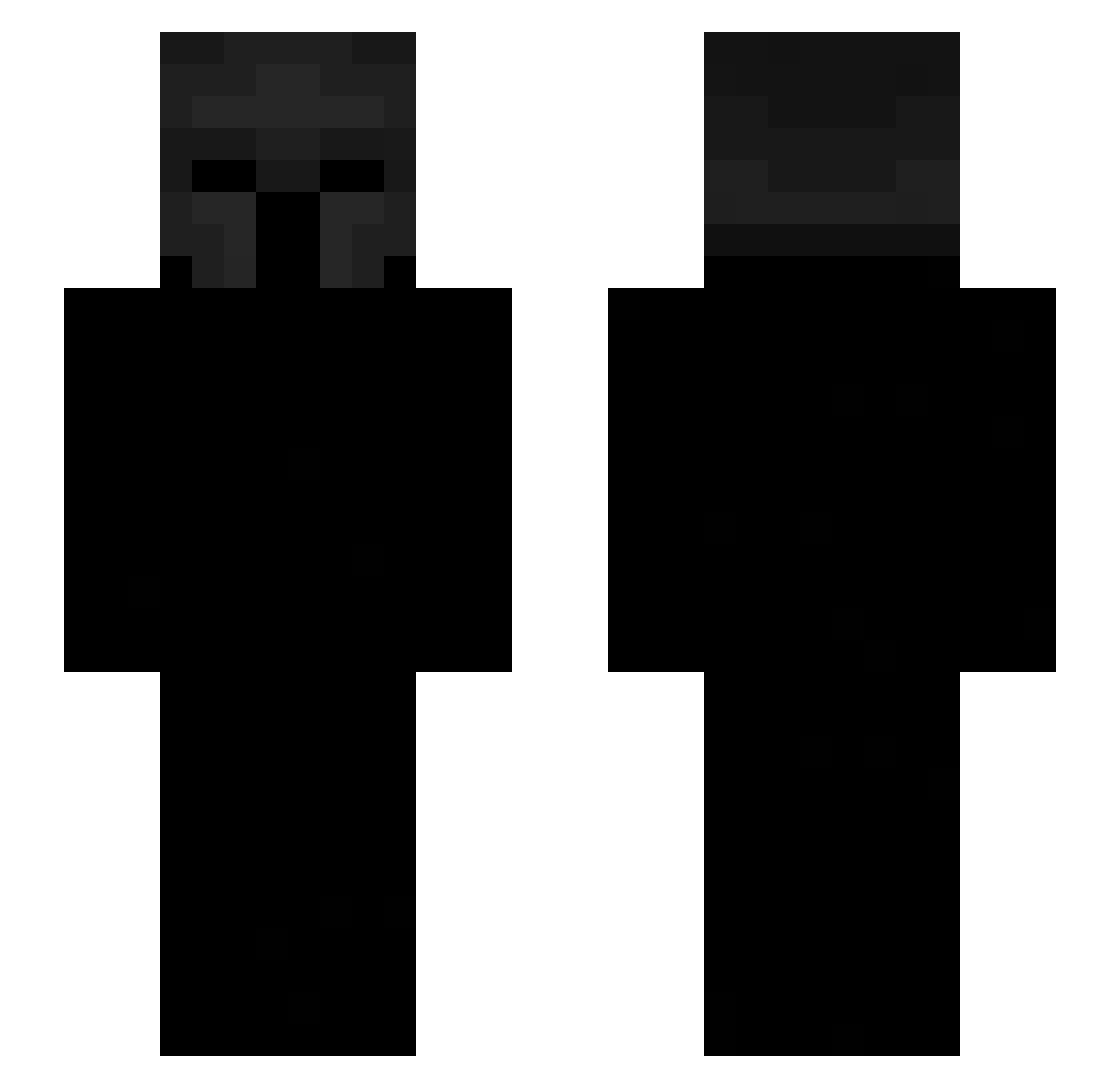
Other players with this skin (650)
elgatEx was the 585th player we have seen with this skin, first spotted on 08.11.2026. The same skin was seen on these players. Open a nickname to see their current skin and skin history.
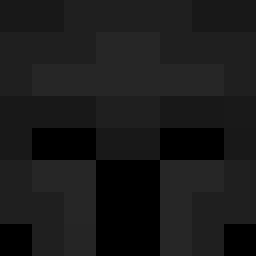 arishricee BaychYT MOIOKO karpew geekymember GMPh SgtRiller 3aston2763 plasmaplays7835 j8pann Utoo2314 Duuhuu 20131107 Mary0623 m0wgs bladeofxek vexx_moony TheHollowOne_ ToSly1 POLOHF TR1TOX Sarmicar thzinn_dk PrivateToilet Marriojr Just_eli9928 Deblinker Berkxq22 ferraz74 jigglejigglemen nijepaun Nicdon reflexx1 Mando_289 sr_dax Henzarmy_12345 Glazer_ outraze SleepyKnight_22 god4s09 xironnishere b88ty8 Capsyss TempVic FunkInfernal CloudSlayaMC Avelina2015 alsalexxs krzysiumorderc4 murzinson Kaczus69 EIN__BAUM zephyreign Rauldelas rootegg grasios pongsapat028 LEEJZI Tazatko BlexYoung
More Spartan Minecraft skins
How to install the elgatEx skin
- Press the Download button above to save the skin as a PNG file.
- Minecraft: Bedrock Edition (PE): open the Dressing Room from the main menu (or tap your character → Edit Character), go to Classic Skins → Owned, press the + (new skin) button, choose the downloaded PNG and pick the Slim (Alex) model. Works on PC and mobile; consoles cannot import custom skins.
- Minecraft: Java Edition: open the Minecraft Launcher, go to the Skins tab, click New Skin, load the PNG, pick the Slim (Alex) model and press Save & Use. You can also upload it at minecraft.net → Profile → Change Skin.
The skin does not show up after import - what should I do?
Restart Minecraft and open the Dressing Room again - imported skins sometimes appear only after a restart. Also make sure you selected the imported skin and picked the Slim (Alex) model.
Which model should I choose, Classic or Slim?
This skin is designed for the Slim (Alex) model. If you pick the wrong model, the arms of the skin will look stretched or squeezed.
Is the skin of elgatEx free to download?
Yes. Press Download, save the PNG file and use it in Minecraft: Bedrock Edition or Java Edition - no payment or registration needed. The skin also works on multiplayer servers and Realms.
More skins
Looking for more? Go back to all Minecraft skins and check the top skins of the week, month and all time, or find any player's skin by nickname.