
eleinaa - Minecraft Skins & Skin History
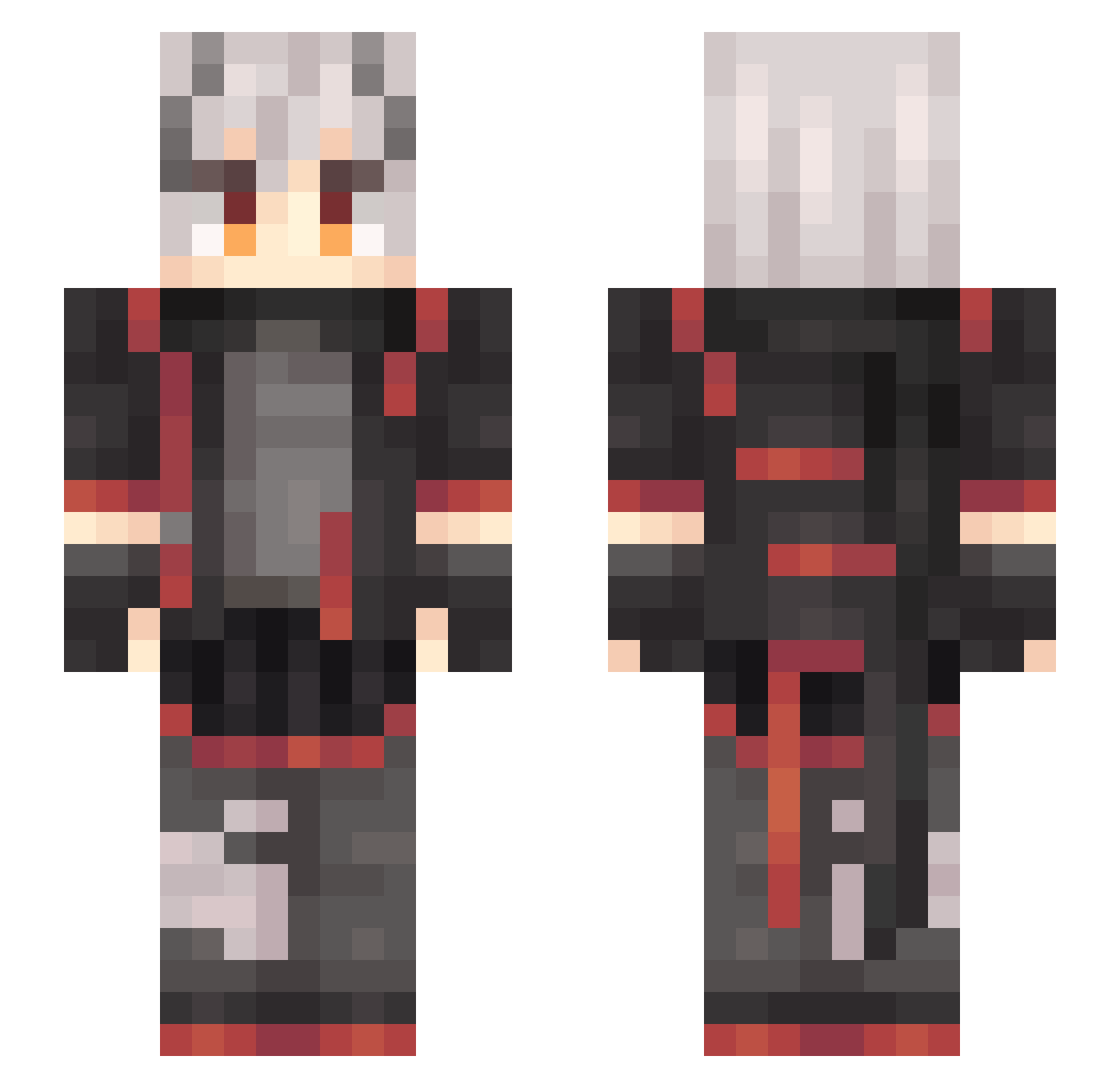
Current Minecraft skin of the player eleinaa, loaded from the official Mojang API. Rotate the 3D model with your mouse or finger, then download the skin as a PNG file and use it in Minecraft: Bedrock Edition or Java Edition for free. When eleinaa changes their skin, this page updates automatically and the old skin stays in the history below.
Other players with this skin (637)
eleinaa was the 431st player we have seen with this skin, first spotted on 09.10.2026. The same skin was seen on these players. Open a nickname to see their current skin and skin history.
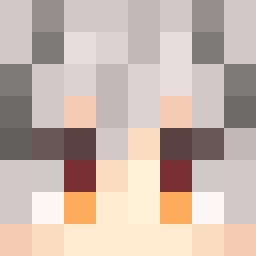 NamuionFL LACIAtype05 Momoword MapleL Noah2828 solitude_404 Gloria_R DemonHeng ZSQY _taozi anson_AN XjzLing Ultraman0716 Froleytia_ Lapland2597 morcla0 BeiMsa VU_yu Namiko_L RAINBOW_LJY xzx1112 Vacu0u5 Tamawan C_Eason recerr Wenjin1017 Ad_Astra7 hanjinlun520 lty8902 DF_Otter BILLY_LURK rasmuslh11 Rainnxxx bob_king66 SaltFish12345 Linzekai666 LingXianYe ming_ge233 HappyCamper130 SprataS Baiou1 xbtdys keegerr isnotagames YuDian_V5 Fzsoap Luback07 baozids Agent4643 lris_ache See_You_Again_ chacha2001 Reuentahl XIAYE1 baozi2005 OctaneSilva Ping_yuGTS El_Pazo WEAST327 coverhololive
More Cyberpunk Minecraft skins
How to install the eleinaa skin
- Press the Download button above to save the skin as a PNG file.
- Minecraft: Bedrock Edition (PE): open the Dressing Room from the main menu (or tap your character → Edit Character), go to Classic Skins → Owned, press the + (new skin) button, choose the downloaded PNG and pick the Slim (Alex) model. Works on PC and mobile; consoles cannot import custom skins.
- Minecraft: Java Edition: open the Minecraft Launcher, go to the Skins tab, click New Skin, load the PNG, pick the Slim (Alex) model and press Save & Use. You can also upload it at minecraft.net → Profile → Change Skin.
The skin does not show up after import - what should I do?
Restart Minecraft and open the Dressing Room again - imported skins sometimes appear only after a restart. Also make sure you selected the imported skin and picked the Slim (Alex) model.
Which model should I choose, Classic or Slim?
This skin is designed for the Slim (Alex) model. If you pick the wrong model, the arms of the skin will look stretched or squeezed.
Is the skin of eleinaa free to download?
Yes. Press Download, save the PNG file and use it in Minecraft: Bedrock Edition or Java Edition - no payment or registration needed. The skin also works on multiplayer servers and Realms.
More skins
Looking for more? Go back to all Minecraft skins and check the top skins of the week, month and all time, or find any player's skin by nickname.