
duck_scott - Minecraft Skins & Skin History
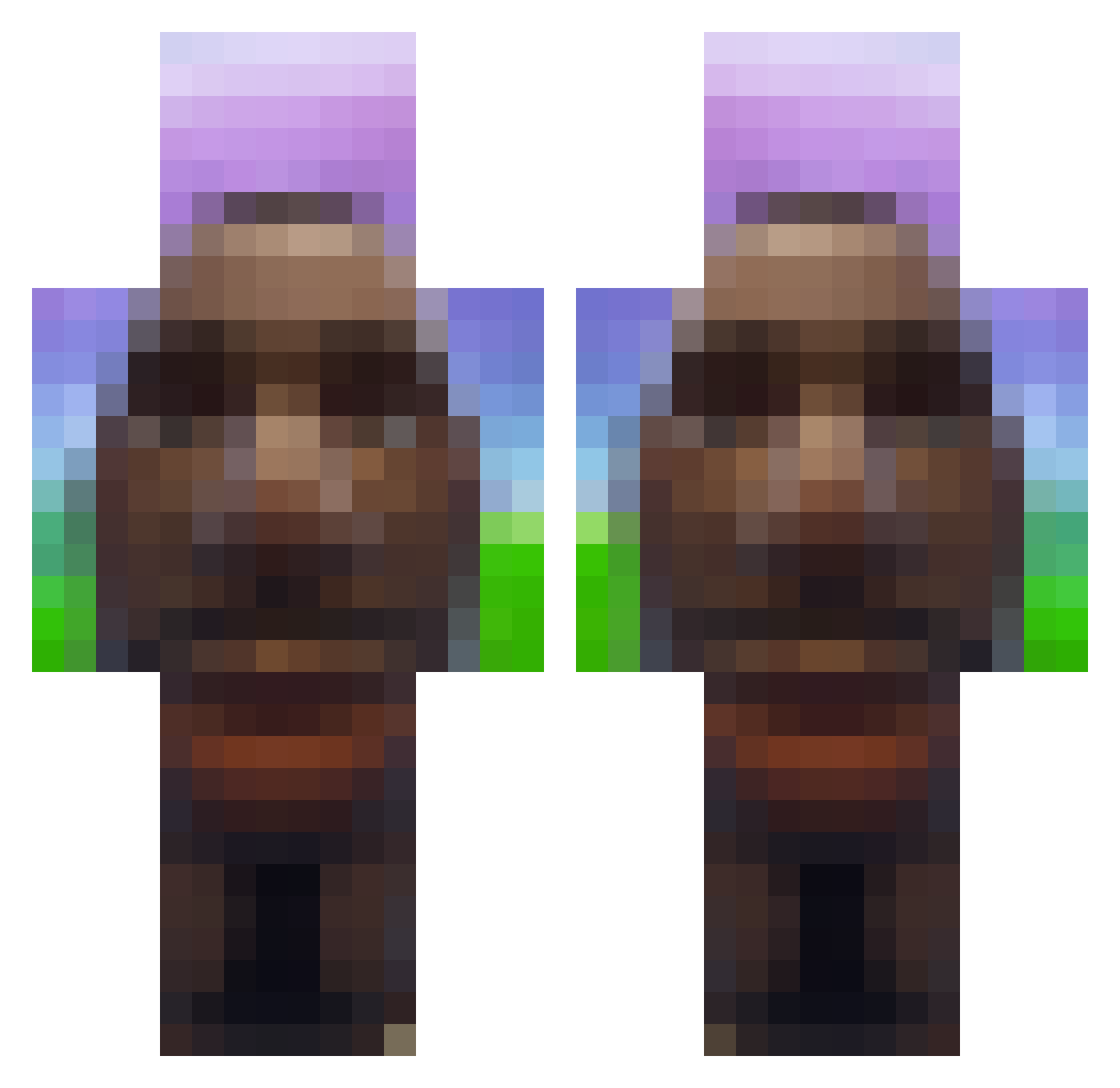
Current Minecraft skin of the player duck_scott, loaded from the official Mojang API. Rotate the 3D model with your mouse or finger, then download the skin as a PNG file and use it in Minecraft: Bedrock Edition or Java Edition for free. When duck_scott changes their skin, this page updates automatically and the old skin stays in the history below.
Other players with this skin (720)
duck_scott was the 381st player we have seen with this skin, first spotted on 22.09.2026. The same skin was seen on these players. Open a nickname to see their current skin and skin history.
 guitchovis BlockyBoy420 etherum_ epsteinpenjamin aryu10 Vascheek Swedishfish07 JellyBeanJuggler Jilly_Longthing pwaqz tomfoolery ValuingMedal382 Asmedous piranhaaaa NapalonaAnia1337 ZecaPiranha69 Vipxrzz Fh997 LilFreePumps Nutmeg_Cat Sunflower7u7 CraftyGriffin FortnitePr0 FreeTayK_DrAmor3 lacedmelancholy Lusky_103 WOLFIUStwitch psychokids1337 Remms BigOhioSkib67 Mhexi icy8bit bissokvist Antoniolpzr Piparoo100 GangnumStyleFan muiddin445 Jazzz1233 GalindoX69 HaydnMT30 socoppe rxziaa_ ParkourEnder2015 anto_o ShrekBlindado Michaelness Spxder teun5310 Trayna Jenkizera Turbokadne esepese_csg0 ItzNateQD Bokmok Snipezzz_09 curry081071 69PABLO chabi26 AtifPK coolguyeli
More Moai Minecraft skins
How to install the duck_scott skin
- Press the Download button above to save the skin as a PNG file.
- Minecraft: Bedrock Edition (PE): open the Dressing Room from the main menu (or tap your character → Edit Character), go to Classic Skins → Owned, press the + (new skin) button, choose the downloaded PNG and pick the Classic (Steve) model. Works on PC and mobile; consoles cannot import custom skins.
- Minecraft: Java Edition: open the Minecraft Launcher, go to the Skins tab, click New Skin, load the PNG, pick the Classic (Steve) model and press Save & Use. You can also upload it at minecraft.net → Profile → Change Skin.
The skin does not show up after import - what should I do?
Restart Minecraft and open the Dressing Room again - imported skins sometimes appear only after a restart. Also make sure you selected the imported skin and picked the Classic (Steve) model.
Which model should I choose, Classic or Slim?
This skin is designed for the Classic (Steve) model. If you pick the wrong model, the arms of the skin will look stretched or squeezed.
Is the skin of duck_scott free to download?
Yes. Press Download, save the PNG file and use it in Minecraft: Bedrock Edition or Java Edition - no payment or registration needed. The skin also works on multiplayer servers and Realms.
More skins
Looking for more? Go back to all Minecraft skins and check the top skins of the week, month and all time, or find any player's skin by nickname.