
dressdai - Minecraft Skins & Skin History
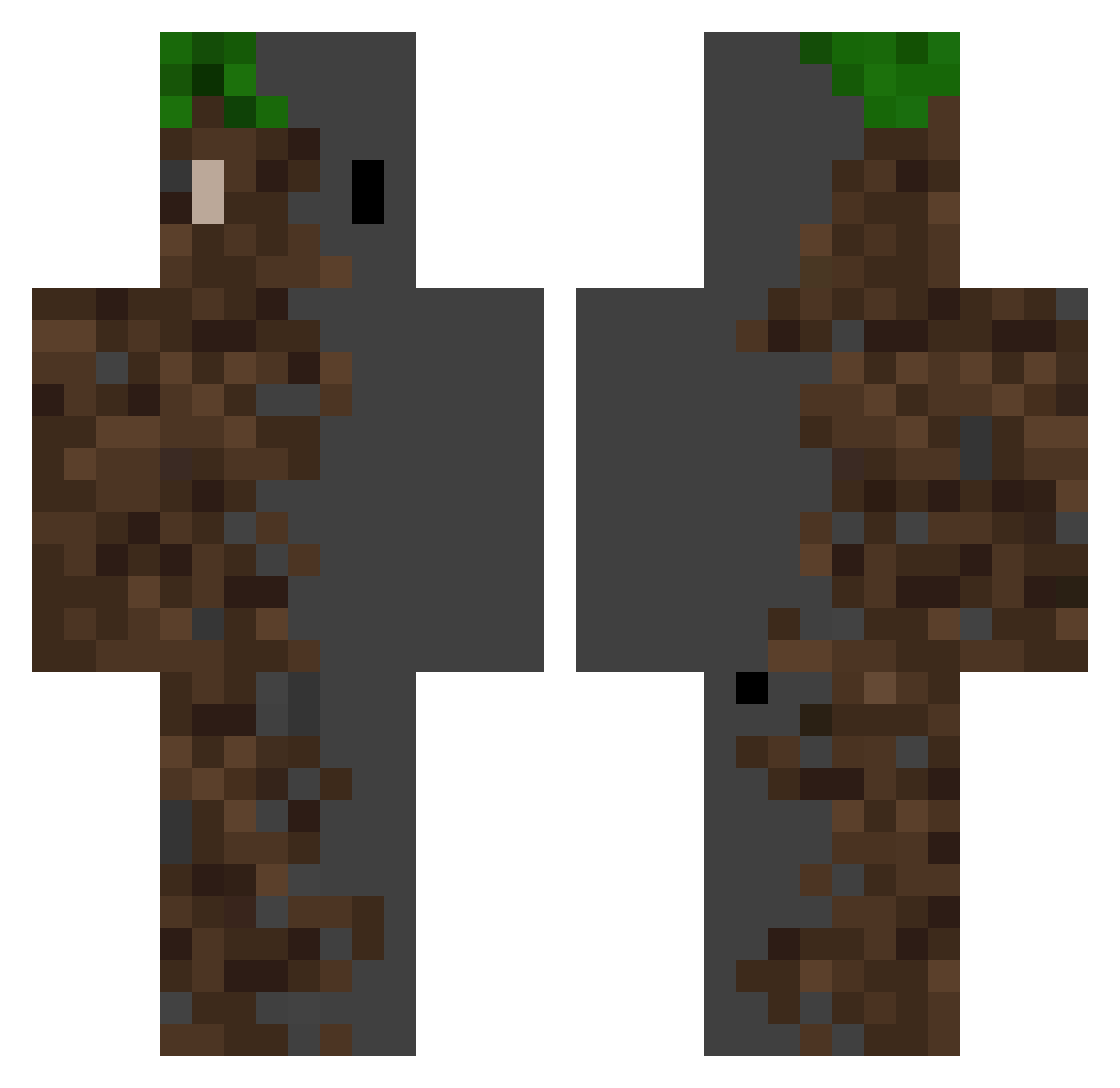
Current Minecraft skin of the player dressdai, loaded from the official Mojang API. Rotate the 3D model with your mouse or finger, then download the skin as a PNG file and use it in Minecraft: Bedrock Edition or Java Edition for free. When dressdai changes their skin, this page updates automatically and the old skin stays in the history below.
Other players with this skin (512)
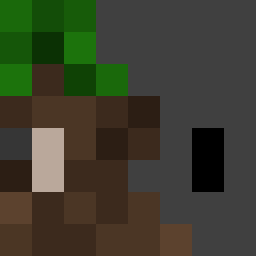
dressdai was the 338th player we have seen with this skin, first spotted on 03.10.2026. The same skin was seen on these players. Open a nickname to see their current skin and skin history.
 GeTzA57 MoonOxil llenos1 Unclefrzd aliensxing BuTTerZu PZTgod ATLeXx sbordax IAlsoGoEast underurbed00 noahggro1 AldaaOne IronWatch33 LuisLawliet00 BlueTwilight03 Taibad tianqong kordialympic Sulycb02 Sepapon DortHit_noot741f zematy1 236869 0w0flux Alvarodemon CyberMx tr3unix Pancakes2045 wanxiangsheng knightheadhunter Chalil0H Rumsonite ADRASIJDR99 Mahad67280 MeubleDu73 Guachon Un3Xist3nT SangminIm koragmc zOc3an Anand18 3115957498 majdzidan2012 WhatTheToad radbit_1 SzczyluS hayase0630 The_Frog_God Vojta2956 fissile69 chlrk UsagiTaberuyo iTOMATOpt Blackwolfnavarro gallizx Supcamm Macarownii EaNixono RedWhite_501
More Dirt Block Minecraft skins
How to install the dressdai skin
- Press the Download button above to save the skin as a PNG file.
- Minecraft: Bedrock Edition (PE): open the Dressing Room from the main menu (or tap your character → Edit Character), go to Classic Skins → Owned, press the + (new skin) button, choose the downloaded PNG and pick the Classic (Steve) model. Works on PC and mobile; consoles cannot import custom skins.
- Minecraft: Java Edition: open the Minecraft Launcher, go to the Skins tab, click New Skin, load the PNG, pick the Classic (Steve) model and press Save & Use. You can also upload it at minecraft.net → Profile → Change Skin.
The skin does not show up after import - what should I do?
Restart Minecraft and open the Dressing Room again - imported skins sometimes appear only after a restart. Also make sure you selected the imported skin and picked the Classic (Steve) model.
Which model should I choose, Classic or Slim?
This skin is designed for the Classic (Steve) model. If you pick the wrong model, the arms of the skin will look stretched or squeezed.
Is the skin of dressdai free to download?
Yes. Press Download, save the PNG file and use it in Minecraft: Bedrock Edition or Java Edition - no payment or registration needed. The skin also works on multiplayer servers and Realms.
More skins
Looking for more? Go back to all Minecraft skins and check the top skins of the week, month and all time, or find any player's skin by nickname.