
devass - Minecraft Skins & Skin History
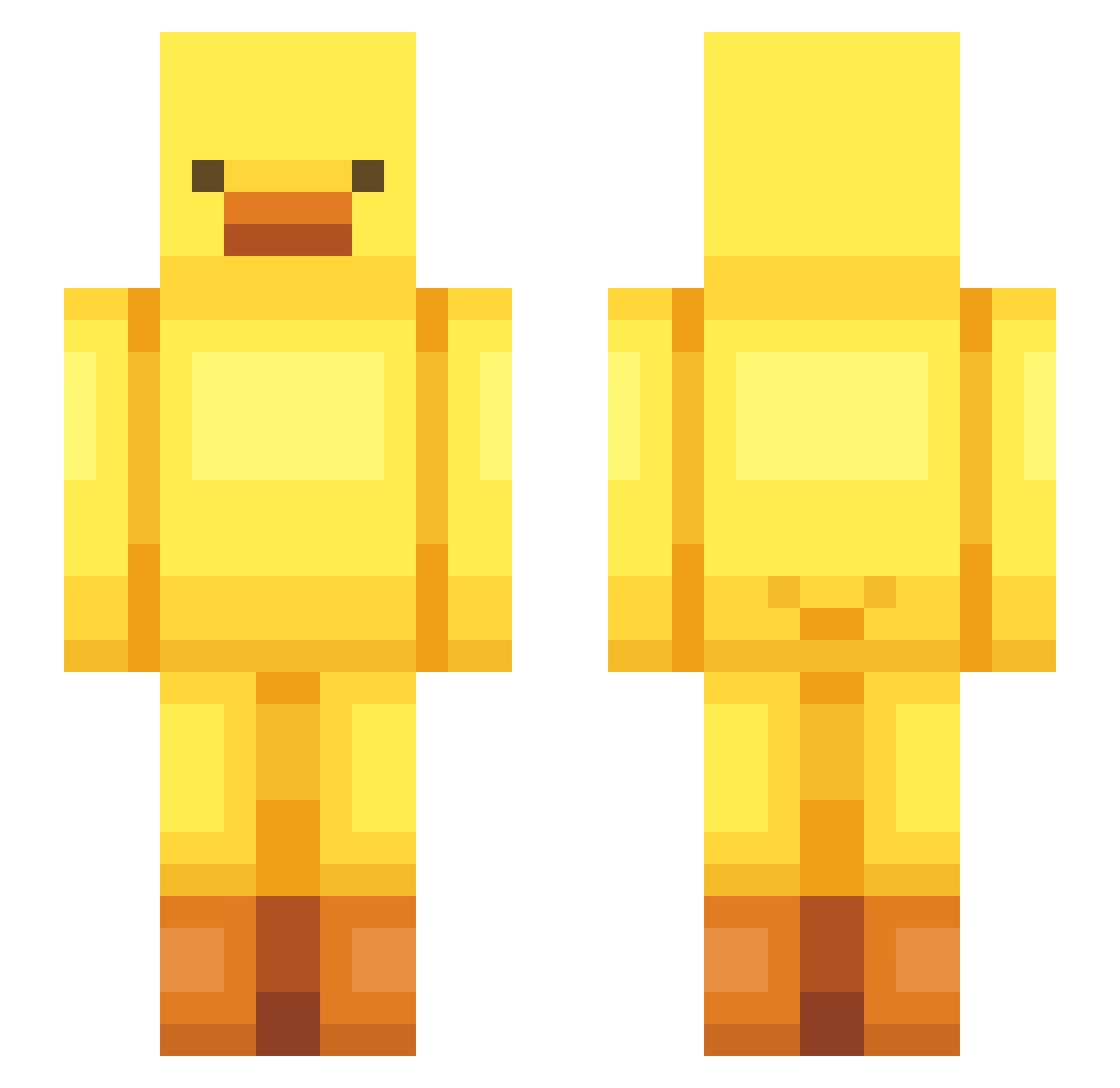
Current Minecraft skin of the player devass, loaded from the official Mojang API. Rotate the 3D model with your mouse or finger, then download the skin as a PNG file and use it in Minecraft: Bedrock Edition or Java Edition for free. When devass changes their skin, this page updates automatically and the old skin stays in the history below.
Other players with this skin (443)
devass was the 160th player we have seen with this skin, first spotted on 25.08.2026. The same skin was seen on these players. Open a nickname to see their current skin and skin history.
 miii___ leeaco OJaoNeves milk_qiqi_qwq _Vikktor_ Djulusik enderdragon1763 strongmountain JUUOOUU L1zunn polyoun maronie Snegen hihi_52 dogigdk bindaddak 4rkidz2 TomRady BeAnDOoZLeDD OTrolledU qkrfngus MrGalioR anjfqhkqudtlsdk ColoredSheep69 Tejla201 wrestling_king songi_1022 tokiie15 UwU_111 7min20 Hari_0603 EliPet22 baejunmo Realtakoyakichef 2_jupe TinyFishies 0000045 meurhyo ddungebo rnwlgns Ezanter doducky iReplayx asmr9662fbi CRF450X lejm0419 RangerRain Blan_co2 duckbok bigdaddycumlord QwertyAce Jxlio_ plubbreindeer KWAN902033 RabbitYee CUTYyura0504 Navamin yundowon SethyMC JustGround
More Bird Minecraft skins
How to install the devass skin
- Press the Download button above to save the skin as a PNG file.
- Minecraft: Bedrock Edition (PE): open the Dressing Room from the main menu (or tap your character → Edit Character), go to Classic Skins → Owned, press the + (new skin) button, choose the downloaded PNG and pick the Slim (Alex) model. Works on PC and mobile; consoles cannot import custom skins.
- Minecraft: Java Edition: open the Minecraft Launcher, go to the Skins tab, click New Skin, load the PNG, pick the Slim (Alex) model and press Save & Use. You can also upload it at minecraft.net → Profile → Change Skin.
The skin does not show up after import - what should I do?
Restart Minecraft and open the Dressing Room again - imported skins sometimes appear only after a restart. Also make sure you selected the imported skin and picked the Slim (Alex) model.
Which model should I choose, Classic or Slim?
This skin is designed for the Slim (Alex) model. If you pick the wrong model, the arms of the skin will look stretched or squeezed.
Is the skin of devass free to download?
Yes. Press Download, save the PNG file and use it in Minecraft: Bedrock Edition or Java Edition - no payment or registration needed. The skin also works on multiplayer servers and Realms.
More skins
Looking for more? Go back to all Minecraft skins and check the top skins of the week, month and all time, or find any player's skin by nickname.