
dasschaf32 - Minecraft Skins & Skin History
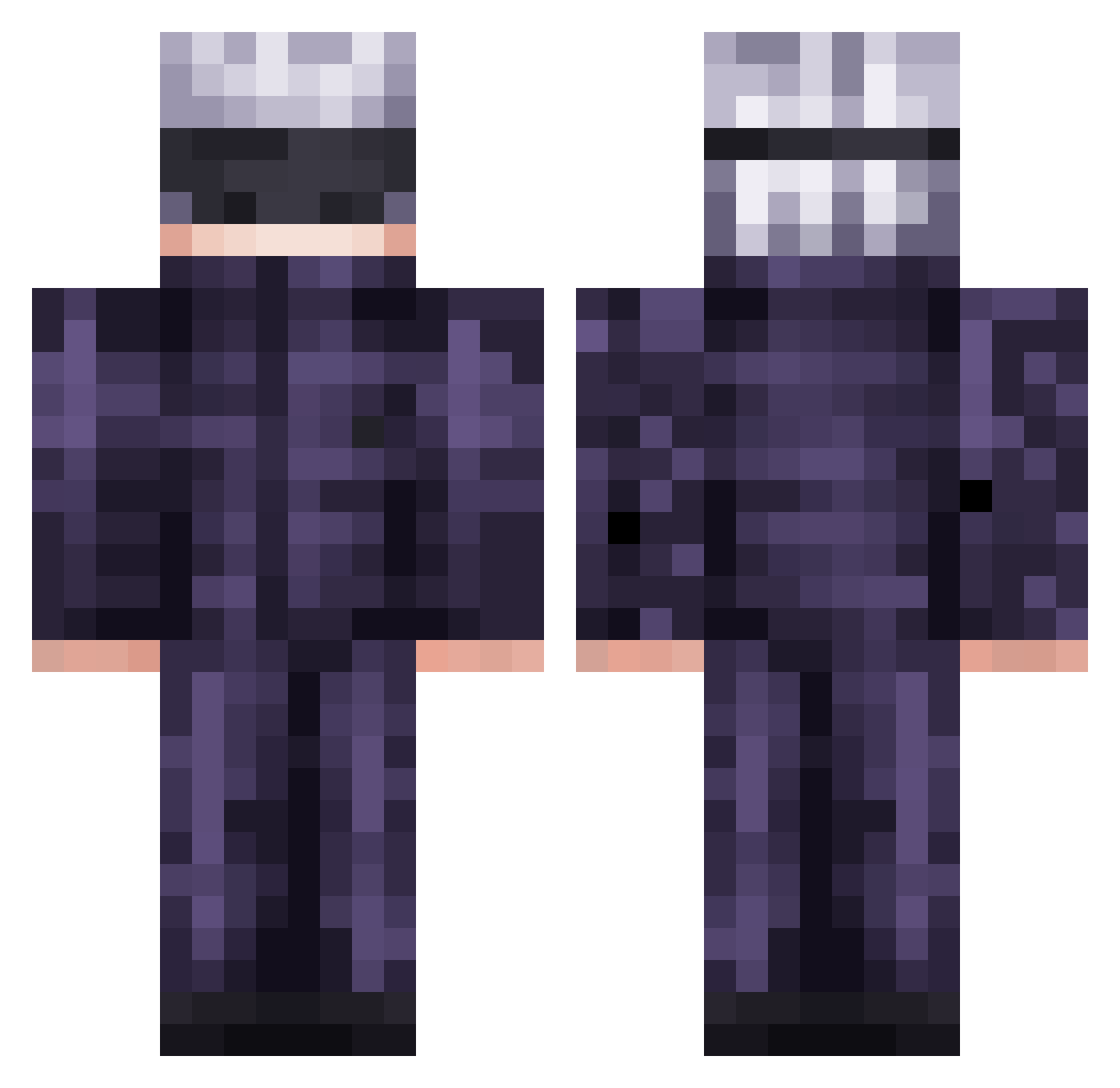
Current Minecraft skin of the player dasschaf32, loaded from the official Mojang API. Rotate the 3D model with your mouse or finger, then download the skin as a PNG file and use it in Minecraft: Bedrock Edition or Java Edition for free. When dasschaf32 changes their skin, this page updates automatically and the old skin stays in the history below.
Other players with this skin (474)
dasschaf32 was the 119th player we have seen with this skin, first spotted on 18.08.2026. The same skin was seen on these players. Open a nickname to see their current skin and skin history.
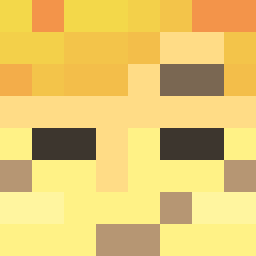 kgidddd
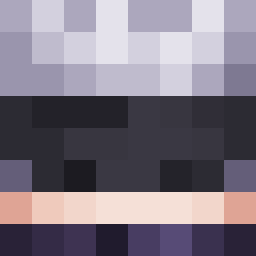 Ai_risu roaring_fraut darthsid_07 fszymciu flacoxvx GojoSat0ru95 CatDestroyer2000 mansal30 xxaannyy Poelchen_ shewzao CaptainPiq LordFernusOri _ImJumper_
 supplebutt FrEnrg MoneyBoii FuchiJam Watashi_wa_Jojo c11rz HarleyPrincess09 solto0117 Bartoclub BlackSeph Johseboss KosmiKiwi polo26200 kunga666 Shadowlel22
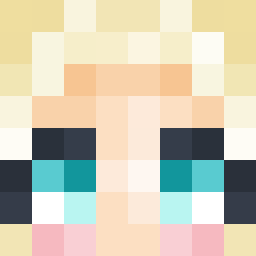 yeetyah131 zatane Satorulx ___Memori___ seniorlulu Kurama349 14Chrono tharris72303 Oasis_10 Tresmick yunusemre_779 Voicrim _ToyBoy_ ALSDFG Neutrino___ Darkskull9696 Prilusteed AJ_50001 raVs18 Djiinnz funnelweaver69 CJ788 Niklp921 6BRUNO6DEMON6 Snorlax21 PLISKINNN ogGamerG1rl xutizin C3lcius Eisbaerchen775
More Satoru Gojo Minecraft skins
See all 1222 Satoru Gojo skins
How to install the dasschaf32 skin
- Press the Download button above to save the skin as a PNG file.
- Minecraft: Bedrock Edition (PE): open the Dressing Room from the main menu (or tap your character → Edit Character), go to Classic Skins → Owned, press the + (new skin) button, choose the downloaded PNG and pick the Classic (Steve) model. Works on PC and mobile; consoles cannot import custom skins.
- Minecraft: Java Edition: open the Minecraft Launcher, go to the Skins tab, click New Skin, load the PNG, pick the Classic (Steve) model and press Save & Use. You can also upload it at minecraft.net → Profile → Change Skin.
The skin does not show up after import - what should I do?
Restart Minecraft and open the Dressing Room again - imported skins sometimes appear only after a restart. Also make sure you selected the imported skin and picked the Classic (Steve) model.
Which model should I choose, Classic or Slim?
This skin is designed for the Classic (Steve) model. If you pick the wrong model, the arms of the skin will look stretched or squeezed.
Is the skin of dasschaf32 free to download?
Yes. Press Download, save the PNG file and use it in Minecraft: Bedrock Edition or Java Edition - no payment or registration needed. The skin also works on multiplayer servers and Realms.
More skins
Looking for more? Go back to all Minecraft skins and check the top skins of the week, month and all time, or find any player's skin by nickname.