
darkrubeny - Minecraft Skins & Skin History
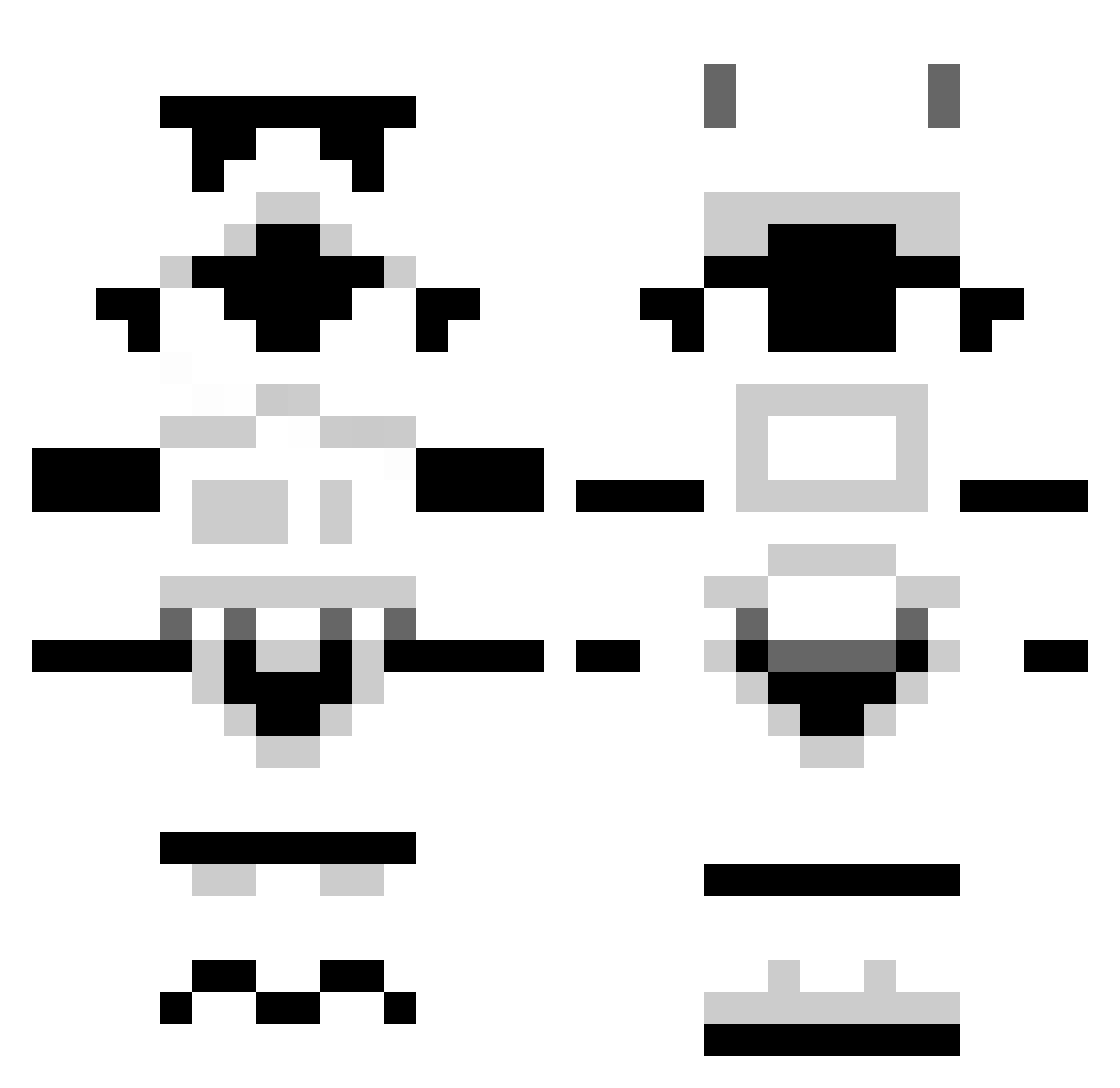
Current Minecraft skin of the player darkrubeny, loaded from the official Mojang API. Rotate the 3D model with your mouse or finger, then download the skin as a PNG file and use it in Minecraft: Bedrock Edition or Java Edition for free. When darkrubeny changes their skin, this page updates automatically and the old skin stays in the history below.
Other players with this skin (1503)
darkrubeny was the 1366th player we have seen with this skin, first spotted on 10.11.2026. The same skin was seen on these players. Open a nickname to see their current skin and skin history.
 Blopish xboxboy4730 EternalSlothman GhostRen410 jupiter310 Solid_Clay Wolfenstein3D Moxonnator rekrap168 BrayBray0013 sharkbait8788 Erovari Segfaulter Alantz rowleyr The_berry_best chaidawgg12 SveeKx tehjimmy Dragon_of_Doom2 MomoxSenpai Loompis Cavadude joe_burroughs Mompith06 Smith_96 Lowhyres guyyep TheKnightowl Kinsey275 FreeManure69 rKbooZe xQYQx Tallybox Dentina Tenebrae67 jermo5 Torsal HappyCameron25 Serroco cobawork2 supersausage99 HoodedTitan Elhorse cooper1406 BiggD96 timcantebury Ellapig S1erra_317 Airflow17 ObeseFata Rogue1001 laster304 crossbox BaronVonPerko Lord_Thunder Sparkyben AReynante gruiky Chettah1
More Stormtrooper Minecraft skins
See all 581 Stormtrooper skins
How to install the darkrubeny skin
- Press the Download button above to save the skin as a PNG file.
- Minecraft: Bedrock Edition (PE): open the Dressing Room from the main menu (or tap your character → Edit Character), go to Classic Skins → Owned, press the + (new skin) button, choose the downloaded PNG and pick the Classic (Steve) model. Works on PC and mobile; consoles cannot import custom skins.
- Minecraft: Java Edition: open the Minecraft Launcher, go to the Skins tab, click New Skin, load the PNG, pick the Classic (Steve) model and press Save & Use. You can also upload it at minecraft.net → Profile → Change Skin.
The skin does not show up after import - what should I do?
Restart Minecraft and open the Dressing Room again - imported skins sometimes appear only after a restart. Also make sure you selected the imported skin and picked the Classic (Steve) model.
Which model should I choose, Classic or Slim?
This skin is designed for the Classic (Steve) model. If you pick the wrong model, the arms of the skin will look stretched or squeezed.
Is the skin of darkrubeny free to download?
Yes. Press Download, save the PNG file and use it in Minecraft: Bedrock Edition or Java Edition - no payment or registration needed. The skin also works on multiplayer servers and Realms.
More skins
Looking for more? Go back to all Minecraft skins and check the top skins of the week, month and all time, or find any player's skin by nickname.