
darby_darby - Minecraft Skins & Skin History
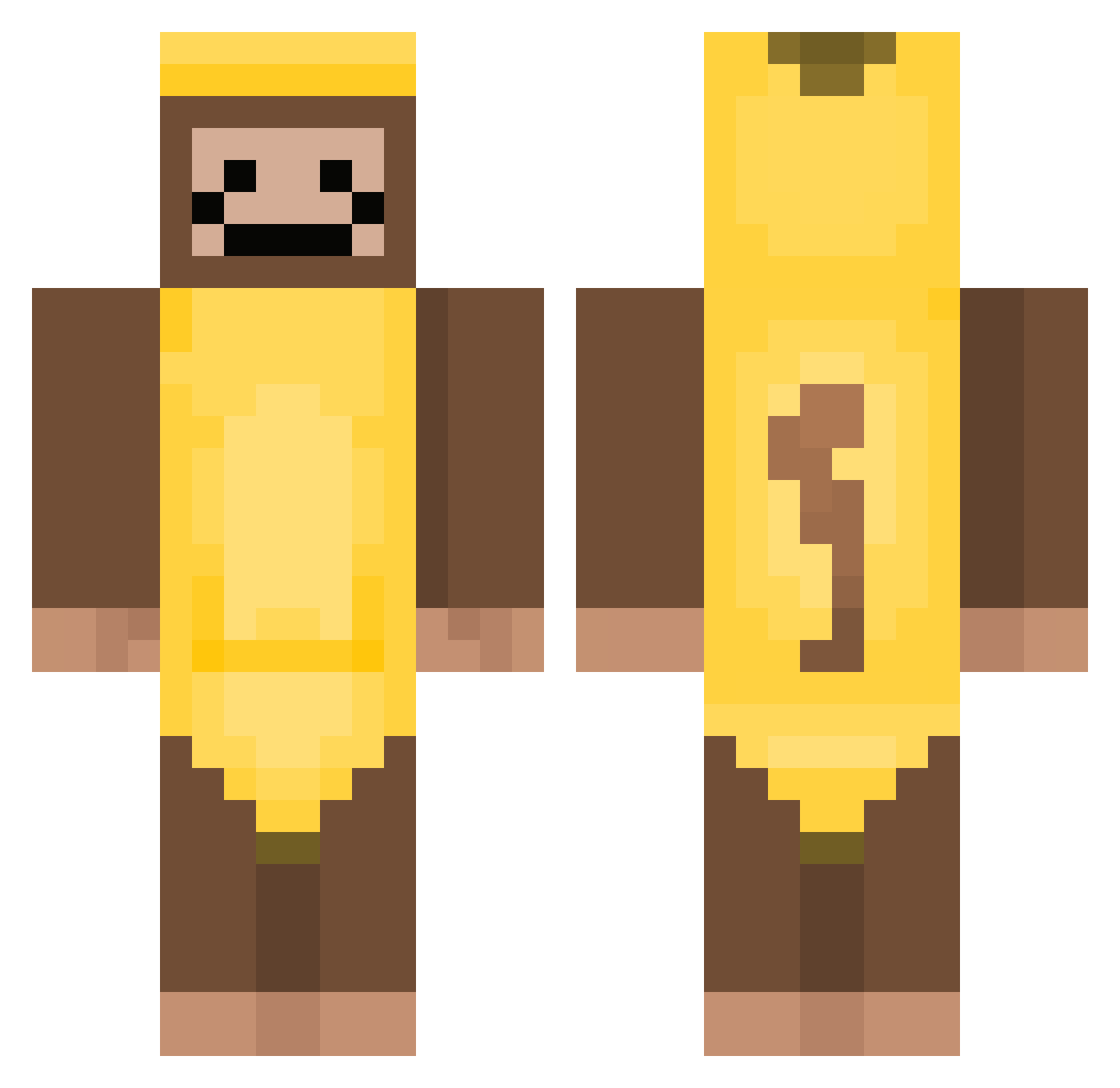
Current Minecraft skin of the player darby_darby, loaded from the official Mojang API. Rotate the 3D model with your mouse or finger, then download the skin as a PNG file and use it in Minecraft: Bedrock Edition or Java Edition for free. When darby_darby changes their skin, this page updates automatically and the old skin stays in the history below.
Other players with this skin (380)
darby_darby was the 304th player we have seen with this skin, first spotted on 19.10.2026. The same skin was seen on these players. Open a nickname to see their current skin and skin history.
 Viddalgutt2010 LilYustee lgdragontamer ScreamSupreme1 Aldojrd TheVqid101 mc_coelho saltycrouton_ BenjitaAMzi LOCALMELA bigmanshall isibella1012_ JPharaoh420 Shmoo1 CrackMinecrft Timmycool13 wowbel adrianissocool Hamster027 Ayekers Oskar1237 TWcola sebasgutez jacobamang1 atapoopz monkeyfarmer28 wheelerzzzz Pinkiitos_KUN Prismatic_Monkey E9ON Justin08v08 Reighn3s Boti201701 Thai09 GerrySaan scarslashx Damian407 Elle_isa E7ectricity CemDerSuchti 1Ollie201008 TanBeatle8606 KingOf_TheNoob Jaxlevi51416 ethayghost12 RafeGame1 TrueEast iamairplane NumberOneMuncher Chuckay monkecat BMgamez29 ShoeInABee VOODOOdollSWAG MoltenDogYT_YOLO BirdOfHeresy Epdo ShadouBan SaviorRenji dankiverse
More Banana Costume Minecraft skins
See all 52 Banana Costume skins
How to install the darby_darby skin
- Press the Download button above to save the skin as a PNG file.
- Minecraft: Bedrock Edition (PE): open the Dressing Room from the main menu (or tap your character → Edit Character), go to Classic Skins → Owned, press the + (new skin) button, choose the downloaded PNG and pick the Classic (Steve) model. Works on PC and mobile; consoles cannot import custom skins.
- Minecraft: Java Edition: open the Minecraft Launcher, go to the Skins tab, click New Skin, load the PNG, pick the Classic (Steve) model and press Save & Use. You can also upload it at minecraft.net → Profile → Change Skin.
The skin does not show up after import - what should I do?
Restart Minecraft and open the Dressing Room again - imported skins sometimes appear only after a restart. Also make sure you selected the imported skin and picked the Classic (Steve) model.
Which model should I choose, Classic or Slim?
This skin is designed for the Classic (Steve) model. If you pick the wrong model, the arms of the skin will look stretched or squeezed.
Is the skin of darby_darby free to download?
Yes. Press Download, save the PNG file and use it in Minecraft: Bedrock Edition or Java Edition - no payment or registration needed. The skin also works on multiplayer servers and Realms.
More skins
Looking for more? Go back to all Minecraft skins and check the top skins of the week, month and all time, or find any player's skin by nickname.