
dana12 - Minecraft Skins & Skin History
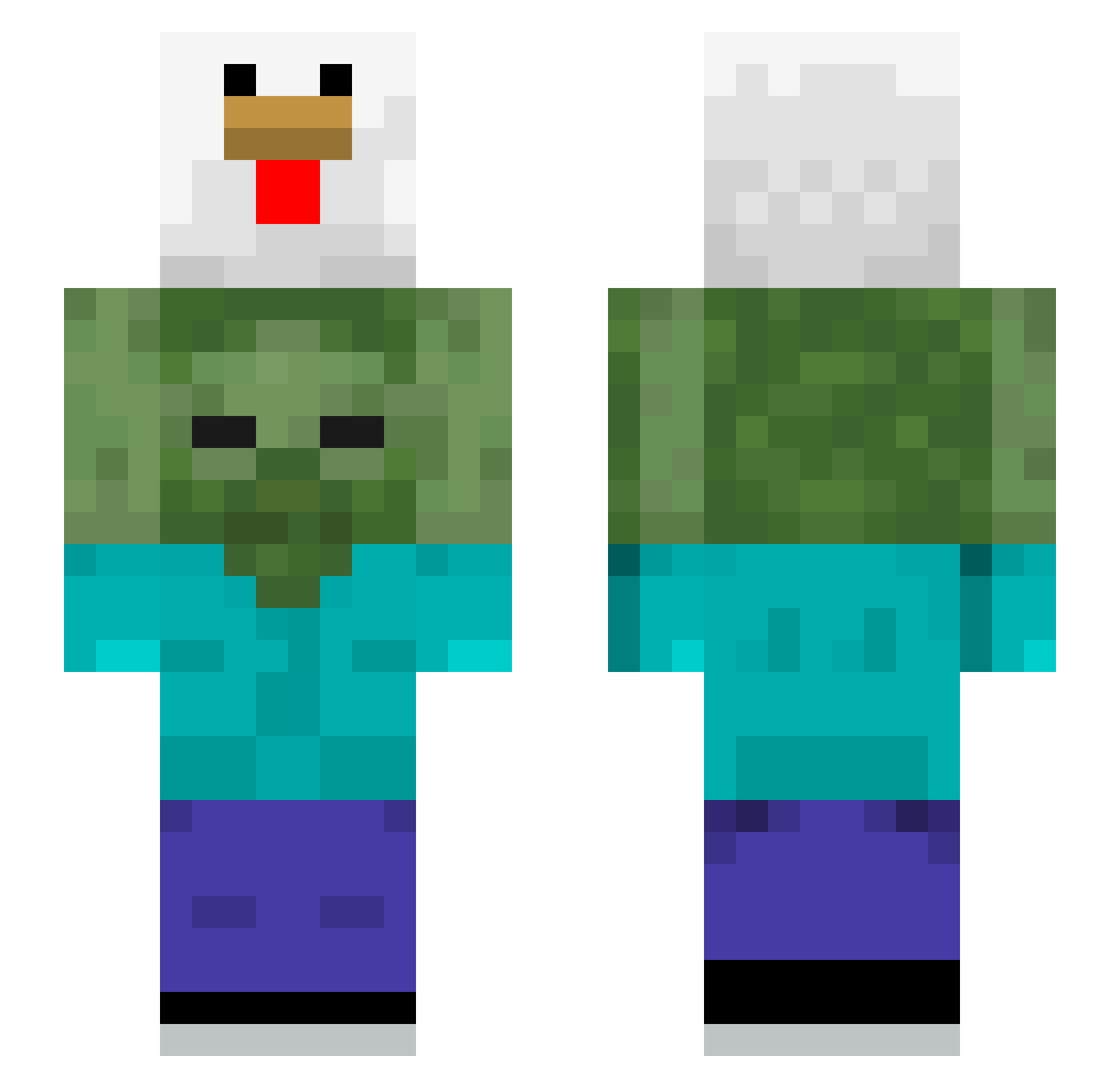
Current Minecraft skin of the player dana12, loaded from the official Mojang API. Rotate the 3D model with your mouse or finger, then download the skin as a PNG file and use it in Minecraft: Bedrock Edition or Java Edition for free. When dana12 changes their skin, this page updates automatically and the old skin stays in the history below.
Other players with this skin (510)
dana12 was the 56th player we have seen with this skin, first spotted on 05.08.2026. The same skin was seen on these players. Open a nickname to see their current skin and skin history.
 Toriyao UnderTheBlue Pocholo88 BRUXO5489 Zero0825 ZStein11 ROCLive Magexx Owmega wonyoochan m00k2 abpaeas Delta04 IPI_F0A Broccs_ XxBybyxX Yenatijs wjsdjs AmazingWrobel Aufs__Fressbrett HuddledJester I3igbutterybagel Borsito Kenido KitKatCat342 JustoJerardo kawaiisheep50 Ab8_O didguswns5 Saravona Txo041 Nickak23
 Jaqeuin ivis315 THECarlBH dawn_keeper Jacopyyy mihncraft korea_squirrel1 Thiag037 nangzi swixo1 RonPlayz123 IPargeLenisI Darkpix123 WereDragon526 TwinkyTheBlock Liebestraum ggravy02 normalguest PlNKlE Boumarou772 runneckleave noclareww RFL7V sodam7190 chuckybucky11 ThoseChickens suicow zeze_anime
More Chicken Minecraft skins
How to install the dana12 skin
- Press the Download button above to save the skin as a PNG file.
- Minecraft: Bedrock Edition (PE): open the Dressing Room from the main menu (or tap your character → Edit Character), go to Classic Skins → Owned, press the + (new skin) button, choose the downloaded PNG and pick the Slim (Alex) model. Works on PC and mobile; consoles cannot import custom skins.
- Minecraft: Java Edition: open the Minecraft Launcher, go to the Skins tab, click New Skin, load the PNG, pick the Slim (Alex) model and press Save & Use. You can also upload it at minecraft.net → Profile → Change Skin.
The skin does not show up after import - what should I do?
Restart Minecraft and open the Dressing Room again - imported skins sometimes appear only after a restart. Also make sure you selected the imported skin and picked the Slim (Alex) model.
Which model should I choose, Classic or Slim?
This skin is designed for the Slim (Alex) model. If you pick the wrong model, the arms of the skin will look stretched or squeezed.
Is the skin of dana12 free to download?
Yes. Press Download, save the PNG file and use it in Minecraft: Bedrock Edition or Java Edition - no payment or registration needed. The skin also works on multiplayer servers and Realms.
More skins
Looking for more? Go back to all Minecraft skins and check the top skins of the week, month and all time, or find any player's skin by nickname.