
dOgfifth - Minecraft Skins & Skin History
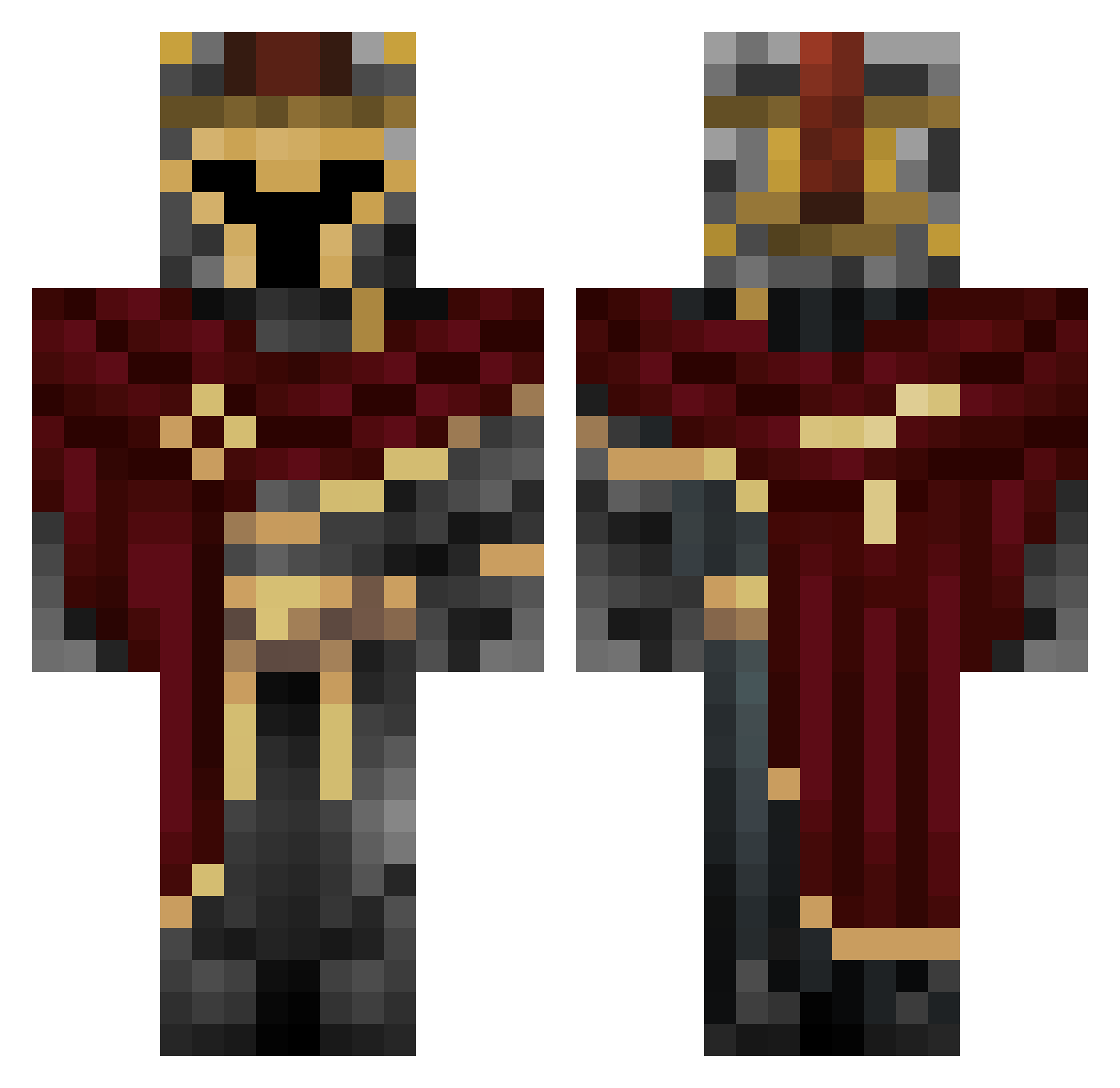
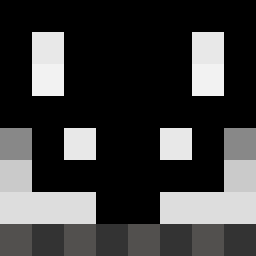
Current Minecraft skin of the player dOgfifth, loaded from the official Mojang API. Rotate the 3D model with your mouse or finger, then download the skin as a PNG file and use it in Minecraft: Bedrock Edition or Java Edition for free. When dOgfifth changes their skin, this page updates automatically and the old skin stays in the history below.
Other players with this skin (454)
dOgfifth was the 154th player we have seen with this skin, first spotted on 30.08.2026. The same skin was seen on these players. Open a nickname to see their current skin and skin history.
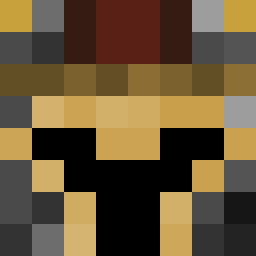 Drakain nNeyan Honcho14 Abyssal_Maniac ETYPEX ozgy628 WolleS_ Roughh evarons albertineta Swayneld Lincontea HaCKer_JoeY
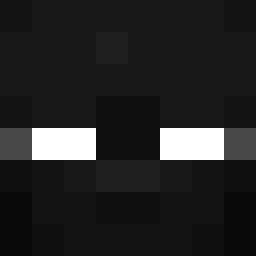 Greizzix07 BLASTSWORDCT _TotalGenius_ HairyStone GodovN XxSALTxX ElkrakenPR NathTheMiner titouko Kikiro41 xTatrek bamsei TTVCerberus chakadaka zouzouave em4nn_ 10Draco10 Axellou2223 Grayson_Gamer HollowBrook htwc krtvv3 Mat11D Nyvalor SpiritArachnid6x TimTan1200 Incommode Kobragamer11 ZielonyXD123 tit07 xCossy lordbonomo MLBurrito Husky_056 1STRIKE1
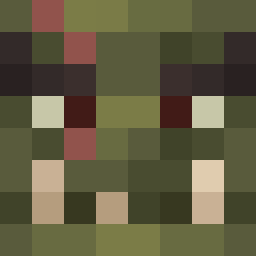 Asuryonn letanitus marcus_45 likewinds NegativeSoul
 KAUELOPE ray2311W Hildegard19 W_ee LeNiglord Mopssek Cheese238
More Spartan Minecraft skins
How to install the dOgfifth skin
- Press the Download button above to save the skin as a PNG file.
- Minecraft: Bedrock Edition (PE): open the Dressing Room from the main menu (or tap your character → Edit Character), go to Classic Skins → Owned, press the + (new skin) button, choose the downloaded PNG and pick the Classic (Steve) model. Works on PC and mobile; consoles cannot import custom skins.
- Minecraft: Java Edition: open the Minecraft Launcher, go to the Skins tab, click New Skin, load the PNG, pick the Classic (Steve) model and press Save & Use. You can also upload it at minecraft.net → Profile → Change Skin.
The skin does not show up after import - what should I do?
Restart Minecraft and open the Dressing Room again - imported skins sometimes appear only after a restart. Also make sure you selected the imported skin and picked the Classic (Steve) model.
Which model should I choose, Classic or Slim?
This skin is designed for the Classic (Steve) model. If you pick the wrong model, the arms of the skin will look stretched or squeezed.
Is the skin of dOgfifth free to download?
Yes. Press Download, save the PNG file and use it in Minecraft: Bedrock Edition or Java Edition - no payment or registration needed. The skin also works on multiplayer servers and Realms.
More skins
Looking for more? Go back to all Minecraft skins and check the top skins of the week, month and all time, or find any player's skin by nickname.