
cyon_04 - Minecraft Skins & Skin History
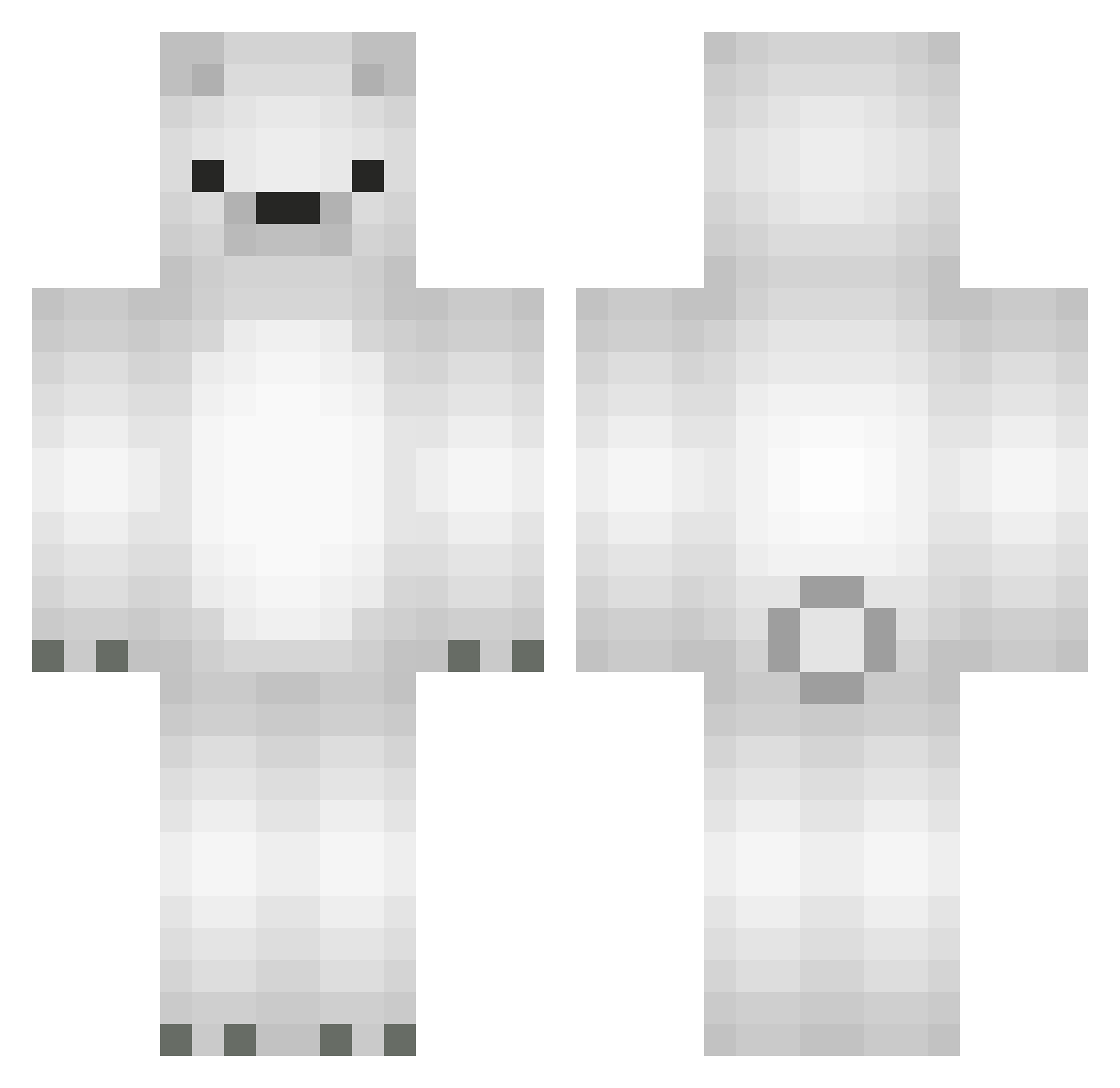
Current Minecraft skin of the player cyon_04, loaded from the official Mojang API. Rotate the 3D model with your mouse or finger, then download the skin as a PNG file and use it in Minecraft: Bedrock Edition or Java Edition for free. When cyon_04 changes their skin, this page updates automatically and the old skin stays in the history below.
Other players with this skin (677)
cyon_04 was the 584th player we have seen with this skin, first spotted on 03.11.2026. The same skin was seen on these players. Open a nickname to see their current skin and skin history.
 Mc_Hund Cola_Lewis piyo_xxx Harry_Azcrack ClutchDig Jota2607 JaffaDog vmerchant yutea912 AzertyXTOK3R cmoakilian Fines606 Gondeln Bodul_ heejei PikaDemonKyrence alswns1112 Boy_02 Samdol2 ouo_12345 purple1234 DongRyul2 bbaktongg KingKanzler dogej ultraray14 catherine___ _sirokuma_ KMooMin Jibxo Takki321 Sufffff jaewon2757 PizzaBoiz To_dot mimimi303 Lozovaca natsukumaaa Atelum hanamey_ MSsos_PvP Blue_777 mivdol PolarioBeario SMile312 PIPOOU Shadow661 hannahb5 schlickmann_ joshkutakoff madelinegrace2 Km0410 MinHatt MessiTK Diguinhuu Gonchi10 MrsWes Tylerbanana Fluorine_9 hillaaaa___
More Polar Bear Minecraft skins
How to install the cyon_04 skin
- Press the Download button above to save the skin as a PNG file.
- Minecraft: Bedrock Edition (PE): open the Dressing Room from the main menu (or tap your character → Edit Character), go to Classic Skins → Owned, press the + (new skin) button, choose the downloaded PNG and pick the Classic (Steve) model. Works on PC and mobile; consoles cannot import custom skins.
- Minecraft: Java Edition: open the Minecraft Launcher, go to the Skins tab, click New Skin, load the PNG, pick the Classic (Steve) model and press Save & Use. You can also upload it at minecraft.net → Profile → Change Skin.
The skin does not show up after import - what should I do?
Restart Minecraft and open the Dressing Room again - imported skins sometimes appear only after a restart. Also make sure you selected the imported skin and picked the Classic (Steve) model.
Which model should I choose, Classic or Slim?
This skin is designed for the Classic (Steve) model. If you pick the wrong model, the arms of the skin will look stretched or squeezed.
Is the skin of cyon_04 free to download?
Yes. Press Download, save the PNG file and use it in Minecraft: Bedrock Edition or Java Edition - no payment or registration needed. The skin also works on multiplayer servers and Realms.
More skins
Looking for more? Go back to all Minecraft skins and check the top skins of the week, month and all time, or find any player's skin by nickname.