
cylindroma - Minecraft Skins & Skin History
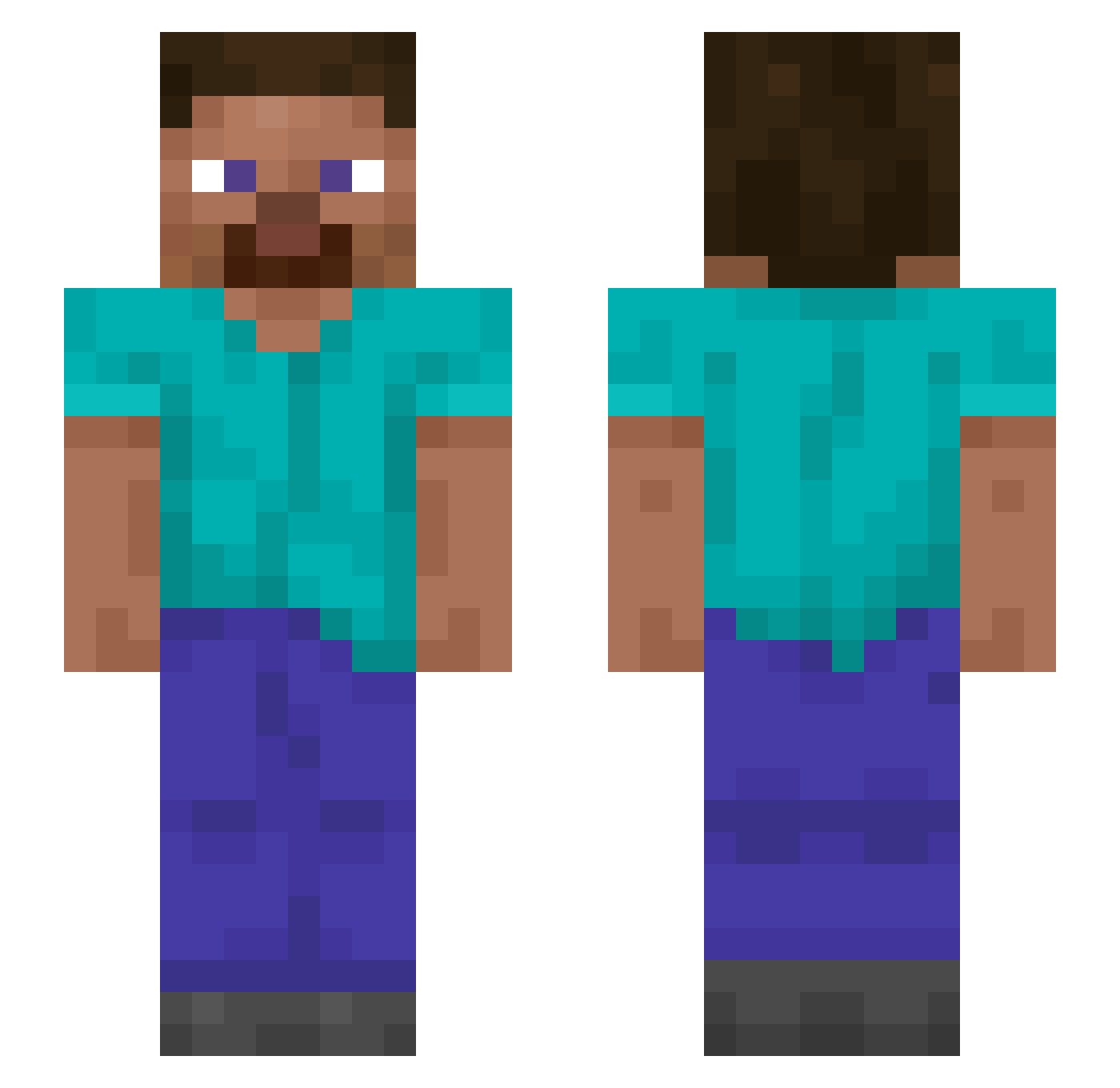
Current Minecraft skin of the player cylindroma, loaded from the official Mojang API. Rotate the 3D model with your mouse or finger, then download the skin as a PNG file and use it in Minecraft: Bedrock Edition or Java Edition for free. When cylindroma changes their skin, this page updates automatically and the old skin stays in the history below.
Other players with this skin (1313)
cylindroma was the 1201st player we have seen with this skin, first spotted on 27.10.2026. The same skin was seen on these players. Open a nickname to see their current skin and skin history.
 ElitaCR SeksJulka KOri aranyka LordofMystik blackdogrun Mikoli0 Arvicola Earl_Groovy Nicotine8 louisonfire SuperCoop56 Tendentious Fedek_ Savagest donovan13 lilies Sangi00 lel303 Dizzen Archimedes012 Tewux guy_v2 Wolontariusz Horsemanship cesar1970 Tendancies decart iodophor Borborygmus Pecan_Waffle Nusslie0 Nigaraper69 Rivologi foreverrelated contriver Woolwich Whiskers Pawnage Tschaenek Suropej biggestbot69 Pridend2024 Jazzetry orkey brethel beforeyouarrive TIP0NK unfaulty Motyka Ad3lka vPaat verdantly Varbe Glucose alicate1210 oleos BadJu Graymon2011 Demi256
How to install the cylindroma skin
- Press the Download button above to save the skin as a PNG file.
- Minecraft: Bedrock Edition (PE): open the Dressing Room from the main menu (or tap your character → Edit Character), go to Classic Skins → Owned, press the + (new skin) button, choose the downloaded PNG and pick the Slim (Alex) model. Works on PC and mobile; consoles cannot import custom skins.
- Minecraft: Java Edition: open the Minecraft Launcher, go to the Skins tab, click New Skin, load the PNG, pick the Slim (Alex) model and press Save & Use. You can also upload it at minecraft.net → Profile → Change Skin.
The skin does not show up after import - what should I do?
Restart Minecraft and open the Dressing Room again - imported skins sometimes appear only after a restart. Also make sure you selected the imported skin and picked the Slim (Alex) model.
Which model should I choose, Classic or Slim?
This skin is designed for the Slim (Alex) model. If you pick the wrong model, the arms of the skin will look stretched or squeezed.
Is the skin of cylindroma free to download?
Yes. Press Download, save the PNG file and use it in Minecraft: Bedrock Edition or Java Edition - no payment or registration needed. The skin also works on multiplayer servers and Realms.
More skins
Looking for more? Go back to all Minecraft skins and check the top skins of the week, month and all time, or find any player's skin by nickname.