
cy63 - Minecraft Skins & Skin History
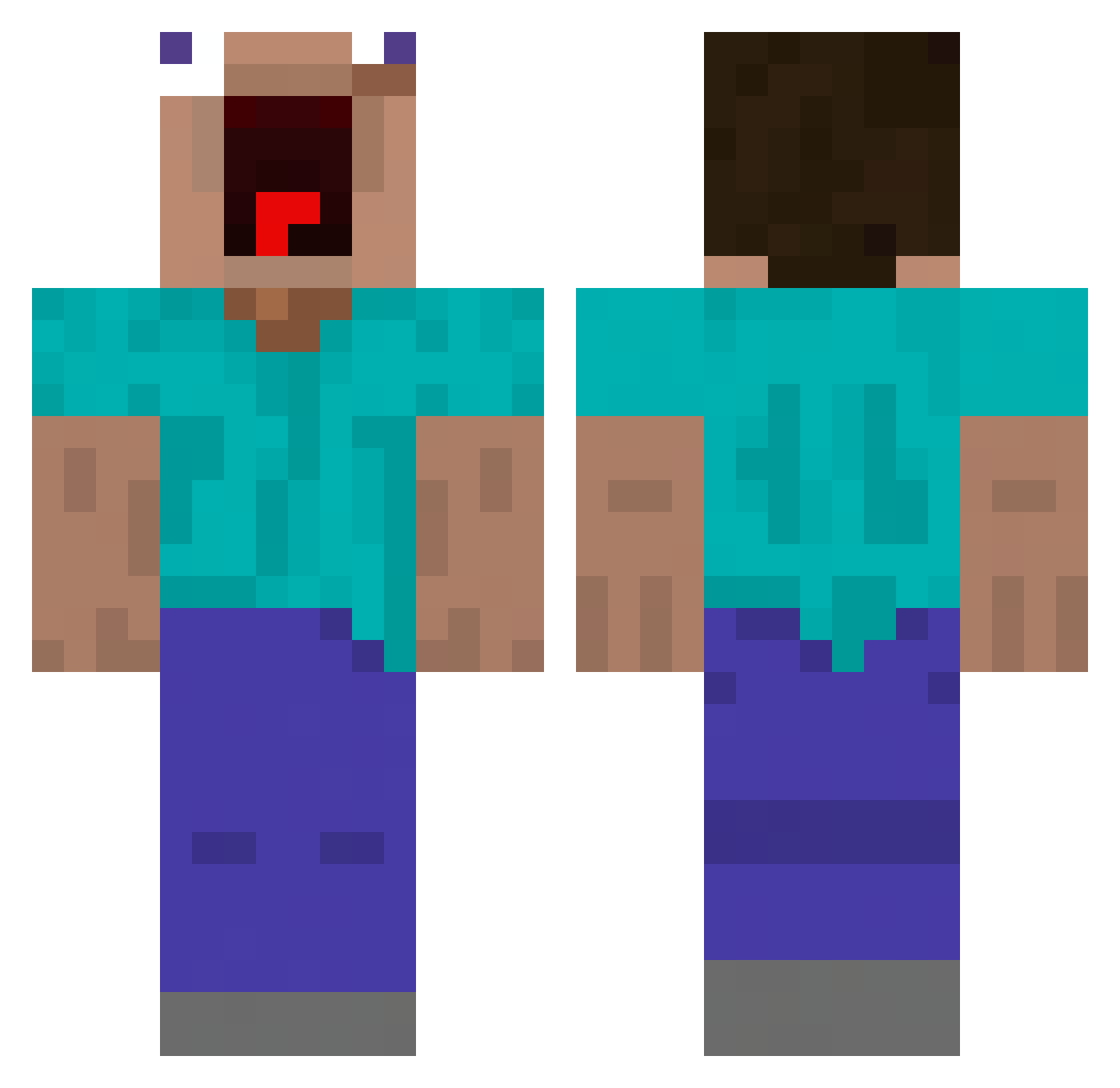
Current Minecraft skin of the player cy63, loaded from the official Mojang API. Rotate the 3D model with your mouse or finger, then download the skin as a PNG file and use it in Minecraft: Bedrock Edition or Java Edition for free. When cy63 changes their skin, this page updates automatically and the old skin stays in the history below.
Other players with this skin (478)
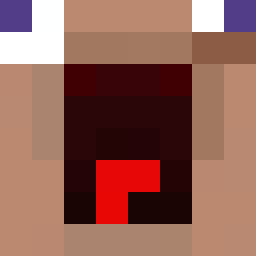
cy63 was the 465th player we have seen with this skin, first spotted on 02.11.2026. The same skin was seen on these players. Open a nickname to see their current skin and skin history.
 youboydark ZITTRON PanaFRED zeeli_ TNTCraft_ch mohezi25 cave_everywhere ledzep72 TheDuoBoy M4isterS nichtdanny johnne28 Veggie_Toucher iLeivy biltv_ccty milkymancereal Aqro_Offical vBs0oA prabhc1821 Rachmaninoff1 HydroSteve Outsiderzz _Remd_ polkmn010 bob2045 Renbox75 Tun4x Olkikowsky FairlyDisturbed damijason SahSiauuul haramsteve bylewars korenski ILLITMYLOVE GaucheChicken98 Mikadze jeon330 Vooslooo nathanxn7 HarambeIsBlack golpixta T9N3 Funnykid9294 shuji8931 Boltcrasher astrivillia BlackkStarr 1xhirox1 Henry_Angry adsfpqwouroesdf xFlowZz Karasu_Teng 1ACENOTE1 EdAstroBaldwin Pqnaka Eddietheeagle5 ToskoBlader zw357 ENEMYUAV00
More Funny Minecraft skins
How to install the cy63 skin
- Press the Download button above to save the skin as a PNG file.
- Minecraft: Bedrock Edition (PE): open the Dressing Room from the main menu (or tap your character → Edit Character), go to Classic Skins → Owned, press the + (new skin) button, choose the downloaded PNG and pick the Classic (Steve) model. Works on PC and mobile; consoles cannot import custom skins.
- Minecraft: Java Edition: open the Minecraft Launcher, go to the Skins tab, click New Skin, load the PNG, pick the Classic (Steve) model and press Save & Use. You can also upload it at minecraft.net → Profile → Change Skin.
The skin does not show up after import - what should I do?
Restart Minecraft and open the Dressing Room again - imported skins sometimes appear only after a restart. Also make sure you selected the imported skin and picked the Classic (Steve) model.
Which model should I choose, Classic or Slim?
This skin is designed for the Classic (Steve) model. If you pick the wrong model, the arms of the skin will look stretched or squeezed.
Is the skin of cy63 free to download?
Yes. Press Download, save the PNG file and use it in Minecraft: Bedrock Edition or Java Edition - no payment or registration needed. The skin also works on multiplayer servers and Realms.
More skins
Looking for more? Go back to all Minecraft skins and check the top skins of the week, month and all time, or find any player's skin by nickname.