
cowpoop - Minecraft Skins & Skin History
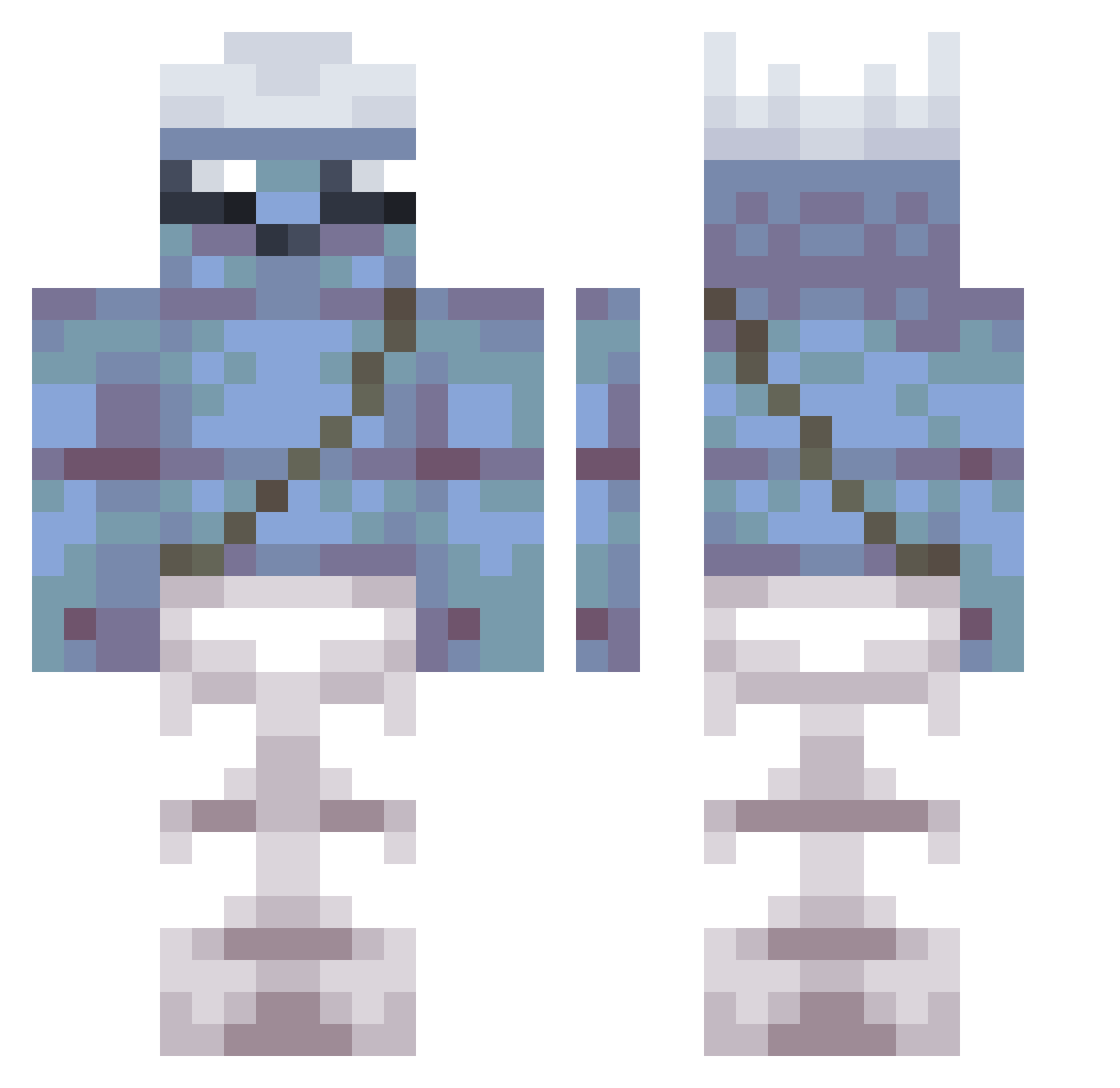
Current Minecraft skin of the player cowpoop, loaded from the official Mojang API. Rotate the 3D model with your mouse or finger, then download the skin as a PNG file and use it in Minecraft: Bedrock Edition or Java Edition for free. When cowpoop changes their skin, this page updates automatically and the old skin stays in the history below.
Other players with this skin (355)
cowpoop was the 36th player we have seen with this skin, first spotted on 05.08.2026. The same skin was seen on these players. Open a nickname to see their current skin and skin history.
 Lukmaru DeadShadow12 LuisP19 LordChenMaster DEVIL8INCARNATE Placker IssaYD Crimomblack002 TehlikeliCocuk44 emmanatienza Ferpo007 Finjenko vurmaabeyy FMm75 vgy193 WarriorOnMC HelpfulHushed262 Milllllion
 _SuPeR_LeDi_ Egorl69 MartoSVKK MonkeySquadFan Miracio kacperrr Rjz150 OnlyChispas_ eRg350 Avurka xiiota Ragebell OmU116 ElNenee23 Raretank6541 SixeW Allylikescats ItsPlay3r snuzik BannanaTea jfu584 BJo509 Hwf269 gavetinhaa dioguminjea Kidd_Billionaire TpY264 qudtlsDDak unbutac xron1xle Subnium Maguinelcacasxd LfG768 Dikiyvolk soolybin benten1234 PDQ256 1luckyman2004 ferrarus 4nhedone BraveWind idan11213
More Papa Smurf Minecraft skins
How to install the cowpoop skin
- Press the Download button above to save the skin as a PNG file.
- Minecraft: Bedrock Edition (PE): open the Dressing Room from the main menu (or tap your character → Edit Character), go to Classic Skins → Owned, press the + (new skin) button, choose the downloaded PNG and pick the Classic (Steve) model. Works on PC and mobile; consoles cannot import custom skins.
- Minecraft: Java Edition: open the Minecraft Launcher, go to the Skins tab, click New Skin, load the PNG, pick the Classic (Steve) model and press Save & Use. You can also upload it at minecraft.net → Profile → Change Skin.
The skin does not show up after import - what should I do?
Restart Minecraft and open the Dressing Room again - imported skins sometimes appear only after a restart. Also make sure you selected the imported skin and picked the Classic (Steve) model.
Which model should I choose, Classic or Slim?
This skin is designed for the Classic (Steve) model. If you pick the wrong model, the arms of the skin will look stretched or squeezed.
Is the skin of cowpoop free to download?
Yes. Press Download, save the PNG file and use it in Minecraft: Bedrock Edition or Java Edition - no payment or registration needed. The skin also works on multiplayer servers and Realms.
More skins
Looking for more? Go back to all Minecraft skins and check the top skins of the week, month and all time, or find any player's skin by nickname.