
catstine - Minecraft Skins & Skin History
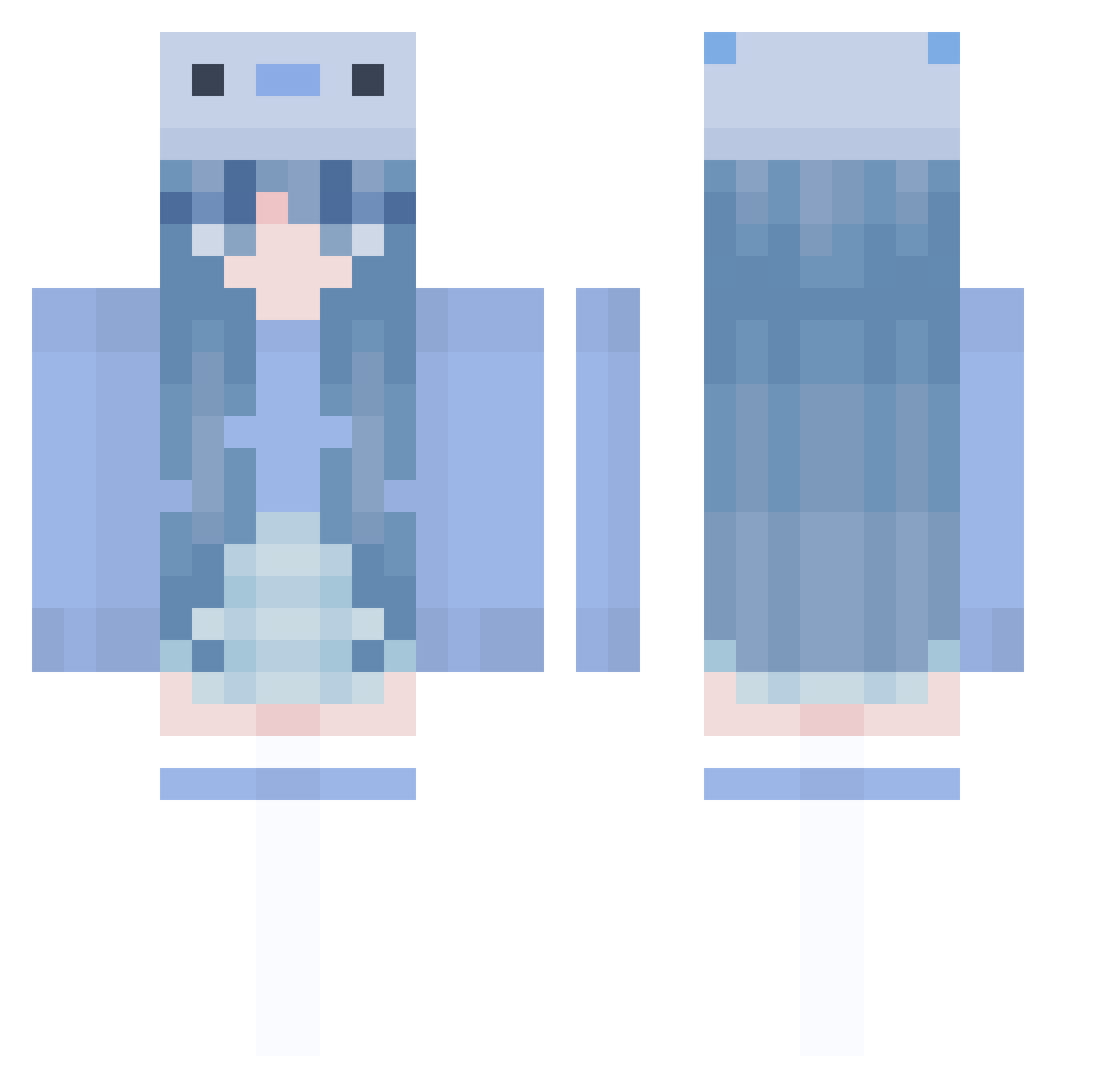
Current Minecraft skin of the player catstine, loaded from the official Mojang API. Rotate the 3D model with your mouse or finger, then download the skin as a PNG file and use it in Minecraft: Bedrock Edition or Java Edition for free. When catstine changes their skin, this page updates automatically and the old skin stays in the history below.
Other players with this skin (1005)
catstine was the 360th player we have seen with this skin, first spotted on 02.09.2026. The same skin was seen on these players. Open a nickname to see their current skin and skin history.
 SuperStar_AwA Dizzeh_ Fumijiro elliii2 Rhymmes Unconchious Banunu5 nokooin Leliana humbledtea sumgamja ySnowZera_ ragoun HiHi_1120 Shion43 sapphicdeer Owl_with_Anime TomasTheEvil sodaIO Pandally1 Loreowo Jxssx2005 vava1208 Aitiss Barbsxd GengD lanamarie17 rita00213 MoRaN1122 LEESEIYOUNG Kikken02 Patahenry8289 BasketballV891 Majji_baka Ebyo antuanclapp _speckett_ craft981 Sosha _sho_0 NS_Elvate LexieCamiPC Aphrodytii TofiQs zourjia zhongmeng59 TheBlueLagoon_ Papazetoz Snowwy07 mochen425 tzechiK stayrlw sunfeel200000 RarukuJP soda1019 KeEn1010 marcus1250 CC3927 EggFluff jarnisfly
More Axolotl Minecraft skins
How to install the catstine skin
- Press the Download button above to save the skin as a PNG file.
- Minecraft: Bedrock Edition (PE): open the Dressing Room from the main menu (or tap your character → Edit Character), go to Classic Skins → Owned, press the + (new skin) button, choose the downloaded PNG and pick the Classic (Steve) model. Works on PC and mobile; consoles cannot import custom skins.
- Minecraft: Java Edition: open the Minecraft Launcher, go to the Skins tab, click New Skin, load the PNG, pick the Classic (Steve) model and press Save & Use. You can also upload it at minecraft.net → Profile → Change Skin.
The skin does not show up after import - what should I do?
Restart Minecraft and open the Dressing Room again - imported skins sometimes appear only after a restart. Also make sure you selected the imported skin and picked the Classic (Steve) model.
Which model should I choose, Classic or Slim?
This skin is designed for the Classic (Steve) model. If you pick the wrong model, the arms of the skin will look stretched or squeezed.
Is the skin of catstine free to download?
Yes. Press Download, save the PNG file and use it in Minecraft: Bedrock Edition or Java Edition - no payment or registration needed. The skin also works on multiplayer servers and Realms.
More skins
Looking for more? Go back to all Minecraft skins and check the top skins of the week, month and all time, or find any player's skin by nickname.