
c_a_t2 - Minecraft Skins & Skin History
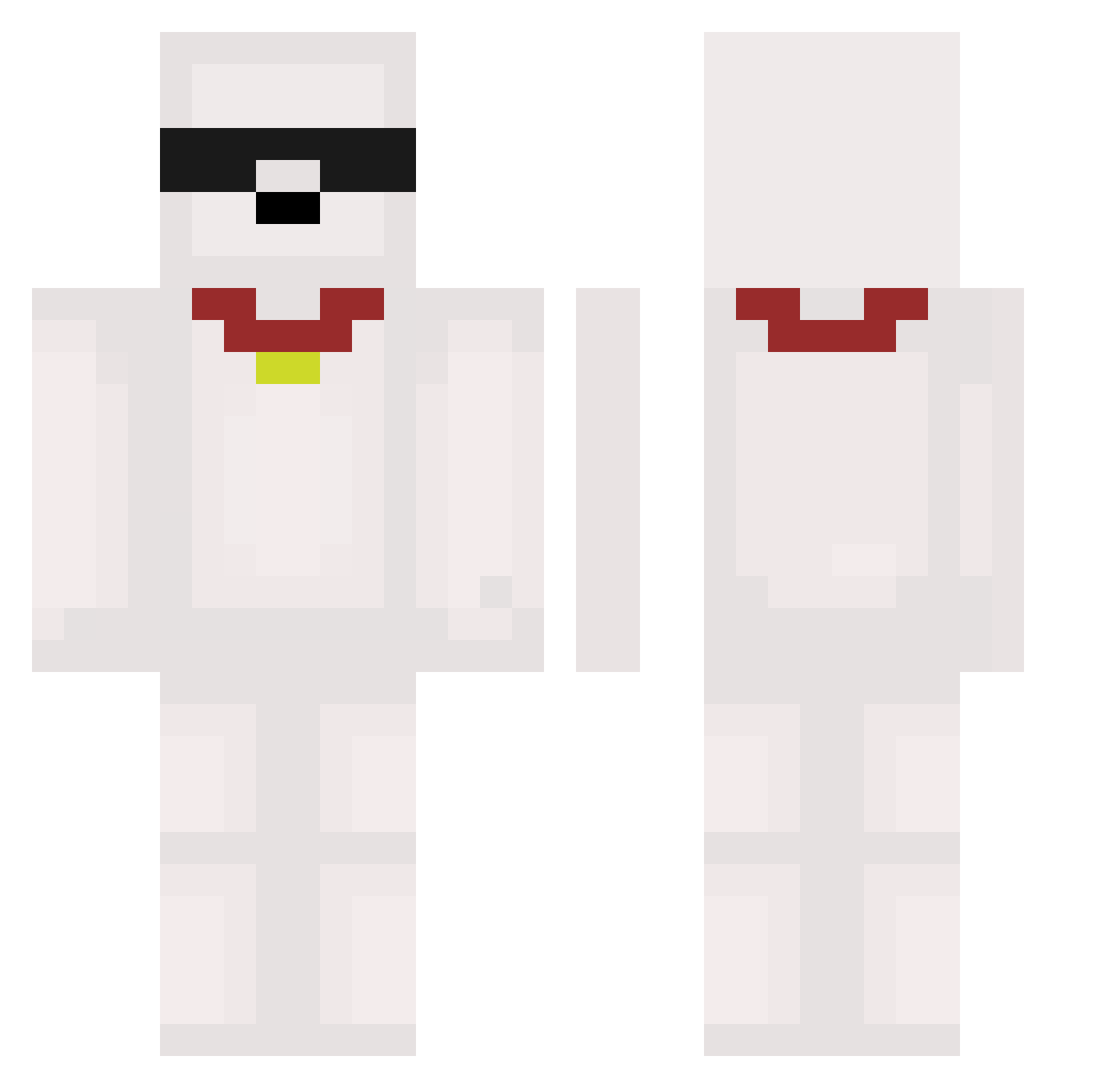
Current Minecraft skin of the player c_a_t2, loaded from the official Mojang API. Rotate the 3D model with your mouse or finger, then download the skin as a PNG file and use it in Minecraft: Bedrock Edition or Java Edition for free. When c_a_t2 changes their skin, this page updates automatically and the old skin stays in the history below.
Other players with this skin (471)
c_a_t2 was the 70th player we have seen with this skin, first spotted on 09.08.2026. The same skin was seen on these players. Open a nickname to see their current skin and skin history.
 Ichiya20 Hgsa
 JGamer_5683 3rggregre HoGooo Permlisted honekun Jing005 rascat0 Eksan111 Widek2000 coudi7 Valixyon Chernuss Osii_ PercuTheG N0vaD00m P12z0 NIKO722 cleean bananabob797 meivc TingLing_ Little_Charo envymf SudiGoat
 mArbads Juns99 Aloboii SWIM0430 DREAM17683 wjdgustn1105 anko0787 skydog333 Angefixxt Eelven ravioli_master08 __gf kimssi_58 firelontra wuhaojie ECH1N jiayu1916 Sore_omo blackstone_e valen_garcia JJksss zooblegoober jagaimo58 antw0n420 Nightmares7 C31TY
 magrimfps BLACKMoonDog
 Samuroskii BikanTk SnoppyMiloX uddie Gmb_14 TrueLeaf
More Collar Minecraft skins
How to install the c_a_t2 skin
- Press the Download button above to save the skin as a PNG file.
- Minecraft: Bedrock Edition (PE): open the Dressing Room from the main menu (or tap your character → Edit Character), go to Classic Skins → Owned, press the + (new skin) button, choose the downloaded PNG and pick the Classic (Steve) model. Works on PC and mobile; consoles cannot import custom skins.
- Minecraft: Java Edition: open the Minecraft Launcher, go to the Skins tab, click New Skin, load the PNG, pick the Classic (Steve) model and press Save & Use. You can also upload it at minecraft.net → Profile → Change Skin.
The skin does not show up after import - what should I do?
Restart Minecraft and open the Dressing Room again - imported skins sometimes appear only after a restart. Also make sure you selected the imported skin and picked the Classic (Steve) model.
Which model should I choose, Classic or Slim?
This skin is designed for the Classic (Steve) model. If you pick the wrong model, the arms of the skin will look stretched or squeezed.
Is the skin of c_a_t2 free to download?
Yes. Press Download, save the PNG file and use it in Minecraft: Bedrock Edition or Java Edition - no payment or registration needed. The skin also works on multiplayer servers and Realms.
More skins
Looking for more? Go back to all Minecraft skins and check the top skins of the week, month and all time, or find any player's skin by nickname.