
mArbads - Minecraft Skins & Skin History
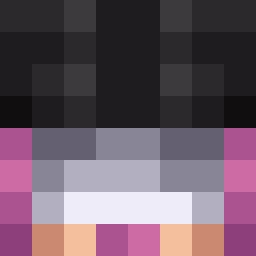
Current Minecraft skin of the player mArbads, loaded from the official Mojang API. Rotate the 3D model with your mouse or finger, then download the skin as a PNG file and use it in Minecraft: Bedrock Edition or Java Edition for free. When mArbads changes their skin, this page updates automatically and the old skin stays in the history below.
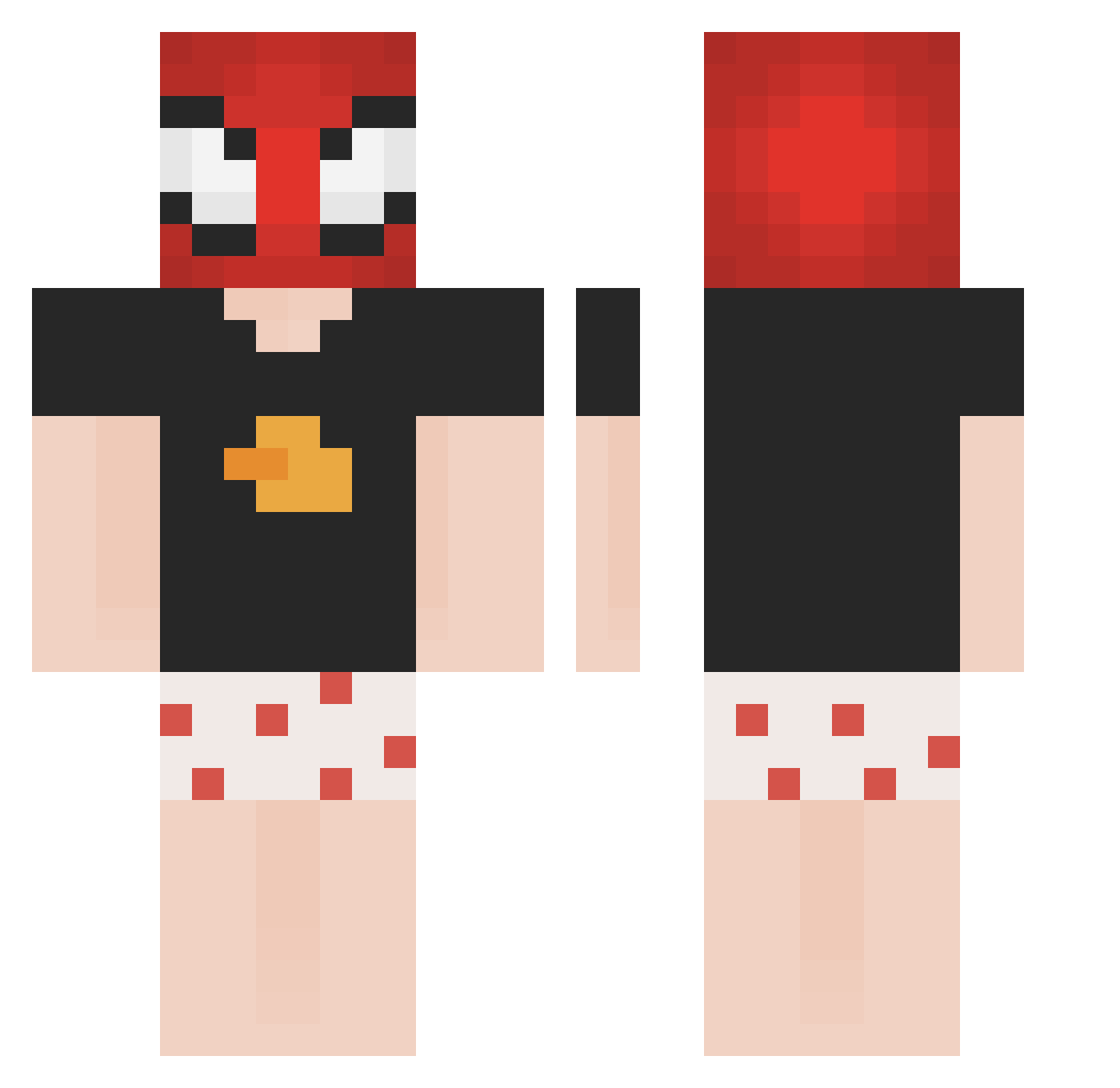
Other players with this skin (146)
mArbads was the 73rd player we have seen with this skin, first spotted on 18.09.2026. The same skin was seen on these players. Open a nickname to see their current skin and skin history.
 SIGMALAUBUCALAU Buuuubo Tokyox00 0tdoxni raydenstro Avengeful alfmori quentin8843 Mangod_2002
 Fimzzz Kronoro N3ARs PabloH05 zackop9 PrincipeSBU Saori000 thatbboy natsumi_studio DULO2 Dr_Dabdo9 JOIKSUPRESS Mr_Mema TheSrCreaper XxSweatlolxX Borderfn Wobler1 marrano433 Unreads0zu pastrello Andy12312 bnMuzluKrep Chineser_X t3queno notcoghi 193g unguards Burakzy Diablikkk Artfulness yKelzx
 Xequino furryAi astronsz_ 2xchilibowl Hyponore Alkuwari9 Grungns harkonnz BLUBOXX123 QuackyG pesat _winzarr PERKINASO_ Byased
 LorrJan Tekzss imGiacky BobbaNic lIlomar Eckbaue36eromg
Previous skins of mArbads
Skins that mArbads wore before, newest first. Click a skin to open its page and download it.
More Boxers Minecraft skins
How to install the mArbads skin
- Press the Download button above to save the skin as a PNG file.
- Minecraft: Bedrock Edition (PE): open the Dressing Room from the main menu (or tap your character → Edit Character), go to Classic Skins → Owned, press the + (new skin) button, choose the downloaded PNG and pick the Classic (Steve) model. Works on PC and mobile; consoles cannot import custom skins.
- Minecraft: Java Edition: open the Minecraft Launcher, go to the Skins tab, click New Skin, load the PNG, pick the Classic (Steve) model and press Save & Use. You can also upload it at minecraft.net → Profile → Change Skin.
The skin does not show up after import - what should I do?
Restart Minecraft and open the Dressing Room again - imported skins sometimes appear only after a restart. Also make sure you selected the imported skin and picked the Classic (Steve) model.
Which model should I choose, Classic or Slim?
This skin is designed for the Classic (Steve) model. If you pick the wrong model, the arms of the skin will look stretched or squeezed.
Is the skin of mArbads free to download?
Yes. Press Download, save the PNG file and use it in Minecraft: Bedrock Edition or Java Edition - no payment or registration needed. The skin also works on multiplayer servers and Realms.
More skins
Looking for more? Go back to all Minecraft skins and check the top skins of the week, month and all time, or find any player's skin by nickname.