
buttnips - Minecraft Skins & Skin History
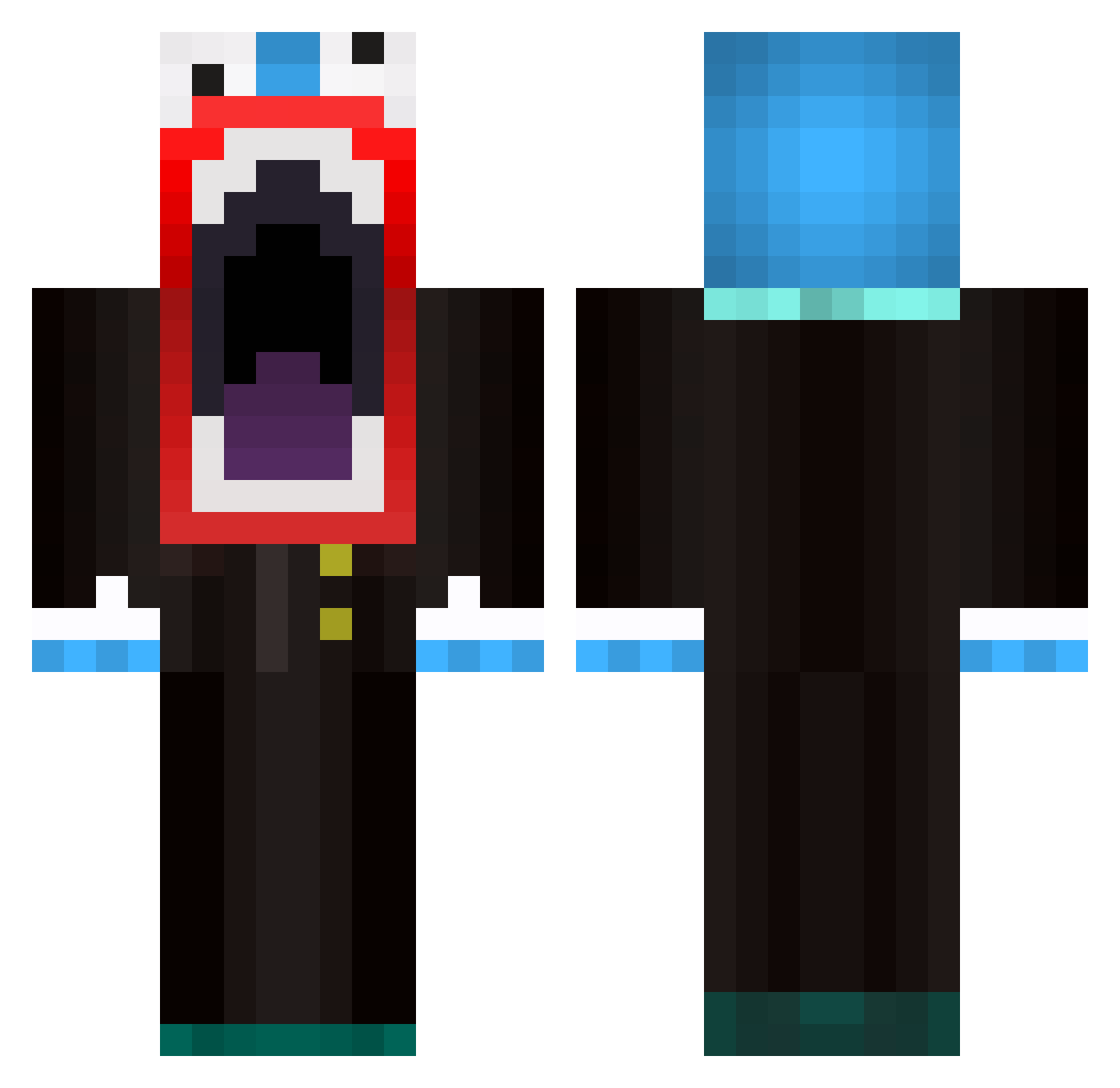
Current Minecraft skin of the player buttnips, loaded from the official Mojang API. Rotate the 3D model with your mouse or finger, then download the skin as a PNG file and use it in Minecraft: Bedrock Edition or Java Edition for free. When buttnips changes their skin, this page updates automatically and the old skin stays in the history below.
Other players with this skin (594)
buttnips was the 560th player we have seen with this skin, first spotted on 27.10.2026. The same skin was seen on these players. Open a nickname to see their current skin and skin history.
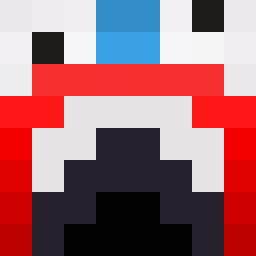 Seb099 jamescrevi6476 LumpyPanda Dmitrioligy Moneybags03 Yellow_Snowflake makatrax2 Tumball Fladdermask pman922 MagikSyco fruitkabober nimajneb1231 pez2010 noobkiller4001 vikkkk9 360NoscOp3TricKx BallisticJoe craftedminer84 KFC_KoolAid57 AnalStorage Noam7700 xTaYx Ranzbrot Potato_Lord123 Lizardbear damir1999123 Emanil Exterminator2106 Moberg21 Marius0202 johnhamster111 OfficialCow Smellynaanbread Enzonator123 Mr_FunnyMan AustinjFreezy NoahB88 MrThaDonkey KingKongJacob SmokinFlavors CherryFusionzz OpticScummpy Soullfed Zghira Sean2121 naoni_ elitespike macbookpro883211 mascar11 The_cr33pster onezieboytrol FrAnKo0z ImTheRealDeeMo MrScholoMan300 ThyRealGod tomcoolio12 InfamousAl Smurfmaster4444 JSJ_
More The Amazing Digital Circus Caine Minecraft skins
See all 6 The Amazing Digital Circus Caine skins
How to install the buttnips skin
- Press the Download button above to save the skin as a PNG file.
- Minecraft: Bedrock Edition (PE): open the Dressing Room from the main menu (or tap your character → Edit Character), go to Classic Skins → Owned, press the + (new skin) button, choose the downloaded PNG and pick the Classic (Steve) model. Works on PC and mobile; consoles cannot import custom skins.
- Minecraft: Java Edition: open the Minecraft Launcher, go to the Skins tab, click New Skin, load the PNG, pick the Classic (Steve) model and press Save & Use. You can also upload it at minecraft.net → Profile → Change Skin.
The skin does not show up after import - what should I do?
Restart Minecraft and open the Dressing Room again - imported skins sometimes appear only after a restart. Also make sure you selected the imported skin and picked the Classic (Steve) model.
Which model should I choose, Classic or Slim?
This skin is designed for the Classic (Steve) model. If you pick the wrong model, the arms of the skin will look stretched or squeezed.
Is the skin of buttnips free to download?
Yes. Press Download, save the PNG file and use it in Minecraft: Bedrock Edition or Java Edition - no payment or registration needed. The skin also works on multiplayer servers and Realms.
More skins
Looking for more? Go back to all Minecraft skins and check the top skins of the week, month and all time, or find any player's skin by nickname.