
bunnibeex - Minecraft Skins & Skin History
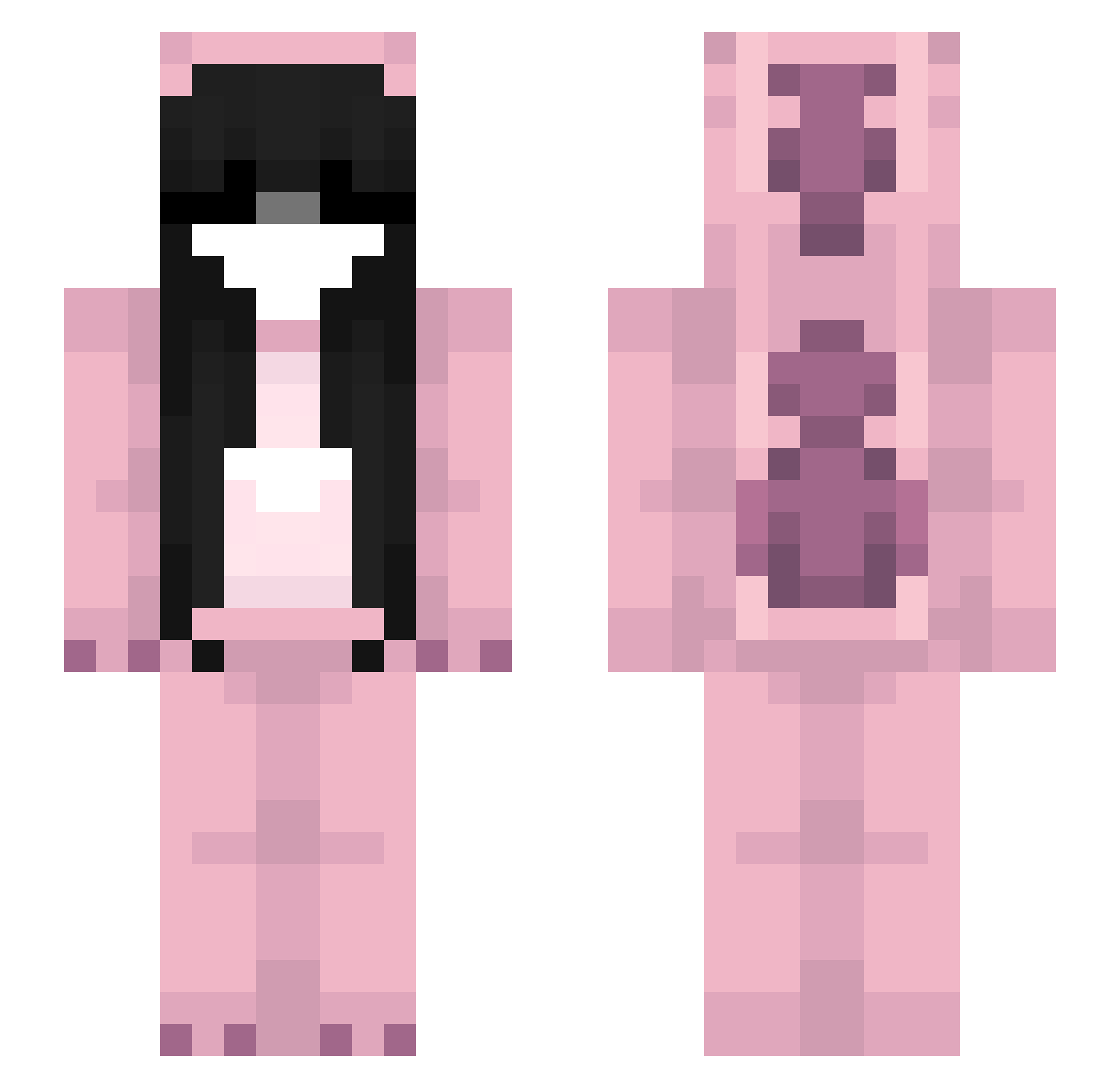
Current Minecraft skin of the player bunnibeex, loaded from the official Mojang API. Rotate the 3D model with your mouse or finger, then download the skin as a PNG file and use it in Minecraft: Bedrock Edition or Java Edition for free. When bunnibeex changes their skin, this page updates automatically and the old skin stays in the history below.
Other players with this skin (53)
bunnibeex was the 16th player we have seen with this skin, first spotted on 17.08.2026. The same skin was seen on these players. Open a nickname to see their current skin and skin history.
 mis_bim69
 Miyo_kiss
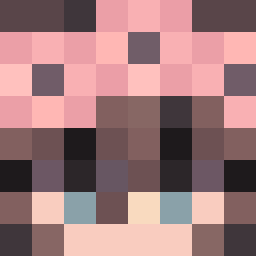 Emi976543 Pudaas RoddelBoddel Sparkflye
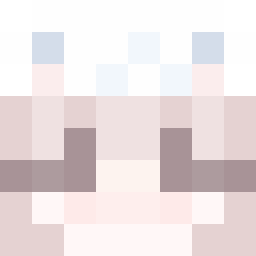 AndySniper4 M2TRP LunarKitttty Dudinhalf ArmutGuzeli CodeeVi Galaaxyyyyy
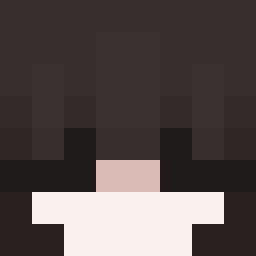 b91b KueiSaho CypherkidZ Lasity seentraal nickss11 pufkaa Peachyyys 2007s_ lostlike BoberDestroyer 2yvea 3vernight AgentX12 _b0at PublicBot Julczaa00 Charidk1 fwyv 5357 KauzinKrl NyciulooPrime IFwChildrenHeavy kisuheimer Kim_Hwa KawaiiUwUChan KTJ0721 Nelisia_ Sukizanoo Azeda07 haze__x Reezy4PF O3O_X3X 32cmwbicku xnatalax Craftah X3n0m0rph iamhisonly OopsNoInventory asheko_ofc
More Onesie Minecraft skins
How to install the bunnibeex skin
- Press the Download button above to save the skin as a PNG file.
- Minecraft: Bedrock Edition (PE): open the Dressing Room from the main menu (or tap your character → Edit Character), go to Classic Skins → Owned, press the + (new skin) button, choose the downloaded PNG and pick the Slim (Alex) model. Works on PC and mobile; consoles cannot import custom skins.
- Minecraft: Java Edition: open the Minecraft Launcher, go to the Skins tab, click New Skin, load the PNG, pick the Slim (Alex) model and press Save & Use. You can also upload it at minecraft.net → Profile → Change Skin.
The skin does not show up after import - what should I do?
Restart Minecraft and open the Dressing Room again - imported skins sometimes appear only after a restart. Also make sure you selected the imported skin and picked the Slim (Alex) model.
Which model should I choose, Classic or Slim?
This skin is designed for the Slim (Alex) model. If you pick the wrong model, the arms of the skin will look stretched or squeezed.
Is the skin of bunnibeex free to download?
Yes. Press Download, save the PNG file and use it in Minecraft: Bedrock Edition or Java Edition - no payment or registration needed. The skin also works on multiplayer servers and Realms.
More skins
Looking for more? Go back to all Minecraft skins and check the top skins of the week, month and all time, or find any player's skin by nickname.