
blocked_xdd - Minecraft Skins & Skin History
Current Minecraft skin of the player blocked_xdd, loaded from the official Mojang API. Rotate the 3D model with your mouse or finger, then download the skin as a PNG file and use it in Minecraft: Bedrock Edition or Java Edition for free. When blocked_xdd changes their skin, this page updates automatically and the old skin stays in the history below.
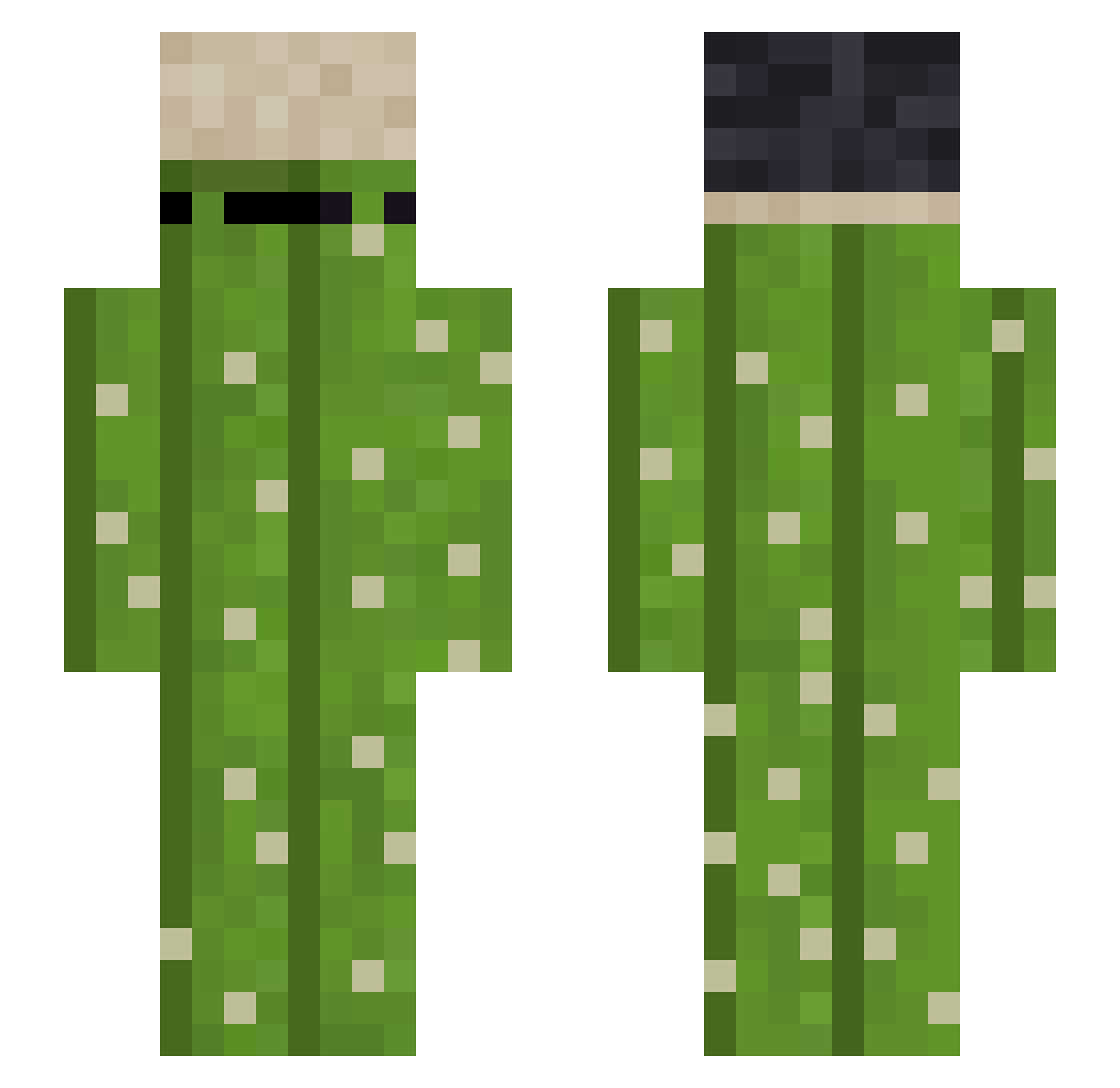
Other players with this skin (184)
blocked_xdd was the 37th player we have seen with this skin, first spotted on 11.08.2026. The same skin was seen on these players. Open a nickname to see their current skin and skin history.
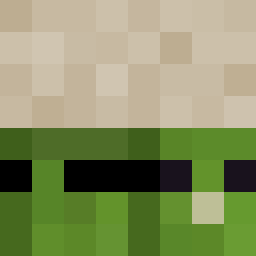 Roadback
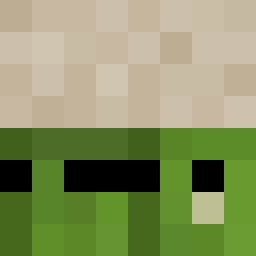 Fipiko10 Futurebacon FireWheel222 67thNoah Flux_PL
 Maroca31 Glitto Pedrogan5o75
 Willy_chiu LouiseEfe
 Hahoyoo brAzilianz Its_SmoLaa AngelUwU69 VictorHDF
 Iam_de Ariadna4444 Loading39 brochato
 xXeldelfinXx gusgalante AsparkOwl 480parks MiksiuPL PoggFrog zakkL2 klein423 PichulinXyz KaktusCaptain Wilfrems0 FlexPiksel Xyxen__ StolenTerritory yengyeng oficial_brewer1
 Achicat FaZx OskarPRo13
 Cristi17 Simion2005 hzschiavo potrillo24 griszu IWasMadeInChina dewerdie shaderborn Kevin_Ecu thib45 Cha_Cha_20 JoyTheCreeper LoucaLeVraie Lenin2509
 AlexJoschua MattTnt XmenenX GogaMeladze Paul8790 FabioJogosLegais Napanothregister
More Plant Minecraft skins
How to install the blocked_xdd skin
- Press the Download button above to save the skin as a PNG file.
- Minecraft: Bedrock Edition (PE): open the Dressing Room from the main menu (or tap your character → Edit Character), go to Classic Skins → Owned, press the + (new skin) button, choose the downloaded PNG and pick the Slim (Alex) model. Works on PC and mobile; consoles cannot import custom skins.
- Minecraft: Java Edition: open the Minecraft Launcher, go to the Skins tab, click New Skin, load the PNG, pick the Slim (Alex) model and press Save & Use. You can also upload it at minecraft.net → Profile → Change Skin.
The skin does not show up after import - what should I do?
Restart Minecraft and open the Dressing Room again - imported skins sometimes appear only after a restart. Also make sure you selected the imported skin and picked the Slim (Alex) model.
Which model should I choose, Classic or Slim?
This skin is designed for the Slim (Alex) model. If you pick the wrong model, the arms of the skin will look stretched or squeezed.
Is the skin of blocked_xdd free to download?
Yes. Press Download, save the PNG file and use it in Minecraft: Bedrock Edition or Java Edition - no payment or registration needed. The skin also works on multiplayer servers and Realms.
More skins
Looking for more? Go back to all Minecraft skins and check the top skins of the week, month and all time, or find any player's skin by nickname.