
blackguard10 - Minecraft Skins & Skin History
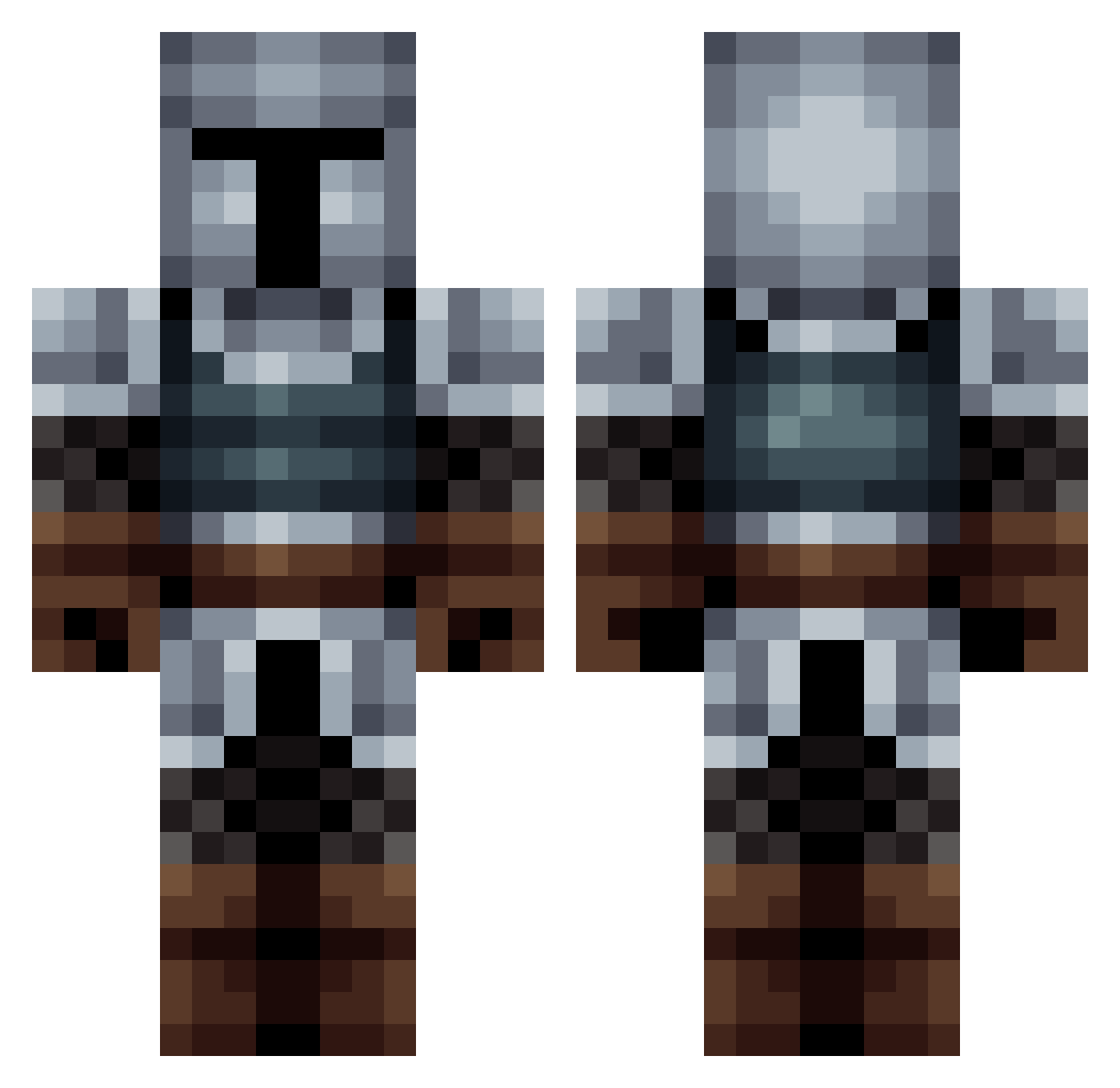
Current Minecraft skin of the player blackguard10, loaded from the official Mojang API. Rotate the 3D model with your mouse or finger, then download the skin as a PNG file and use it in Minecraft: Bedrock Edition or Java Edition for free. When blackguard10 changes their skin, this page updates automatically and the old skin stays in the history below.
Other players with this skin (563)
blackguard10 was the 77th player we have seen with this skin, first spotted on 10.08.2026. The same skin was seen on these players. Open a nickname to see their current skin and skin history.
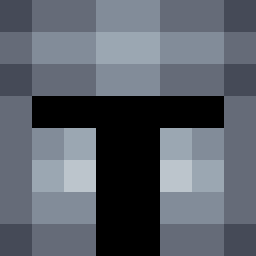 zak3ly GustyArtist5248 TheRebelYell N1bbacheeze DutchJoshua Battlekiwi11 ReyRataTopo _Caramon_VDH_ Chocho26 Trynicus LUQUEBA69 borsi2000 MR_ILIK TheAD06 xts2002 HerrSchluter Kuma__yu
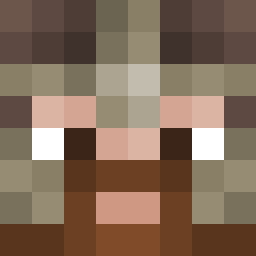 Forgeron_IRL _Kraun_ AlibulGur Modenak
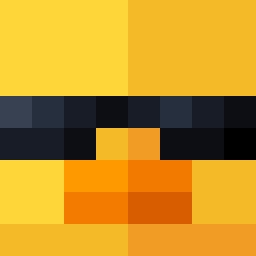 Asalih Akuma_2 KingKuba614 Tamokizu atombatdestroy25 Joe_v2 ValentineBoy tranic72 OasisOracle Enchiladian Revakk Ben________ AmaruqDragon ZiggyJR Rubylawgh Filon04 Puffanne Piksell78 ohfam_ryankim tcbr1 Pedrolol2007 Roni323HUN Alloyman69 A_Gr33n_Duck Goren97 landmaschine1 naujakas eddievarg ianr122 thytres WrySeven4583 Wrighty15 AEN004 Mastylee Norton0101 Kniteort 9adamayne CXviana PortgasDking
More Medieval Minecraft skins
How to install the blackguard10 skin
- Press the Download button above to save the skin as a PNG file.
- Minecraft: Bedrock Edition (PE): open the Dressing Room from the main menu (or tap your character → Edit Character), go to Classic Skins → Owned, press the + (new skin) button, choose the downloaded PNG and pick the Classic (Steve) model. Works on PC and mobile; consoles cannot import custom skins.
- Minecraft: Java Edition: open the Minecraft Launcher, go to the Skins tab, click New Skin, load the PNG, pick the Classic (Steve) model and press Save & Use. You can also upload it at minecraft.net → Profile → Change Skin.
The skin does not show up after import - what should I do?
Restart Minecraft and open the Dressing Room again - imported skins sometimes appear only after a restart. Also make sure you selected the imported skin and picked the Classic (Steve) model.
Which model should I choose, Classic or Slim?
This skin is designed for the Classic (Steve) model. If you pick the wrong model, the arms of the skin will look stretched or squeezed.
Is the skin of blackguard10 free to download?
Yes. Press Download, save the PNG file and use it in Minecraft: Bedrock Edition or Java Edition - no payment or registration needed. The skin also works on multiplayer servers and Realms.
More skins
Looking for more? Go back to all Minecraft skins and check the top skins of the week, month and all time, or find any player's skin by nickname.