
bean_lover_69 - Minecraft Skins & Skin History
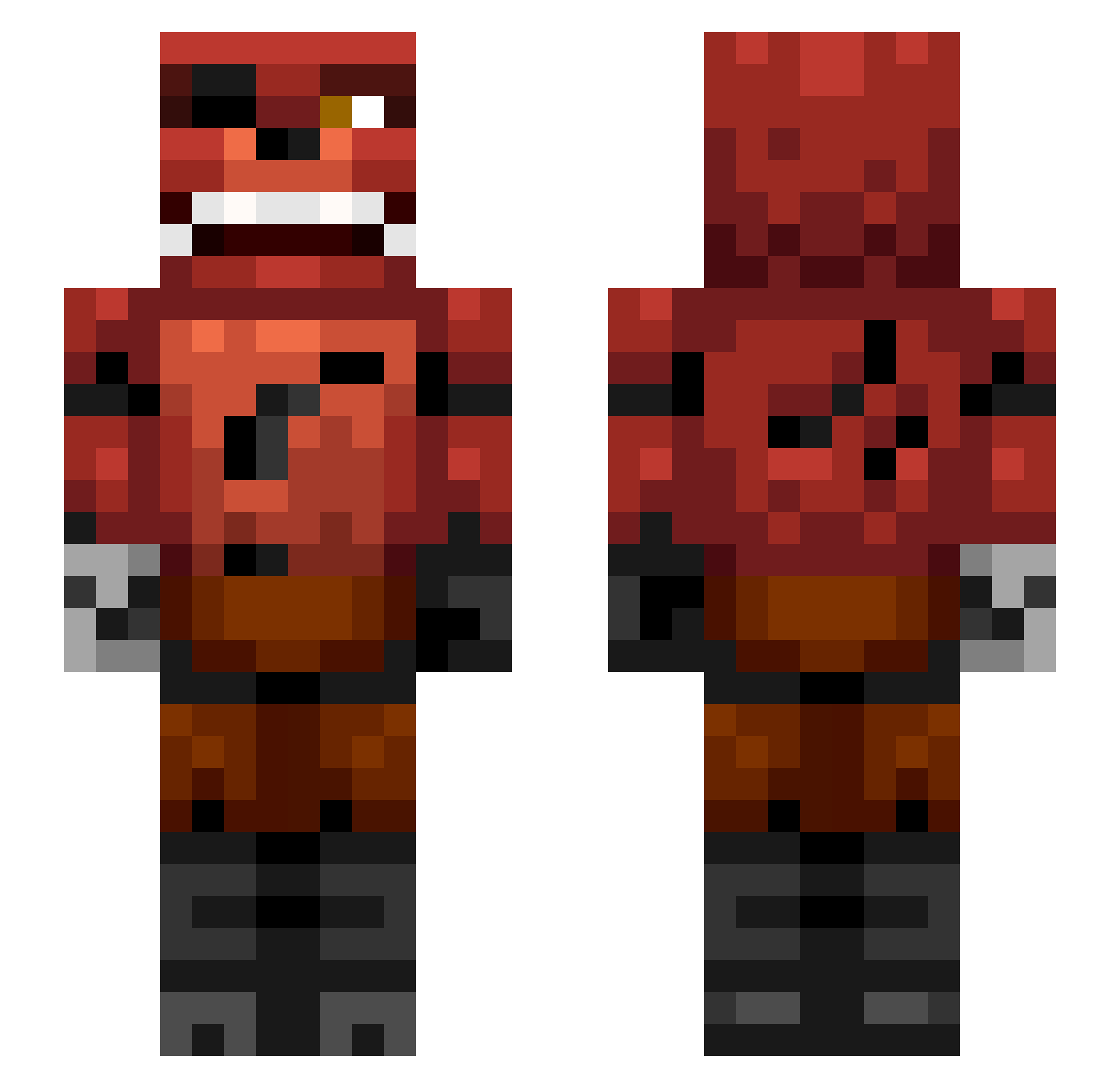
Current Minecraft skin of the player bean_lover_69, loaded from the official Mojang API. Rotate the 3D model with your mouse or finger, then download the skin as a PNG file and use it in Minecraft: Bedrock Edition or Java Edition for free. When bean_lover_69 changes their skin, this page updates automatically and the old skin stays in the history below.
Other players with this skin (112)
bean_lover_69 was the 70th player we have seen with this skin, first spotted on 24.09.2026. The same skin was seen on these players. Open a nickname to see their current skin and skin history.
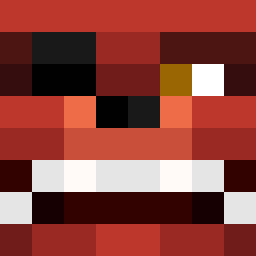 HiNaToh vcy8 ecob77 anillos AnnieJams12 boogie_board seb3h Yamiknight_ Kali5108 plebspec andreaseato Aglowtuba jordanshoes4me Gui_s2 LiLOrel_ Nex_Ace morr141 G3niusss18 PaddyD722 OG_Gramps FoxHarley Dr4g0nSl4y3r69 lucabazooka69 OnyxiaKawa Gacha Acsb444 Allesblokjes SapphirePage zzwsdad AstralBlade_ UnkoRyuu CalSharp TheEmerocks Alt_Fire
 naoeosekka Irespektmen Eyelesfox br3wan YOOPERHAMSALAD SlayWolf_YT BruhSammi RafaCatito ikar9i CoolCreeper09 v4mpr4t Camy10456 ajj666 FauxTer Dizzy167 zSnaXx MuddInYourEye Yhamm bagel_004 whiteBD SounDragon0912 BrainlessVR _AleexR188_ newportk1tty I3alllz Ranger6402
More Foxy Minecraft skins
How to install the bean_lover_69 skin
- Press the Download button above to save the skin as a PNG file.
- Minecraft: Bedrock Edition (PE): open the Dressing Room from the main menu (or tap your character → Edit Character), go to Classic Skins → Owned, press the + (new skin) button, choose the downloaded PNG and pick the Slim (Alex) model. Works on PC and mobile; consoles cannot import custom skins.
- Minecraft: Java Edition: open the Minecraft Launcher, go to the Skins tab, click New Skin, load the PNG, pick the Slim (Alex) model and press Save & Use. You can also upload it at minecraft.net → Profile → Change Skin.
The skin does not show up after import - what should I do?
Restart Minecraft and open the Dressing Room again - imported skins sometimes appear only after a restart. Also make sure you selected the imported skin and picked the Slim (Alex) model.
Which model should I choose, Classic or Slim?
This skin is designed for the Slim (Alex) model. If you pick the wrong model, the arms of the skin will look stretched or squeezed.
Is the skin of bean_lover_69 free to download?
Yes. Press Download, save the PNG file and use it in Minecraft: Bedrock Edition or Java Edition - no payment or registration needed. The skin also works on multiplayer servers and Realms.
More skins
Looking for more? Go back to all Minecraft skins and check the top skins of the week, month and all time, or find any player's skin by nickname.