
armandQ - Minecraft Skins & Skin History
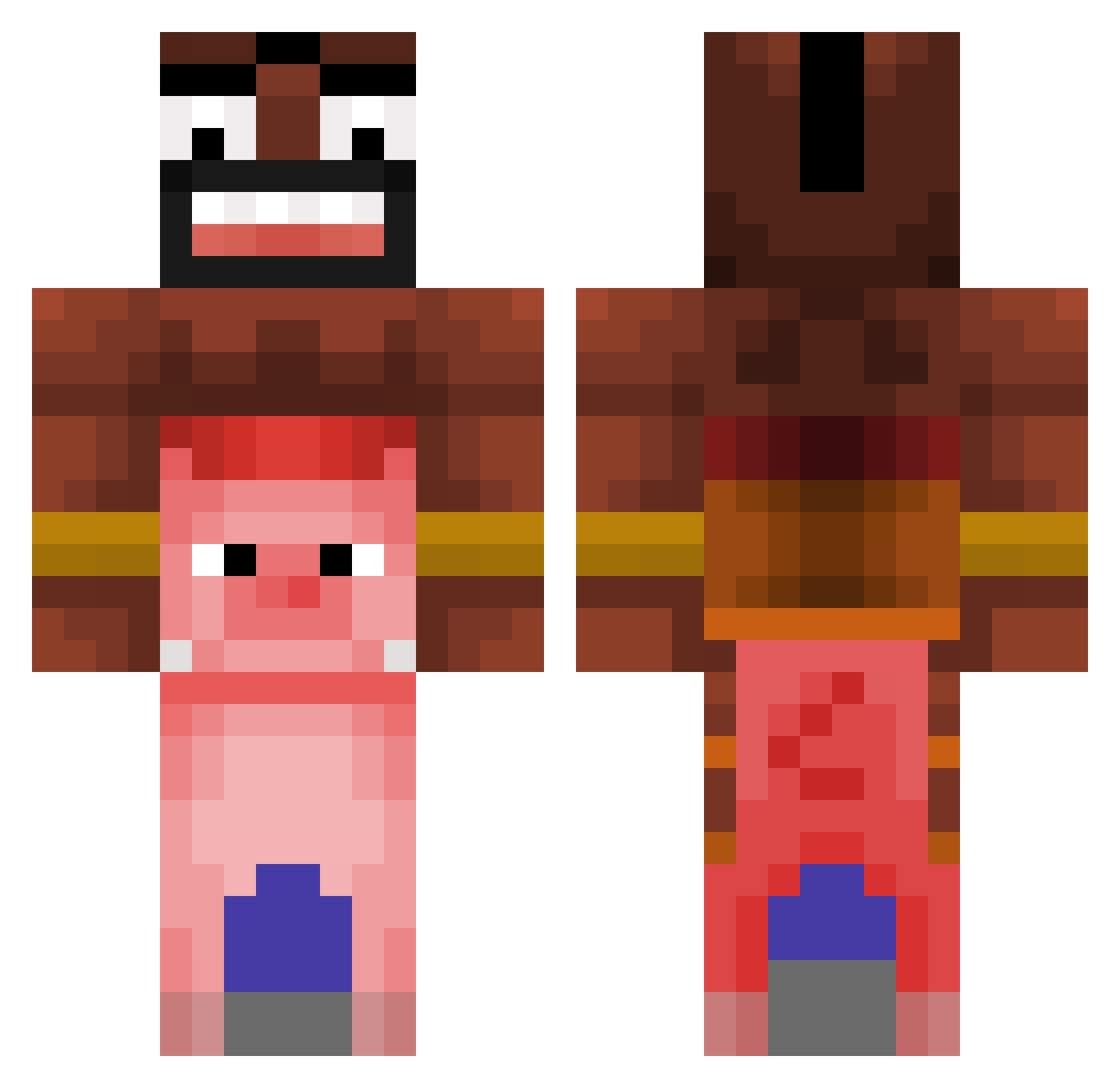
Current Minecraft skin of the player armandQ, loaded from the official Mojang API. Rotate the 3D model with your mouse or finger, then download the skin as a PNG file and use it in Minecraft: Bedrock Edition or Java Edition for free. When armandQ changes their skin, this page updates automatically and the old skin stays in the history below.
Other players with this skin (476)
armandQ was the 43rd player we have seen with this skin, first spotted on 04.08.2026. The same skin was seen on these players. Open a nickname to see their current skin and skin history.
 gionnidep darkoswan teoden Matuse alban49 mojamoja0721 secresaodejoelho tocenaci madtom1188 HanfAnbauer_88 RedrumNPC 162seb theboy123435 toesX_ jjijjimukbang Double_6s_Baby CaptainDaddy96 SkibidiSigmAlpha C0Clover DrOnigiri VegetaZX H2112 Jezux regomarshall Fiht Mythic7 gulanos OnlyValk Rusteeze01 BlackMiilf woler_1 Tinch08 foshjabila nugavaV zcarrox _1993iq_ IHATEPDFILES Faze_pepinito24 teosix_ Mono_Braue187 naldz poguzz danil_rnc Zkorek KopaGS BePetracco QU1CKST4RS siverian_sukee Pizamen Juanpis1920 L3pek ErMattew_ Depios iTz_Ev0 yosmmaa Banditus1337 Koko72 thevixo7 NGaqua Dwayne_The_C0ck
More Pig Minecraft skins
How to install the armandQ skin
- Press the Download button above to save the skin as a PNG file.
- Minecraft: Bedrock Edition (PE): open the Dressing Room from the main menu (or tap your character → Edit Character), go to Classic Skins → Owned, press the + (new skin) button, choose the downloaded PNG and pick the Classic (Steve) model. Works on PC and mobile; consoles cannot import custom skins.
- Minecraft: Java Edition: open the Minecraft Launcher, go to the Skins tab, click New Skin, load the PNG, pick the Classic (Steve) model and press Save & Use. You can also upload it at minecraft.net → Profile → Change Skin.
The skin does not show up after import - what should I do?
Restart Minecraft and open the Dressing Room again - imported skins sometimes appear only after a restart. Also make sure you selected the imported skin and picked the Classic (Steve) model.
Which model should I choose, Classic or Slim?
This skin is designed for the Classic (Steve) model. If you pick the wrong model, the arms of the skin will look stretched or squeezed.
Is the skin of armandQ free to download?
Yes. Press Download, save the PNG file and use it in Minecraft: Bedrock Edition or Java Edition - no payment or registration needed. The skin also works on multiplayer servers and Realms.
More skins
Looking for more? Go back to all Minecraft skins and check the top skins of the week, month and all time, or find any player's skin by nickname.