
 dLpinto TwixiBoyyyy feyzaa VenousCoot chenfong_ EmilioTilin mateusLEITINHO LeezyVFX ColeKnoz Jrsxy POKEWHITE Jewzie koxjablko Bennn12345 SerKopytek tazenoff Romanalexander1 GigaChad_Sheesh TheoToilettes HoG__rider__ JanScolaro OliO7 lemindww ouya0 RLFXrandy Sovaek Pasis Vishnu_Rick Axolotle_GHG Willegren Woznior holygatorade355 Stasiu332 Pictureca ABigSpork HaltingOsprey80 calbitoxd JohnFKennedyJr Whodatbean MarekMarucha_ Human_jr PapiPancake ColossalCon MrMorris09 Chadstinker LaRanaRenea bobtherebel Jimbo042010 Zwiiss THEHOKING92 fxgit BZGGonly3cm defence43 WhiteGygaBallls arniuxa JoaozitoGS eTaGz BroYouWack lightning1717 Kikt3n_
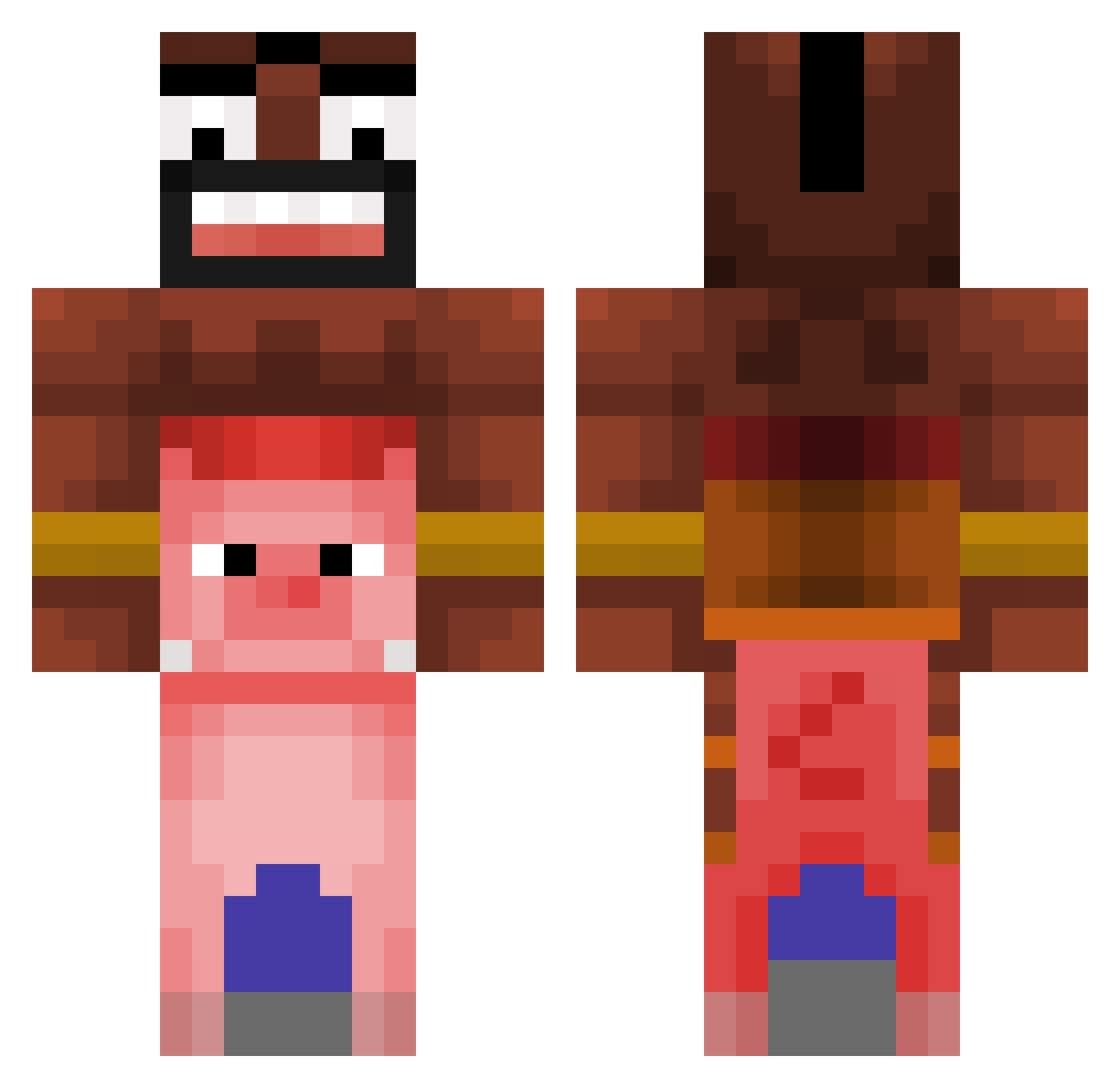
Minecraft skin of Anelinho. Rotate the 3D model with your mouse or finger to view the skin from every angle, then download it as a PNG file and use it in Minecraft: Bedrock Edition or Java Edition for free. Rate the skin with stars to help other players find the best skins in our collection.
How to install the Anelinho skin
- Press the Download button above to save the skin as a PNG file.
- Minecraft: Bedrock Edition (PE): open the Dressing Room from the main menu (or tap your character → Edit Character), go to Classic Skins → Owned, press the + (new skin) button, choose the downloaded PNG and pick the Classic (Steve) model. Works on PC and mobile; consoles cannot import custom skins.
- Minecraft: Java Edition: open the Minecraft Launcher, go to the Skins tab, click New Skin, load the PNG, pick the Classic (Steve) model and press Save & Use. You can also upload it at minecraft.net → Profile → Change Skin.
The skin does not show up after import - what should I do?
Restart Minecraft and open the Dressing Room again - imported skins sometimes appear only after a restart. Also make sure you selected the imported skin and picked the Classic (Steve) model.
Which model should I choose, Classic or Slim?
This skin is designed for the Classic (Steve) model. If you pick the wrong model, the arms of the skin will look stretched or squeezed.
Is this skin free to use?
Yes. Press Download, save the PNG file and use it in Minecraft: Bedrock Edition or Java Edition - no payment or registration needed. The skin also works on multiplayer servers and Realms.
More Pig Minecraft skins
More skins
Looking for more? Go back to all Minecraft skins and check the top skins of the week, month and all time, or find any player's skin by nickname.