
alpiepie - Minecraft Skins & Skin History
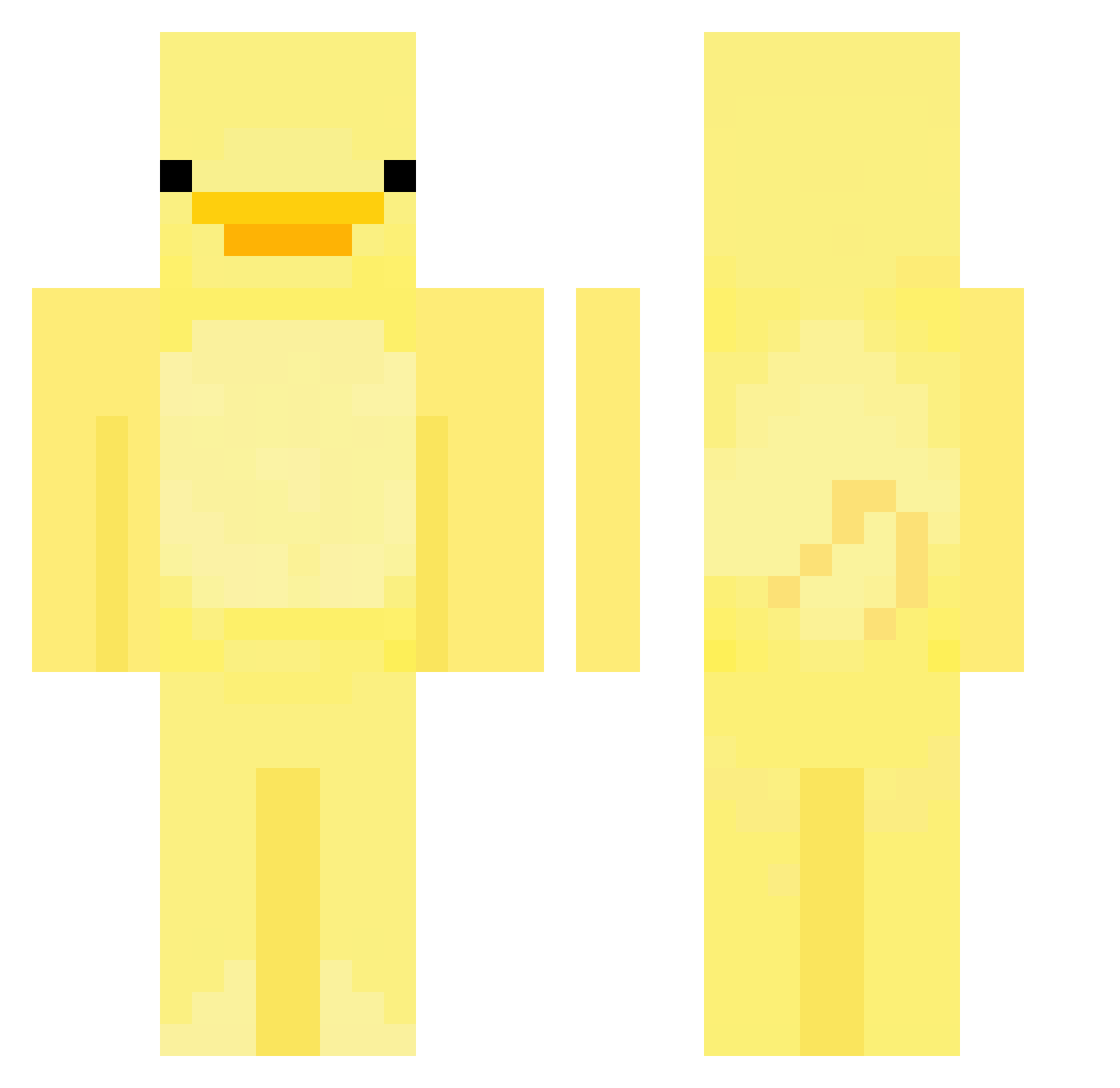
Current Minecraft skin of the player alpiepie, loaded from the official Mojang API. Rotate the 3D model with your mouse or finger, then download the skin as a PNG file and use it in Minecraft: Bedrock Edition or Java Edition for free. When alpiepie changes their skin, this page updates automatically and the old skin stays in the history below.
Other players with this skin (552)
alpiepie was the 424th player we have seen with this skin, first spotted on 05.10.2026. The same skin was seen on these players. Open a nickname to see their current skin and skin history.
 DarkVortexClipz RedstoneMaster31 Kevinliu20267 marchmangos bigdipapi voidl4m AutoWipe111 kaczekkaczek Topfrag_1 FacedGlitter111 Sokoo0528 Potatohead666 ms_dwiech lisheng0926 ProfessorChoi grazkor duck0930 Brzdonc420 emmadejagere VictoriaIsland ARSGamer7 WTNBullet AdmiralFate Minecrafter1312 hjborle bowldog tbg510 duckbeans17 yeonsik810 Tbagforthewin Gunnerjake HunterTDR rtdk59 L3monAA Yilril Joe_mamaFat69420 SirDucky9779 N3ROZE zlobickihq1 SSkye_ Shephardof YUZU271 Jillibil forenings Neirith Quawk Smilemon stamenXpistil DC_EnaterXD SnakeyOuO Kappachu PenguinKing1204 Smileyfries145 surenge2 Jasmyn09 Homein_ oEnteo Beninjam101 pepsie7129 Supreme_KC
More Bird Minecraft skins
How to install the alpiepie skin
- Press the Download button above to save the skin as a PNG file.
- Minecraft: Bedrock Edition (PE): open the Dressing Room from the main menu (or tap your character → Edit Character), go to Classic Skins → Owned, press the + (new skin) button, choose the downloaded PNG and pick the Classic (Steve) model. Works on PC and mobile; consoles cannot import custom skins.
- Minecraft: Java Edition: open the Minecraft Launcher, go to the Skins tab, click New Skin, load the PNG, pick the Classic (Steve) model and press Save & Use. You can also upload it at minecraft.net → Profile → Change Skin.
The skin does not show up after import - what should I do?
Restart Minecraft and open the Dressing Room again - imported skins sometimes appear only after a restart. Also make sure you selected the imported skin and picked the Classic (Steve) model.
Which model should I choose, Classic or Slim?
This skin is designed for the Classic (Steve) model. If you pick the wrong model, the arms of the skin will look stretched or squeezed.
Is the skin of alpiepie free to download?
Yes. Press Download, save the PNG file and use it in Minecraft: Bedrock Edition or Java Edition - no payment or registration needed. The skin also works on multiplayer servers and Realms.
More skins
Looking for more? Go back to all Minecraft skins and check the top skins of the week, month and all time, or find any player's skin by nickname.