
allela00 - Minecraft Skins & Skin History
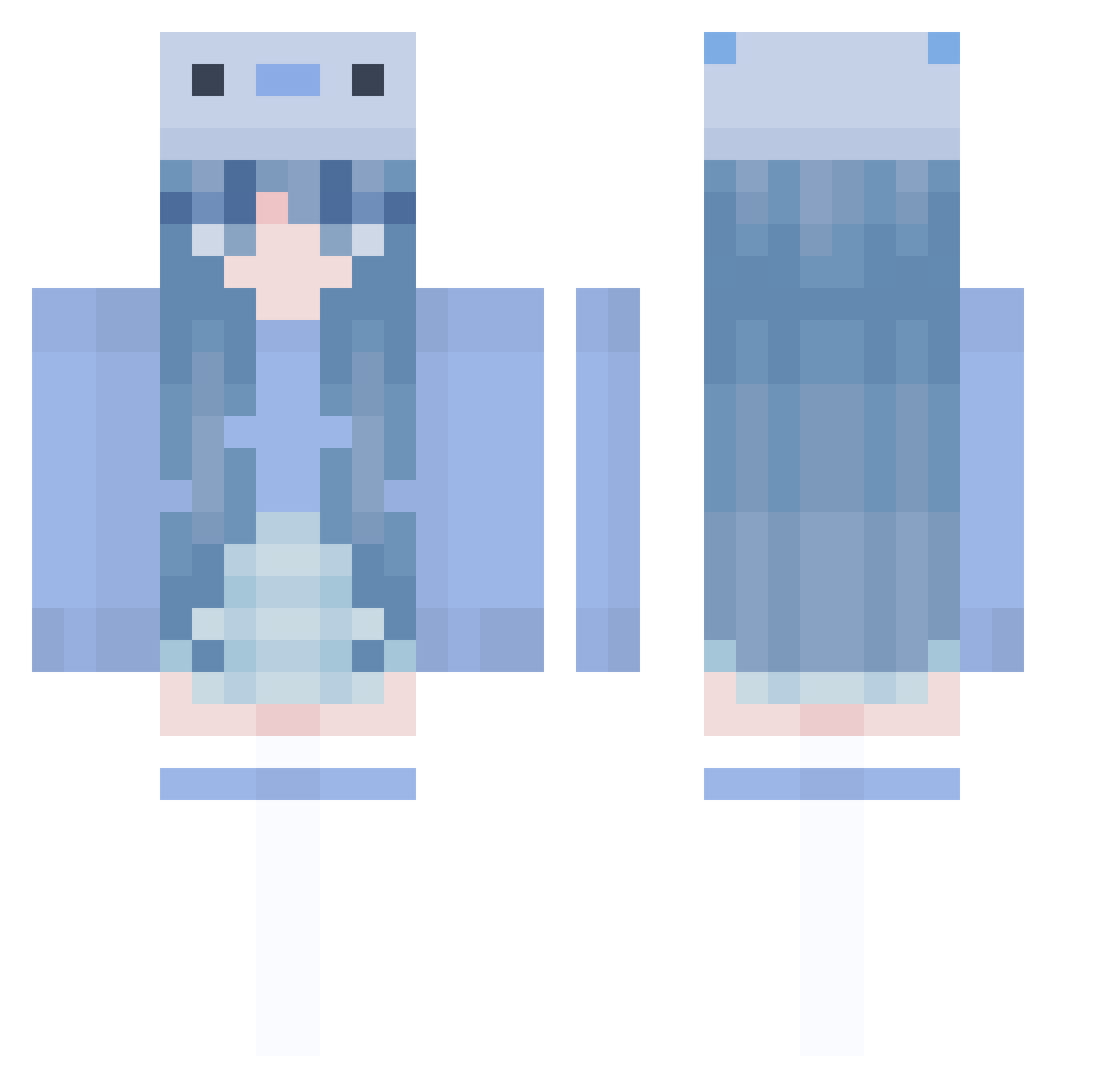
Current Minecraft skin of the player allela00, loaded from the official Mojang API. Rotate the 3D model with your mouse or finger, then download the skin as a PNG file and use it in Minecraft: Bedrock Edition or Java Edition for free. When allela00 changes their skin, this page updates automatically and the old skin stays in the history below.
Other players with this skin (1005)
allela00 was the 697th player we have seen with this skin, first spotted on 11.10.2026. The same skin was seen on these players. Open a nickname to see their current skin and skin history.
 Sturbles ezy0328 peppaemoli Lostrams impiccatii BENTO110 blackbxrd fysically mynameamara Ekammkaa_ bambiena RYPESATL3 makseem888 Naddie22 Kristila SeoulWorker Seolheenym ItsNotCosmoXD imvvtall CnEh4068 TF_JUDGE BaekSeju0 plua_is_dog winniechuan _ANDY_CANDY_ 01092 Scissors_Pie Apocalypse30 xalerine MICx_0005 danzimeng minsitah mizu_108 CureZxenT Icysharkk e11ixr0s3 egirlmineira MilkTeaS2 cmanhandley sangho2018 Suheda_Nur kiwi_mintyy _Zeeku SliverCat1 chairism niemoz sadooff Seykira dory2097 BobbyLeee kino49 fuyu_kun JulyyWasHere shooobydoo CannedFood2011 nayu_choco Midnight_Snax CozyAxolotl Bonny0922 dre4m38
More Axolotl Minecraft skins
How to install the allela00 skin
- Press the Download button above to save the skin as a PNG file.
- Minecraft: Bedrock Edition (PE): open the Dressing Room from the main menu (or tap your character → Edit Character), go to Classic Skins → Owned, press the + (new skin) button, choose the downloaded PNG and pick the Classic (Steve) model. Works on PC and mobile; consoles cannot import custom skins.
- Minecraft: Java Edition: open the Minecraft Launcher, go to the Skins tab, click New Skin, load the PNG, pick the Classic (Steve) model and press Save & Use. You can also upload it at minecraft.net → Profile → Change Skin.
The skin does not show up after import - what should I do?
Restart Minecraft and open the Dressing Room again - imported skins sometimes appear only after a restart. Also make sure you selected the imported skin and picked the Classic (Steve) model.
Which model should I choose, Classic or Slim?
This skin is designed for the Classic (Steve) model. If you pick the wrong model, the arms of the skin will look stretched or squeezed.
Is the skin of allela00 free to download?
Yes. Press Download, save the PNG file and use it in Minecraft: Bedrock Edition or Java Edition - no payment or registration needed. The skin also works on multiplayer servers and Realms.
More skins
Looking for more? Go back to all Minecraft skins and check the top skins of the week, month and all time, or find any player's skin by nickname.