
_pagi - Minecraft Skins & Skin History
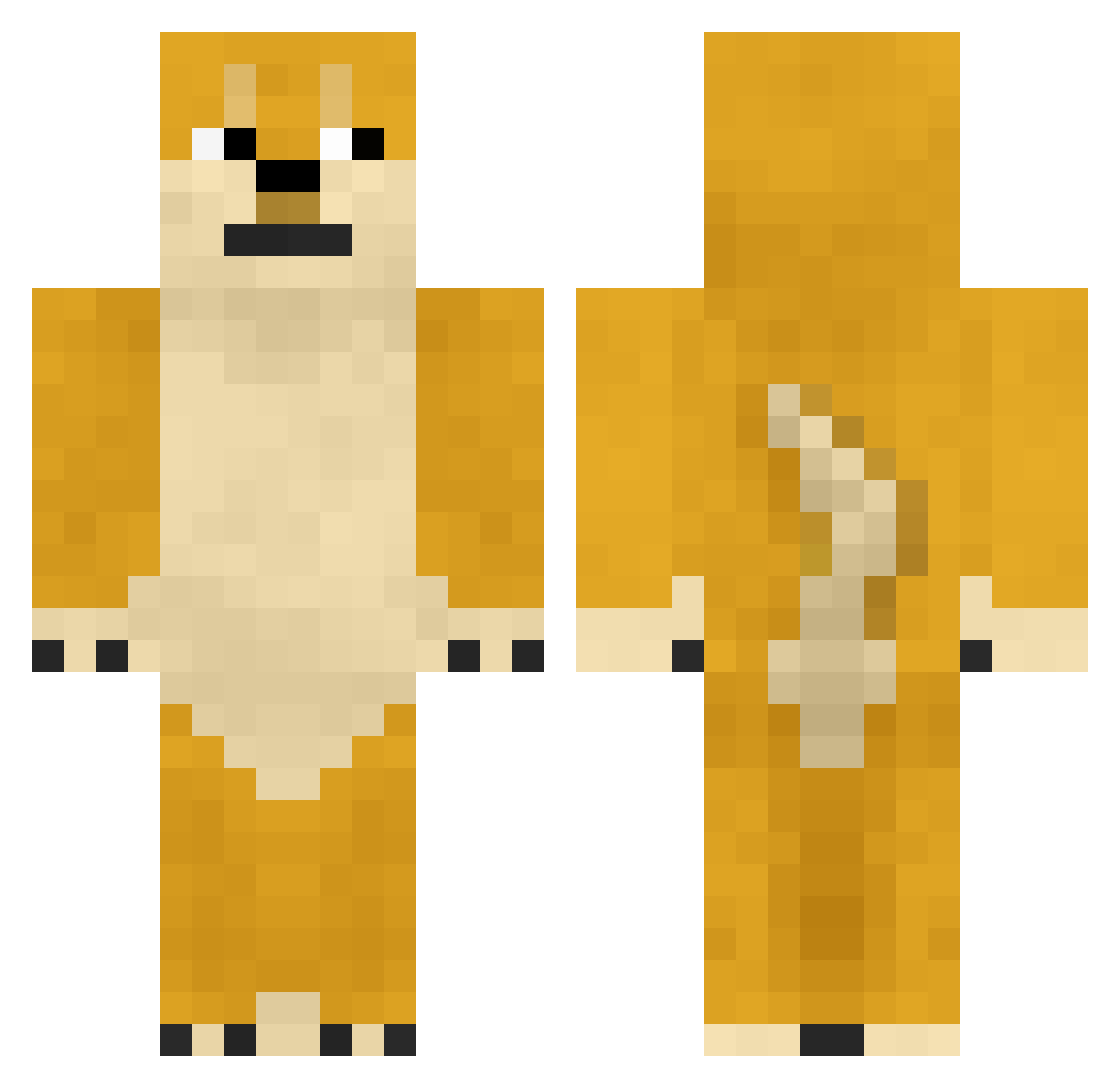
Current Minecraft skin of the player _pagi, loaded from the official Mojang API. Rotate the 3D model with your mouse or finger, then download the skin as a PNG file and use it in Minecraft: Bedrock Edition or Java Edition for free. When _pagi changes their skin, this page updates automatically and the old skin stays in the history below.
Other players with this skin (361)
_pagi was the 321st player we have seen with this skin, first spotted on 12.10.2026. The same skin was seen on these players. Open a nickname to see their current skin and skin history.
 Bucknerb33 Sovii PrayForKiwi zJAMx glockzdeus KodaGaymer Ychoop Porter_ jerrycat100 IFroozzen MerpdaFlerp BL5C R0binzoor macandcheez117 lymarie3 XxFIREBLADE48xX Covp Skuflence chillyproduction Stolen_Rope92 imtotallysteve Yolorific nightmayor17 imzshaun cdog0227 demolatorn ImSik SierraAries SpoopyPupper Minuel9 LTRiggs321 Leslie_Chow1 PubscrubsDolan Justbadday takemaro1 embolea jetleopard TooFrosteh Tling babymario123 beeziebub MZP666 willdestroys hijoe999 crodyyaaroni Grandma9034 Mojomax16 CODMonster06 ChurnChum Magicanz averageowen TheGreenCarrot wyjazdrozjebancu Swagger__Dagger gunho1226 memiii thescottishnerd BigtimeLambo boss180 Heejuneham
More Internet Meme Minecraft skins
See all 117 Internet Meme skins
How to install the _pagi skin
- Press the Download button above to save the skin as a PNG file.
- Minecraft: Bedrock Edition (PE): open the Dressing Room from the main menu (or tap your character → Edit Character), go to Classic Skins → Owned, press the + (new skin) button, choose the downloaded PNG and pick the Classic (Steve) model. Works on PC and mobile; consoles cannot import custom skins.
- Minecraft: Java Edition: open the Minecraft Launcher, go to the Skins tab, click New Skin, load the PNG, pick the Classic (Steve) model and press Save & Use. You can also upload it at minecraft.net → Profile → Change Skin.
The skin does not show up after import - what should I do?
Restart Minecraft and open the Dressing Room again - imported skins sometimes appear only after a restart. Also make sure you selected the imported skin and picked the Classic (Steve) model.
Which model should I choose, Classic or Slim?
This skin is designed for the Classic (Steve) model. If you pick the wrong model, the arms of the skin will look stretched or squeezed.
Is the skin of _pagi free to download?
Yes. Press Download, save the PNG file and use it in Minecraft: Bedrock Edition or Java Edition - no payment or registration needed. The skin also works on multiplayer servers and Realms.
More skins
Looking for more? Go back to all Minecraft skins and check the top skins of the week, month and all time, or find any player's skin by nickname.