
__epicgamer123__ - Minecraft Skins & Skin History
Current Minecraft skin of the player __epicgamer123__, loaded from the official Mojang API. Rotate the 3D model with your mouse or finger, then download the skin as a PNG file and use it in Minecraft: Bedrock Edition or Java Edition for free. When __epicgamer123__ changes their skin, this page updates automatically and the old skin stays in the history below.
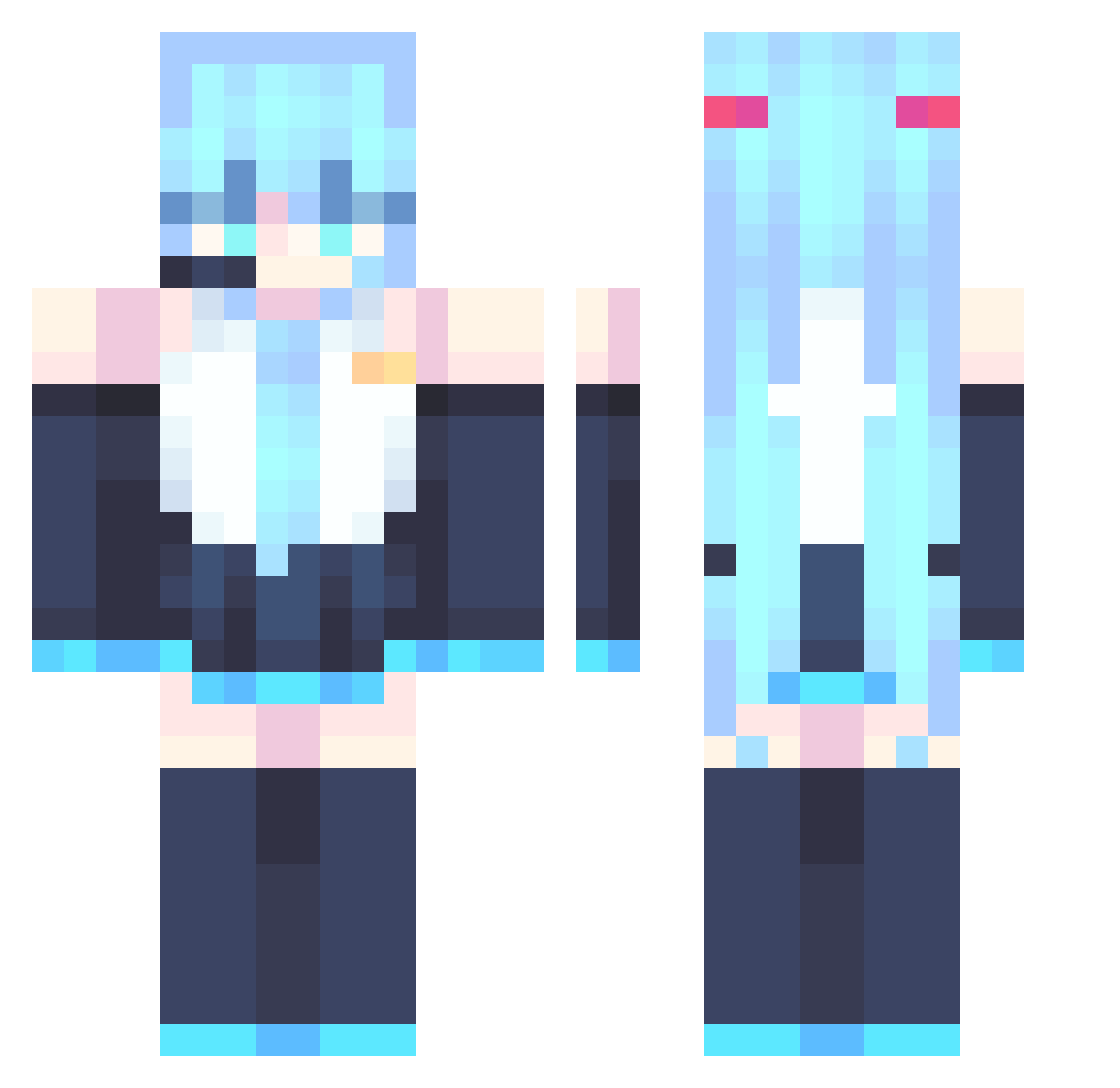
Other players with this skin (867)
__epicgamer123__ was the 390th player we have seen with this skin, first spotted on 14.09.2026. The same skin was seen on these players. Open a nickname to see their current skin and skin history.
 ACAneeee
 ded_ Sta777 FuriousFarter09 Skittle_Lord TheALMG simo6390 kerry1111a Bionicstar_ comicbasson Roadside_Picnic DeltaFox19 Nlnscn Haz_S2 TAC123456 Xiao17000 Efb233 cyan_rhoi OhWhatSimple PurrMimic Pan_Ka mhw_oe Pineapple51017 MIku_Arigato __Annanas cxk1145141919810 nilenakub1 chajib Shinku_Senko Dracs18 YAMBORGHINI999 MikuO3O John961201 aderop2 cheesestick234 halicablissout Tiny_timze vxlyra True_Avanguard smugUwU DamasGratisFan carmine_Cl luofeng2006 daidaishe epicmemeboy jqpd sfothh luvitin Mihema141313 keshxn_ an1111111 sijianue RoseJester nws_ ilvaite losingmymaybles s4geli StrykerZZZ erikpnt ao0iii
More Hatsune Miku Minecraft skins
See all 894 Hatsune Miku skins
How to install the __epicgamer123__ skin
- Press the Download button above to save the skin as a PNG file.
- Minecraft: Bedrock Edition (PE): open the Dressing Room from the main menu (or tap your character → Edit Character), go to Classic Skins → Owned, press the + (new skin) button, choose the downloaded PNG and pick the Classic (Steve) model. Works on PC and mobile; consoles cannot import custom skins.
- Minecraft: Java Edition: open the Minecraft Launcher, go to the Skins tab, click New Skin, load the PNG, pick the Classic (Steve) model and press Save & Use. You can also upload it at minecraft.net → Profile → Change Skin.
The skin does not show up after import - what should I do?
Restart Minecraft and open the Dressing Room again - imported skins sometimes appear only after a restart. Also make sure you selected the imported skin and picked the Classic (Steve) model.
Which model should I choose, Classic or Slim?
This skin is designed for the Classic (Steve) model. If you pick the wrong model, the arms of the skin will look stretched or squeezed.
Is the skin of __epicgamer123__ free to download?
Yes. Press Download, save the PNG file and use it in Minecraft: Bedrock Edition or Java Edition - no payment or registration needed. The skin also works on multiplayer servers and Realms.
More skins
Looking for more? Go back to all Minecraft skins and check the top skins of the week, month and all time, or find any player's skin by nickname.