
__Synixx_ - Minecraft Skins & Skin History
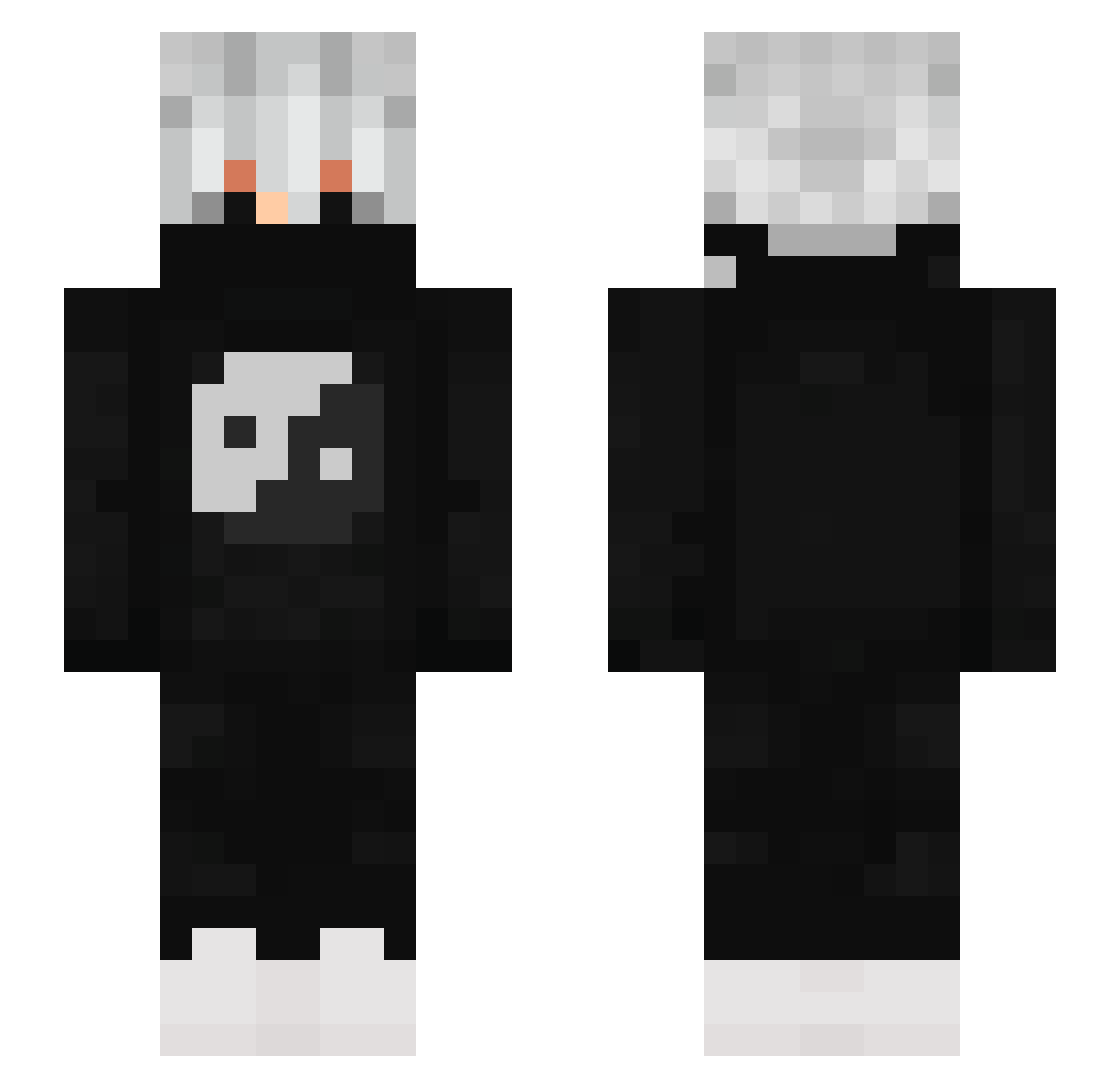
Current Minecraft skin of the player __Synixx_, loaded from the official Mojang API. Rotate the 3D model with your mouse or finger, then download the skin as a PNG file and use it in Minecraft: Bedrock Edition or Java Edition for free. When __Synixx_ changes their skin, this page updates automatically and the old skin stays in the history below.
Other players with this skin (880)
__Synixx_ was the 33rd player we have seen with this skin, first spotted on 28.07.2026. The same skin was seen on these players. Open a nickname to see their current skin and skin history.
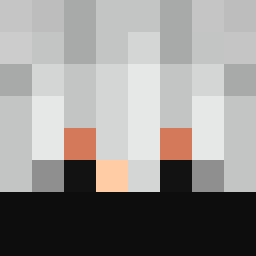 LNT_White Already9ead_ Hollow861 Blackbery26 TeepaxTheBuilder Ghosttqt aderyn1392 Z_deady_X YTholpex KapaDux JeasterTR Aimzygg yinblex
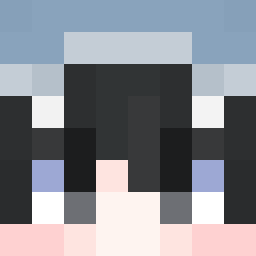 SDADASASD Fritz_COMPANY Saif_RG Keshav_89 PequenoLuketa Yaskolnikov_ Roskiller59 ronoron Just_Luckii amirnice Jxllodms baboled2288 Octopus2x0 Black_Panda666 Zencoo NonyJoga monster8887 iPotNoodleFreak Sc9pe Dewaa_ qchhhhhhhhhhhhhh zaid09092xd Stomp2D dSharky_boy Lazbyii hacker_67 rskelly Zebzella zKeyto P0w3rup1_ InformalBag82 nightmare1899 M0hsan JigenZ7 omerbaba02 inquisitorius59 SLFG_DREAM KayEes_ Nicolas1234jk Lechuguin456 Annillia Itachi_NT xNeyTiC xTakeshido GlebBboy YaZumKi JavascriptMJ
More Yin Yang Minecraft skins
How to install the __Synixx_ skin
- Press the Download button above to save the skin as a PNG file.
- Minecraft: Bedrock Edition (PE): open the Dressing Room from the main menu (or tap your character → Edit Character), go to Classic Skins → Owned, press the + (new skin) button, choose the downloaded PNG and pick the Slim (Alex) model. Works on PC and mobile; consoles cannot import custom skins.
- Minecraft: Java Edition: open the Minecraft Launcher, go to the Skins tab, click New Skin, load the PNG, pick the Slim (Alex) model and press Save & Use. You can also upload it at minecraft.net → Profile → Change Skin.
The skin does not show up after import - what should I do?
Restart Minecraft and open the Dressing Room again - imported skins sometimes appear only after a restart. Also make sure you selected the imported skin and picked the Slim (Alex) model.
Which model should I choose, Classic or Slim?
This skin is designed for the Slim (Alex) model. If you pick the wrong model, the arms of the skin will look stretched or squeezed.
Is the skin of __Synixx_ free to download?
Yes. Press Download, save the PNG file and use it in Minecraft: Bedrock Edition or Java Edition - no payment or registration needed. The skin also works on multiplayer servers and Realms.
More skins
Looking for more? Go back to all Minecraft skins and check the top skins of the week, month and all time, or find any player's skin by nickname.