
_Tong7 - Minecraft Skins & Skin History
Current Minecraft skin of the player _Tong7, loaded from the official Mojang API. Rotate the 3D model with your mouse or finger, then download the skin as a PNG file and use it in Minecraft: Bedrock Edition or Java Edition for free. When _Tong7 changes their skin, this page updates automatically and the old skin stays in the history below.
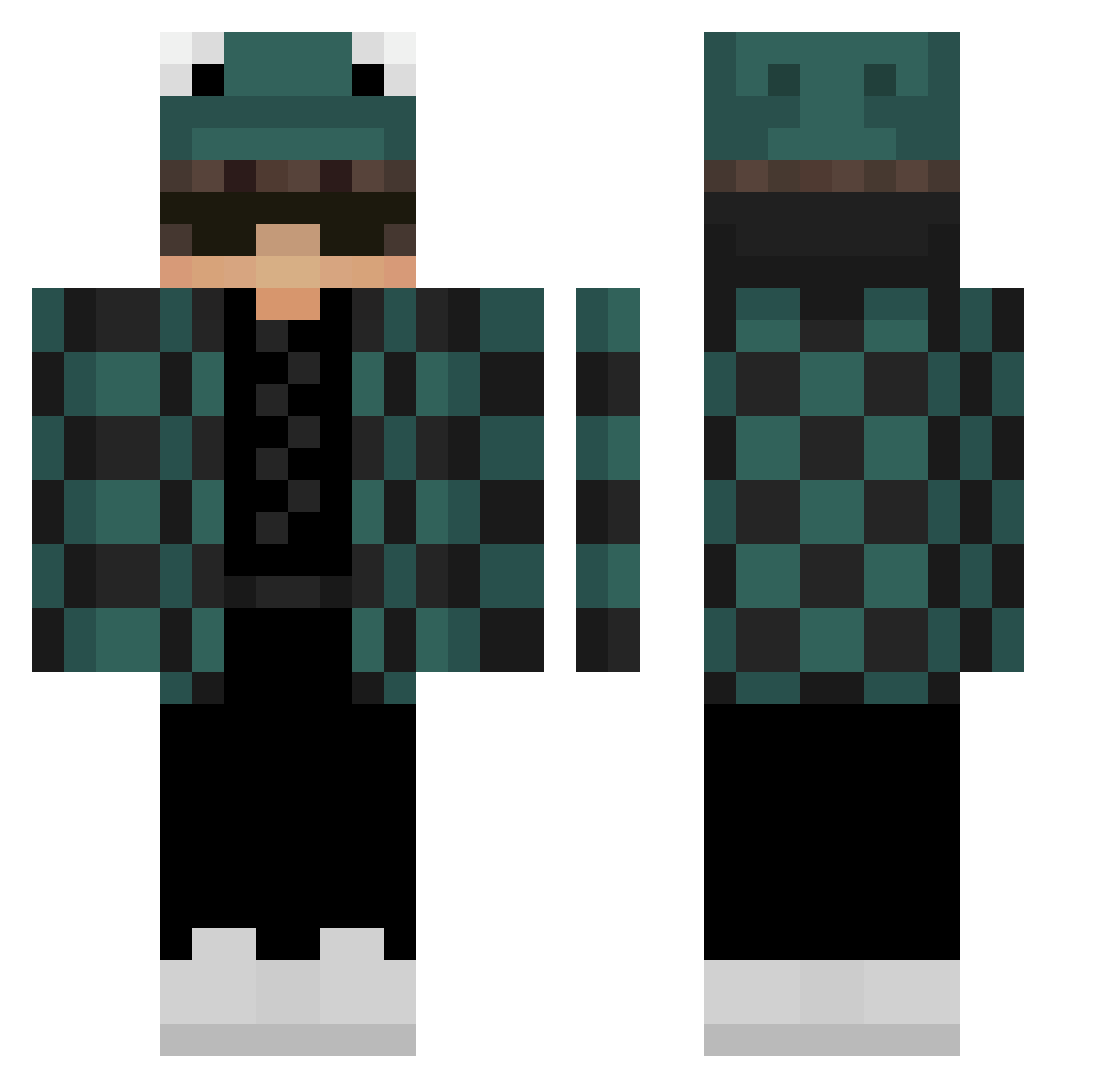
Other players with this skin (301)
_Tong7 was the 45th player we have seen with this skin, first spotted on 10.08.2026. The same skin was seen on these players. Open a nickname to see their current skin and skin history.
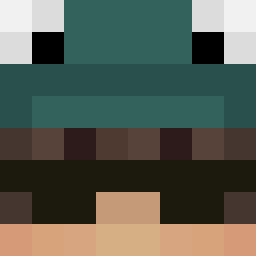 Bavtus LocsiTv Beanos126 FerchoWasabsky Truicovell Vinio_11 Myticharly Wrathxd__
 HP091112 prdola01 WildyaSpigot Variaax sni0331 chopdtree LyronS 00mingming Ninjaboubou2221
 pocoloco__ xXFiloxXx Zabsonek cappings ACrazyWater Muchneededwater BlackFender50 sikinikigs Jasonyzzz ZvenNeil Ayanokoji7 MefcioYT HariboSlik Texkas08 PopPop3125 daddychulo69420 BeatyBlue proxu22 NewKJH Schwertregen137 Darioelpro131 Juls94 NL_Dominate Jamie36XD IcesYouTube qetsu PhantomZexorz Szymeq282 MCMeli emanuelsd xox0_ Tethrax Gesi01 Lmoax JuiceB0X5 echerazzo whoisamz SimonK1ller MopsikEzz riccardo100pro Tohune PARZIVALIX xxlegameurdu75
More Frog Hat Minecraft skins
How to install the _Tong7 skin
- Press the Download button above to save the skin as a PNG file.
- Minecraft: Bedrock Edition (PE): open the Dressing Room from the main menu (or tap your character → Edit Character), go to Classic Skins → Owned, press the + (new skin) button, choose the downloaded PNG and pick the Classic (Steve) model. Works on PC and mobile; consoles cannot import custom skins.
- Minecraft: Java Edition: open the Minecraft Launcher, go to the Skins tab, click New Skin, load the PNG, pick the Classic (Steve) model and press Save & Use. You can also upload it at minecraft.net → Profile → Change Skin.
The skin does not show up after import - what should I do?
Restart Minecraft and open the Dressing Room again - imported skins sometimes appear only after a restart. Also make sure you selected the imported skin and picked the Classic (Steve) model.
Which model should I choose, Classic or Slim?
This skin is designed for the Classic (Steve) model. If you pick the wrong model, the arms of the skin will look stretched or squeezed.
Is the skin of _Tong7 free to download?
Yes. Press Download, save the PNG file and use it in Minecraft: Bedrock Edition or Java Edition - no payment or registration needed. The skin also works on multiplayer servers and Realms.
More skins
Looking for more? Go back to all Minecraft skins and check the top skins of the week, month and all time, or find any player's skin by nickname.