
Zy0oX - Minecraft Skins & Skin History
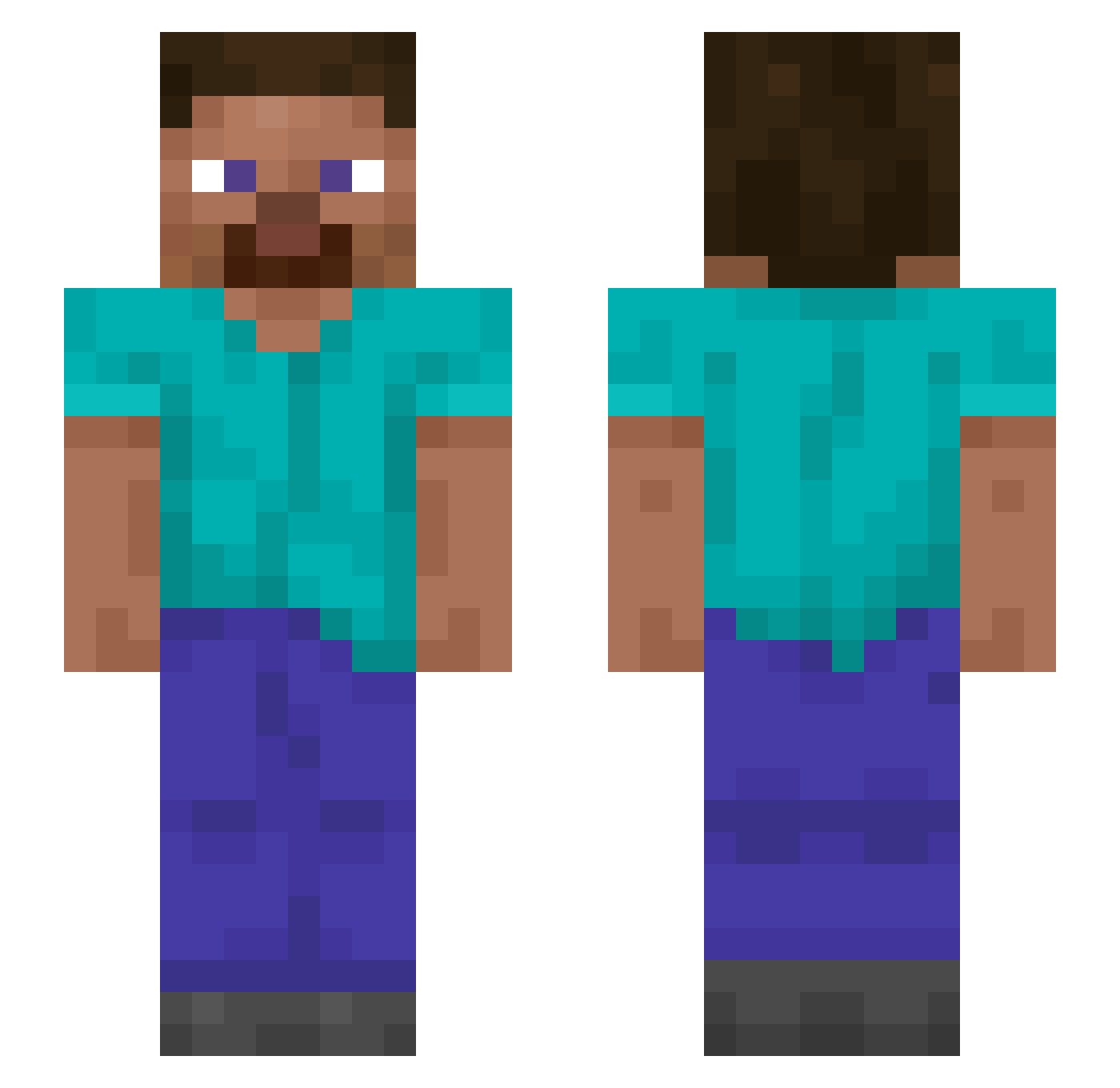
Current Minecraft skin of the player Zy0oX, loaded from the official Mojang API. Rotate the 3D model with your mouse or finger, then download the skin as a PNG file and use it in Minecraft: Bedrock Edition or Java Edition for free. When Zy0oX changes their skin, this page updates automatically and the old skin stays in the history below.
Other players with this skin (1313)
Zy0oX was the 1140th player we have seen with this skin, first spotted on 23.10.2026. The same skin was seen on these players. Open a nickname to see their current skin and skin history.
 Erosionist Bruted MongMongDD Wickedtuna221 LilRubber6969 goldbricks remediless ingekill Recant estolzera molders Heatzy63 bryxcaleb Ryomei_Sukuna Outshined Kreat1vlos sh1127 SonGokuABC Troubleshooted Thowoos Unapersona100 knecota Doek voermans55 Preception DEK0N7 Panthea biblioclasm Trenz0123 Whenso Intersubjective Freshness Kittar Daniel__1611 Metasequoia Woa6627 Floristic sokucubaba3169 frioventus Skybal metaurus Coveted TEODORINHO grinter adamfle__ eisei205 Manyfold Obamas_Sandwich_ Smokep0p SoulSniper0415 hero003 turkmen LongEar Unbatted Divalence lukeyboy8767 Lightfooted leancraft Mahalis nursings
How to install the Zy0oX skin
- Press the Download button above to save the skin as a PNG file.
- Minecraft: Bedrock Edition (PE): open the Dressing Room from the main menu (or tap your character → Edit Character), go to Classic Skins → Owned, press the + (new skin) button, choose the downloaded PNG and pick the Slim (Alex) model. Works on PC and mobile; consoles cannot import custom skins.
- Minecraft: Java Edition: open the Minecraft Launcher, go to the Skins tab, click New Skin, load the PNG, pick the Slim (Alex) model and press Save & Use. You can also upload it at minecraft.net → Profile → Change Skin.
The skin does not show up after import - what should I do?
Restart Minecraft and open the Dressing Room again - imported skins sometimes appear only after a restart. Also make sure you selected the imported skin and picked the Slim (Alex) model.
Which model should I choose, Classic or Slim?
This skin is designed for the Slim (Alex) model. If you pick the wrong model, the arms of the skin will look stretched or squeezed.
Is the skin of Zy0oX free to download?
Yes. Press Download, save the PNG file and use it in Minecraft: Bedrock Edition or Java Edition - no payment or registration needed. The skin also works on multiplayer servers and Realms.
More skins
Looking for more? Go back to all Minecraft skins and check the top skins of the week, month and all time, or find any player's skin by nickname.