
ZDel - Minecraft Skins & Skin History
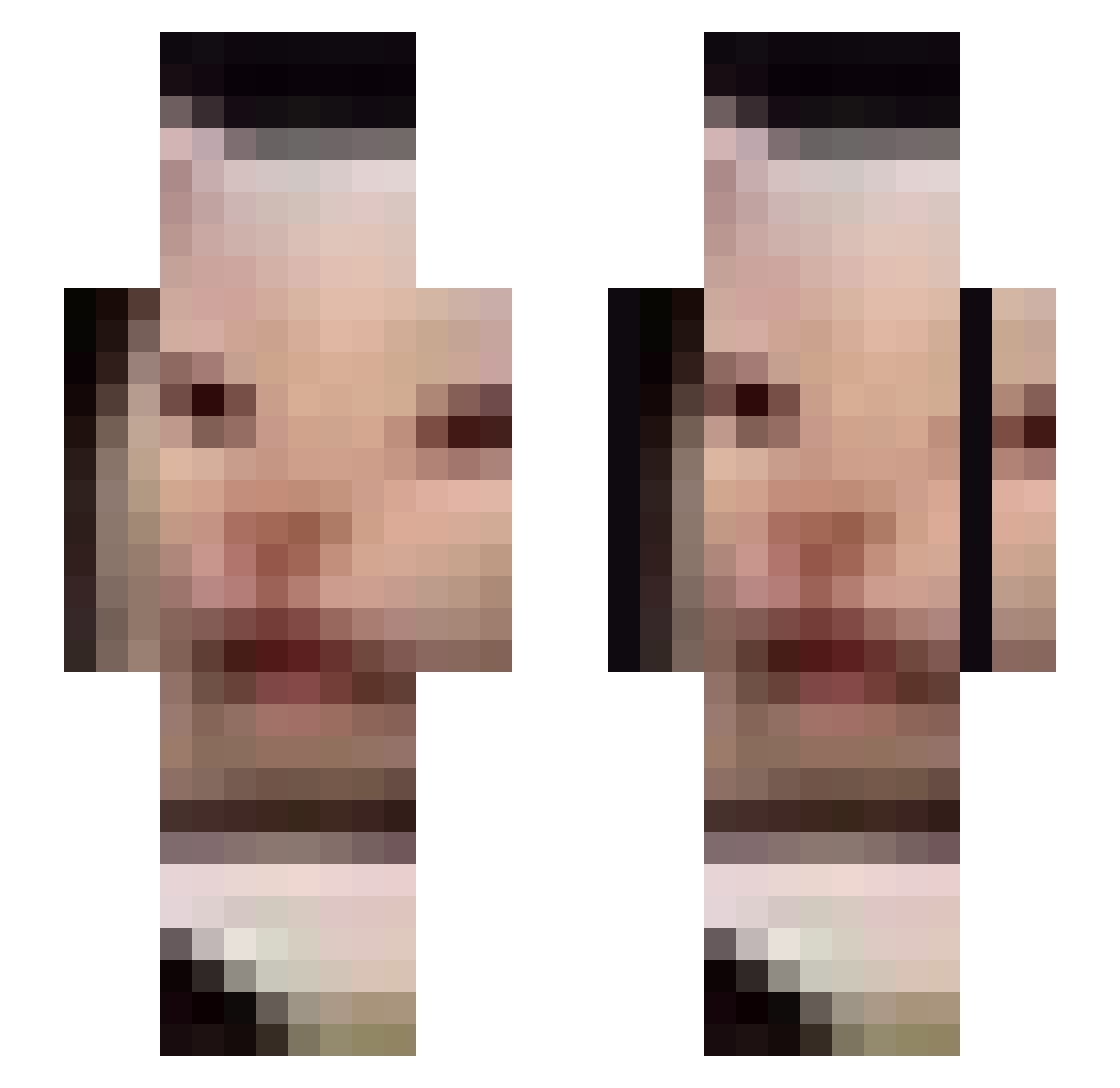
Current Minecraft skin of the player ZDel, loaded from the official Mojang API. Rotate the 3D model with your mouse or finger, then download the skin as a PNG file and use it in Minecraft: Bedrock Edition or Java Edition for free. When ZDel changes their skin, this page updates automatically and the old skin stays in the history below.
Other players with this skin (675)
ZDel was the 640th player we have seen with this skin, first spotted on 27.10.2026. The same skin was seen on these players. Open a nickname to see their current skin and skin history.
 g0ser MRprezident97 ZeeQa GI_YOON Dougall1 _Jager__ Jackson_0516 VannahT bf_mine DarwinTheKing101 _Coelian_ karmo2 Casserole14 Banther1 ahhhDurrrr MarcSeb thesaltedwaffle OpTicFaZeTmto SharkKing420 arunawayyy adominoss Entryher Fraktalysergik Weexos xXSvGModZXx Fedah24 Jaewon_Kim06 GnomoMZ 0ddly3nough ToxicJensenBoi superluca64 DelZ10104050104 NoobPlayer669 INPENDENPENGUIN ChildlessSadbino Nerovers Artemihn TobiramaNidaime guttinggod ReverbDistortion XXXHellhound um___beans kingHyunjun1 ophirkill JakeMan92 TacticalAtol Mayhem406 SpinnOnEm videsnide jilbbuk CattoSupreme Supikarvareuhka Momalfoy Shiikuu Siwooindeyo Indiana17 KyleMaclean SturnkII leppard204 VenturaNyx
More Beluga Minecraft skins
How to install the ZDel skin
- Press the Download button above to save the skin as a PNG file.
- Minecraft: Bedrock Edition (PE): open the Dressing Room from the main menu (or tap your character → Edit Character), go to Classic Skins → Owned, press the + (new skin) button, choose the downloaded PNG and pick the Slim (Alex) model. Works on PC and mobile; consoles cannot import custom skins.
- Minecraft: Java Edition: open the Minecraft Launcher, go to the Skins tab, click New Skin, load the PNG, pick the Slim (Alex) model and press Save & Use. You can also upload it at minecraft.net → Profile → Change Skin.
The skin does not show up after import - what should I do?
Restart Minecraft and open the Dressing Room again - imported skins sometimes appear only after a restart. Also make sure you selected the imported skin and picked the Slim (Alex) model.
Which model should I choose, Classic or Slim?
This skin is designed for the Slim (Alex) model. If you pick the wrong model, the arms of the skin will look stretched or squeezed.
Is the skin of ZDel free to download?
Yes. Press Download, save the PNG file and use it in Minecraft: Bedrock Edition or Java Edition - no payment or registration needed. The skin also works on multiplayer servers and Realms.
More skins
Looking for more? Go back to all Minecraft skins and check the top skins of the week, month and all time, or find any player's skin by nickname.