
WillDaBeer - Minecraft Skins & Skin History
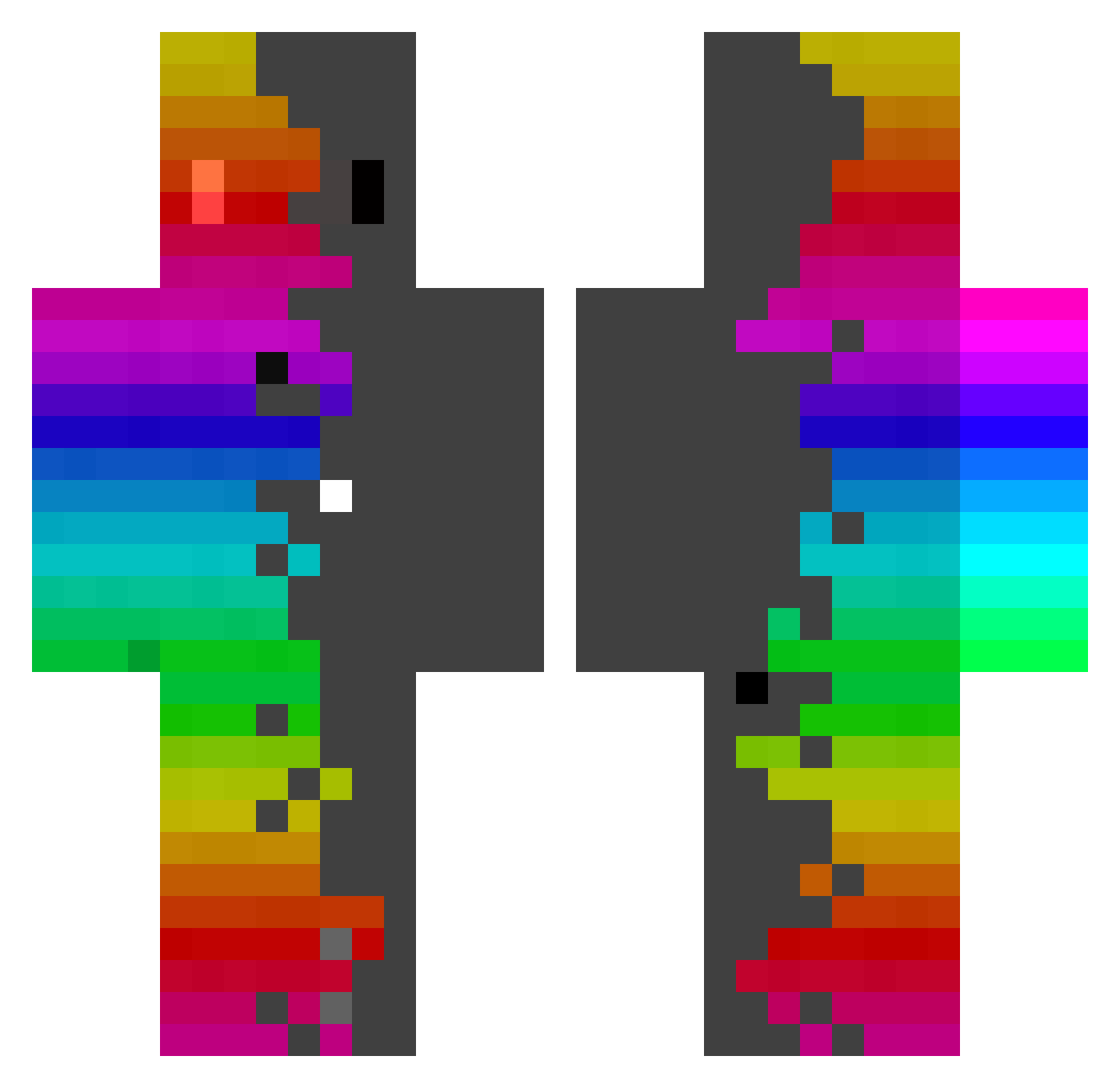
Current Minecraft skin of the player WillDaBeer, loaded from the official Mojang API. Rotate the 3D model with your mouse or finger, then download the skin as a PNG file and use it in Minecraft: Bedrock Edition or Java Edition for free. When WillDaBeer changes their skin, this page updates automatically and the old skin stays in the history below.
Other players with this skin (440)
WillDaBeer was the 126th player we have seen with this skin, first spotted on 26.08.2026. The same skin was seen on these players. Open a nickname to see their current skin and skin history.
 Kurtkonig
 CaptinGroot Jonhezz Hugoqg4444 Dark_Slayer_N Haneval StallPlayz Hi_Do PURKI003 TNP1994 Xannl3 DRAKE12234 allgameki Loulou82000 FOXSeb CheezBUG ondraaaad juanespro0710 EricW_21 Sizuku78 ARAUX_ _Kokiri_ NiGanMaAiYo Joker490 ReachEntitled MattzGG weltidee KickRoll Srstarantonio HaYoHi Kry51 Fri25055 kannnnnna Spektur Osuruk45 Supercat1612 Lucky2day2004 Erm3tiko ItsCamara AriesFury CASHdm_ vinny31309 Ben4Craft Al3x1s30 AmarokBAG SkiesUnknown12 Rafael_God_War Jhonie_07 54hank Samup_ XLegionsX GabeAmoeba Vitinh0zn Zluckxy mistaM ziisann laucruYT GuddlsCraft CharutoUzumaki HecThor76
How to install the WillDaBeer skin
- Press the Download button above to save the skin as a PNG file.
- Minecraft: Bedrock Edition (PE): open the Dressing Room from the main menu (or tap your character → Edit Character), go to Classic Skins → Owned, press the + (new skin) button, choose the downloaded PNG and pick the Classic (Steve) model. Works on PC and mobile; consoles cannot import custom skins.
- Minecraft: Java Edition: open the Minecraft Launcher, go to the Skins tab, click New Skin, load the PNG, pick the Classic (Steve) model and press Save & Use. You can also upload it at minecraft.net → Profile → Change Skin.
The skin does not show up after import - what should I do?
Restart Minecraft and open the Dressing Room again - imported skins sometimes appear only after a restart. Also make sure you selected the imported skin and picked the Classic (Steve) model.
Which model should I choose, Classic or Slim?
This skin is designed for the Classic (Steve) model. If you pick the wrong model, the arms of the skin will look stretched or squeezed.
Is the skin of WillDaBeer free to download?
Yes. Press Download, save the PNG file and use it in Minecraft: Bedrock Edition or Java Edition - no payment or registration needed. The skin also works on multiplayer servers and Realms.
More skins
Looking for more? Go back to all Minecraft skins and check the top skins of the week, month and all time, or find any player's skin by nickname.