
 hugitex jss01112011 RainbowGuy6005 JAGUAR83 LucksX2012 Banana19112 Yus1R5478 BENJYCHILI VanMedina Pixel_Prinz Attackspy007 Saftiges2003 GSchoen MiniMiner82 rvingi24 _5k JULES0022 swersqw Pemberthy T_short Underz200 rob1n_a Al_Giraffe andytenn123 Necocan Allanildo LeberBrot cladvajo Shiina0121 Takathin5 Neonxgenesis123 edodb TheGodAize SrPirri Y_U_U_Y VHGX1 HeisenbergX67 Dreaming967 toshiki0056 WhIte_Nx Quentonn BadMine01 zdewa ephelogy Nartolome MorriganXDA Petitobot rroi0930 Azadontop10 Milan1rb QC_JEFF22 Lodiya Miquelino JoDeBest100 Ernestlebg206 Noob_Arqum logs114 MikeRepdek Jere_GG_ caualelek32
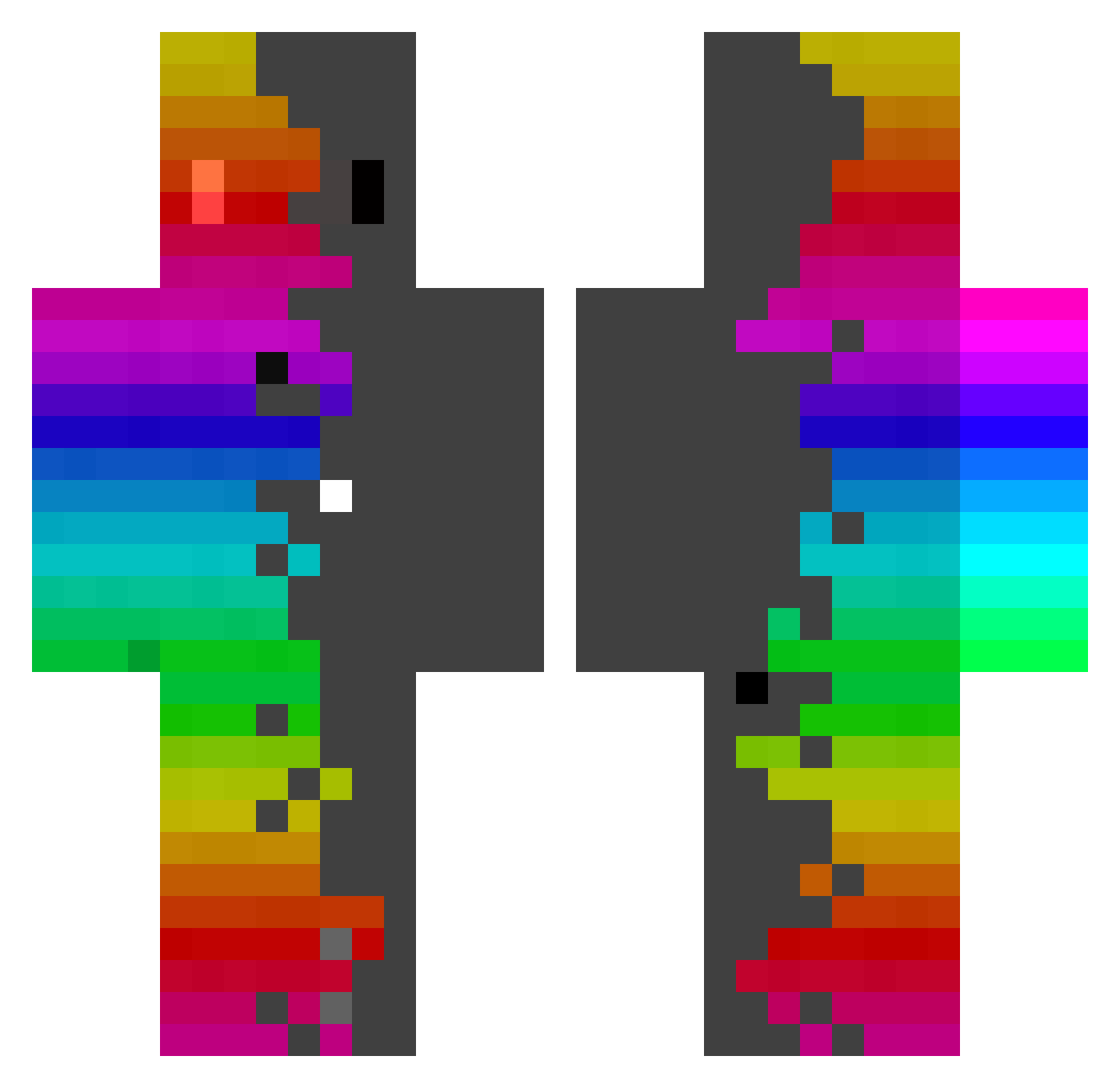
Minecraft skin of LuchoRG. Rotate the 3D model with your mouse or finger to view the skin from every angle, then download it as a PNG file and use it in Minecraft: Bedrock Edition or Java Edition for free. Rate the skin with stars to help other players find the best skins in our collection.
How to install the LuchoRG skin
- Press the Download button above to save the skin as a PNG file.
- Minecraft: Bedrock Edition (PE): open the Dressing Room from the main menu (or tap your character → Edit Character), go to Classic Skins → Owned, press the + (new skin) button, choose the downloaded PNG and pick the Classic (Steve) model. Works on PC and mobile; consoles cannot import custom skins.
- Minecraft: Java Edition: open the Minecraft Launcher, go to the Skins tab, click New Skin, load the PNG, pick the Classic (Steve) model and press Save & Use. You can also upload it at minecraft.net → Profile → Change Skin.
The skin does not show up after import - what should I do?
Restart Minecraft and open the Dressing Room again - imported skins sometimes appear only after a restart. Also make sure you selected the imported skin and picked the Classic (Steve) model.
Which model should I choose, Classic or Slim?
This skin is designed for the Classic (Steve) model. If you pick the wrong model, the arms of the skin will look stretched or squeezed.
Is this skin free to use?
Yes. Press Download, save the PNG file and use it in Minecraft: Bedrock Edition or Java Edition - no payment or registration needed. The skin also works on multiplayer servers and Realms.
More skins
Looking for more? Go back to all Minecraft skins and check the top skins of the week, month and all time, or find any player's skin by nickname.