
WalrusM8 - Minecraft Skins & Skin History
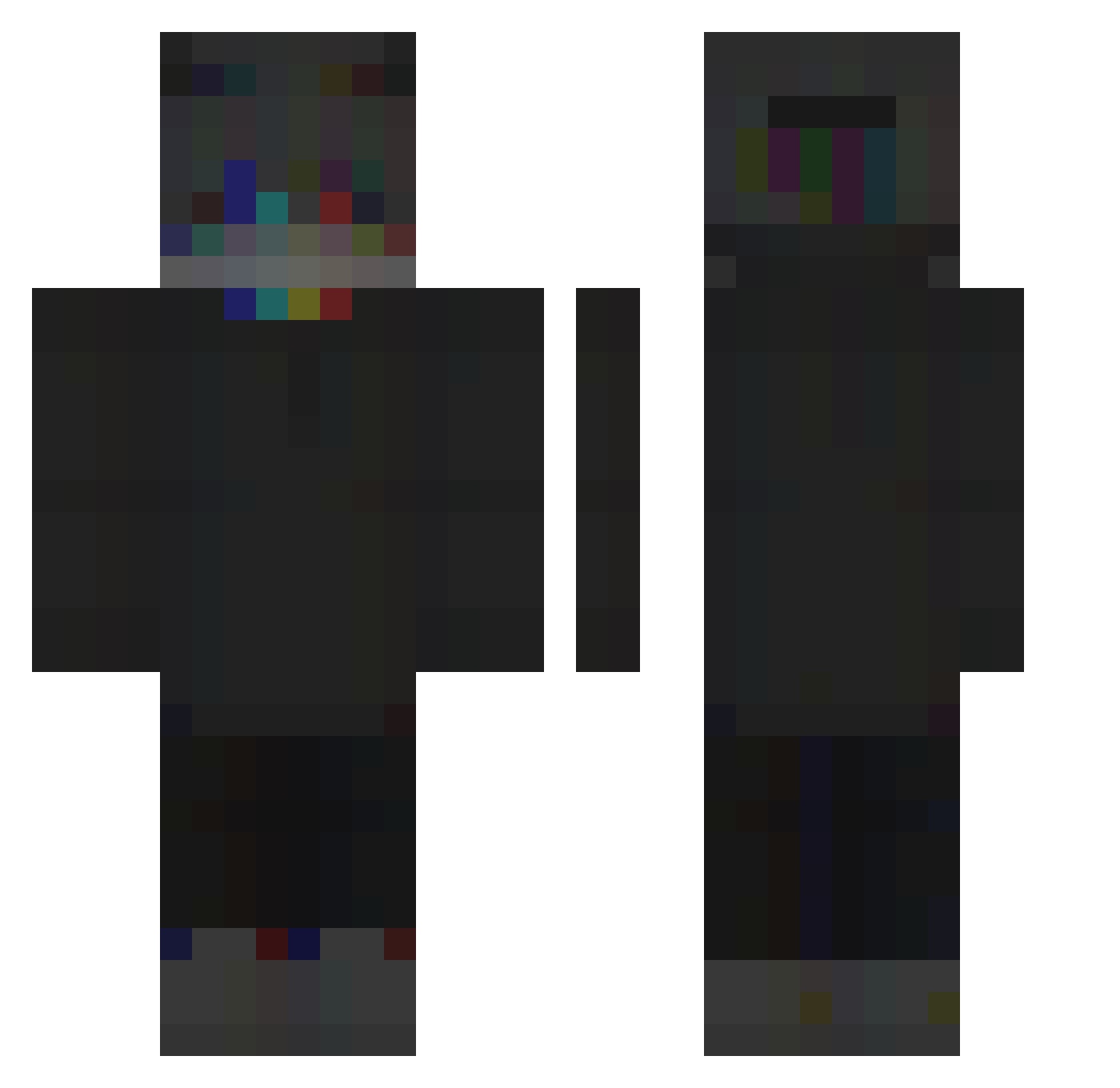
Current Minecraft skin of the player WalrusM8, loaded from the official Mojang API. Rotate the 3D model with your mouse or finger, then download the skin as a PNG file and use it in Minecraft: Bedrock Edition or Java Edition for free. When WalrusM8 changes their skin, this page updates automatically and the old skin stays in the history below.
Other players with this skin (259)
WalrusM8 was the 51st player we have seen with this skin, first spotted on 18.08.2026. The same skin was seen on these players. Open a nickname to see their current skin and skin history.
 Mxlvin__ LITEPUBG _Zy__ BigBootyBombs Neghco DEPRESSEDKlD1 uTalDoEduardooh NAN_STUDIOS Kolja_Goldstein apache_roller Safe_Haven TargetStrafe CoatedWhisper94 SpaceQ RyzeCA Lopci0 _Berga_ Unkn0wnNe0n Dr_Magic_Llama Ayples Lqcho KcalsOnBottom Daggerxe Kostelaaa
 antgotbandz hingefallen_ Redactyle Moderator23 khaied111 Aeeeas 194858291919 _Skay__ Discodonald Ad_Reina miv44 The_Infect HVGUYOFF z3Nona Whaeyz 1_ThE_bEsT_pRo_1 MENGDEXIONGDI _Fishka_Gaming_ ralboii DampDoubloon761 danyad234325 SlipGator81 Pukyy MarioLemina XxMardyxX YeetWagon kwaaaqnmwboolaen XanaxUndWein pozdro__pl WojtekPiernik123 BadGuyJin Ariitz deivizox WofulSun1257858 Im_kezq useloveGG
How to install the WalrusM8 skin
- Press the Download button above to save the skin as a PNG file.
- Minecraft: Bedrock Edition (PE): open the Dressing Room from the main menu (or tap your character → Edit Character), go to Classic Skins → Owned, press the + (new skin) button, choose the downloaded PNG and pick the Classic (Steve) model. Works on PC and mobile; consoles cannot import custom skins.
- Minecraft: Java Edition: open the Minecraft Launcher, go to the Skins tab, click New Skin, load the PNG, pick the Classic (Steve) model and press Save & Use. You can also upload it at minecraft.net → Profile → Change Skin.
The skin does not show up after import - what should I do?
Restart Minecraft and open the Dressing Room again - imported skins sometimes appear only after a restart. Also make sure you selected the imported skin and picked the Classic (Steve) model.
Which model should I choose, Classic or Slim?
This skin is designed for the Classic (Steve) model. If you pick the wrong model, the arms of the skin will look stretched or squeezed.
Is the skin of WalrusM8 free to download?
Yes. Press Download, save the PNG file and use it in Minecraft: Bedrock Edition or Java Edition - no payment or registration needed. The skin also works on multiplayer servers and Realms.
More skins
Looking for more? Go back to all Minecraft skins and check the top skins of the week, month and all time, or find any player's skin by nickname.