
WItek343 - Minecraft Skins & Skin History
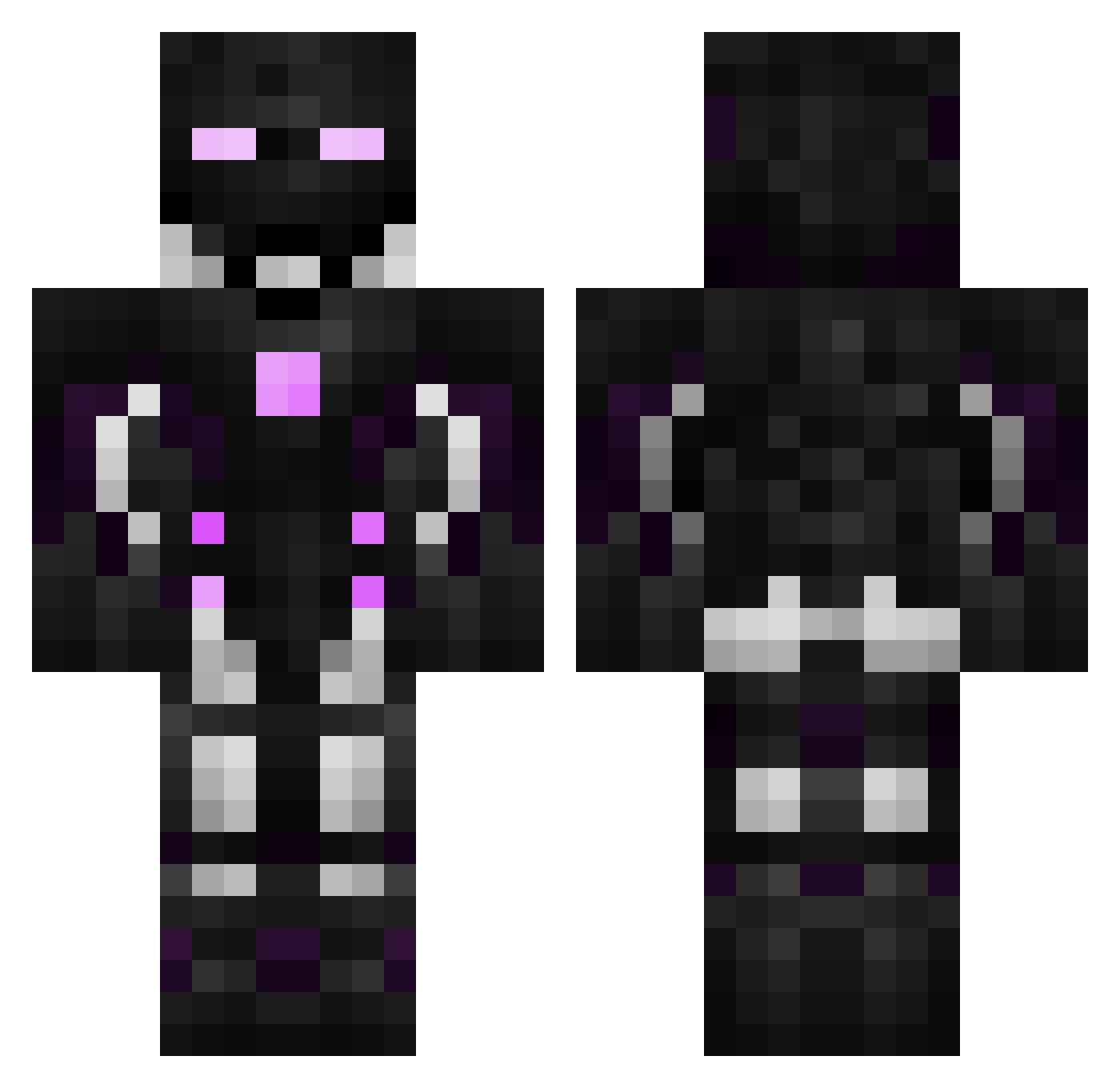
Current Minecraft skin of the player WItek343, loaded from the official Mojang API. Rotate the 3D model with your mouse or finger, then download the skin as a PNG file and use it in Minecraft: Bedrock Edition or Java Edition for free. When WItek343 changes their skin, this page updates automatically and the old skin stays in the history below.
Other players with this skin (596)
WItek343 was the 294th player we have seen with this skin, first spotted on 25.09.2026. The same skin was seen on these players. Open a nickname to see their current skin and skin history.
 LordCirex Kamillo558 IoriKitahara srka37 superhanzp666 SoxSider14 XCKEVIN inoran32 xilling123456789 Fran_of_Burnt Robrater sendbarb KingHenry14 DocxGames Scoutboy3120 _DjhA7 _DqDA21 Darkwinoxs ironbat4201 Goketer kyedog01 MadMaster_200 Not_Stormzy FreAZz07 7UK0 Shaxtry Jpegusian luanapalma KOFINcz monogg2 Jagilbert MxisesOG HDX_ White240 Guxrd OctoPoes_ xEazly xElBrandon M4tthewSvK hihumi71 Arjhaann yukkechann AfkOneSec SyxOffEnder stanou69 Y4R106 AprilliaRX50 Ruikki HK777712 Just_Him InvisibleTst _DeTI300 bautiroldan XBlackOSky_X Hector122005 DzEDUZz gutheory Yeehzus SedatPlayz DarexSK
More Cyborg Minecraft skins
How to install the WItek343 skin
- Press the Download button above to save the skin as a PNG file.
- Minecraft: Bedrock Edition (PE): open the Dressing Room from the main menu (or tap your character → Edit Character), go to Classic Skins → Owned, press the + (new skin) button, choose the downloaded PNG and pick the Classic (Steve) model. Works on PC and mobile; consoles cannot import custom skins.
- Minecraft: Java Edition: open the Minecraft Launcher, go to the Skins tab, click New Skin, load the PNG, pick the Classic (Steve) model and press Save & Use. You can also upload it at minecraft.net → Profile → Change Skin.
The skin does not show up after import - what should I do?
Restart Minecraft and open the Dressing Room again - imported skins sometimes appear only after a restart. Also make sure you selected the imported skin and picked the Classic (Steve) model.
Which model should I choose, Classic or Slim?
This skin is designed for the Classic (Steve) model. If you pick the wrong model, the arms of the skin will look stretched or squeezed.
Is the skin of WItek343 free to download?
Yes. Press Download, save the PNG file and use it in Minecraft: Bedrock Edition or Java Edition - no payment or registration needed. The skin also works on multiplayer servers and Realms.
More skins
Looking for more? Go back to all Minecraft skins and check the top skins of the week, month and all time, or find any player's skin by nickname.