
Vora135 - Minecraft Skins & Skin History
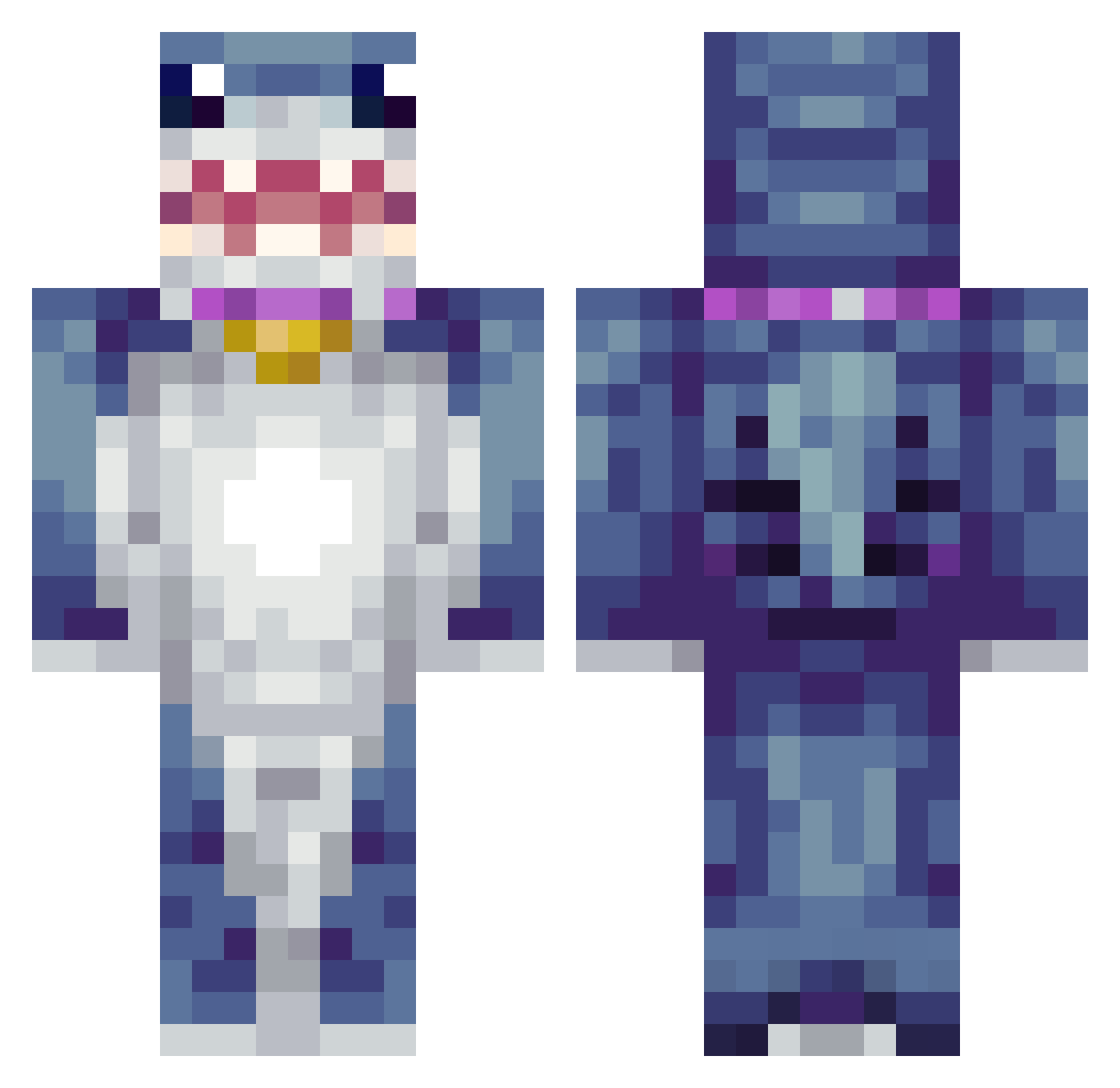
Current Minecraft skin of the player Vora135, loaded from the official Mojang API. Rotate the 3D model with your mouse or finger, then download the skin as a PNG file and use it in Minecraft: Bedrock Edition or Java Edition for free. When Vora135 changes their skin, this page updates automatically and the old skin stays in the history below.
Other players with this skin (425)
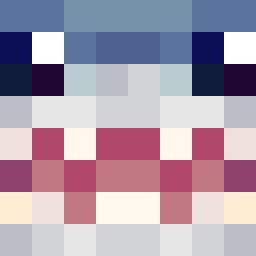
Vora135 was the 186th player we have seen with this skin, first spotted on 18.09.2026. The same skin was seen on these players. Open a nickname to see their current skin and skin history.
 Digisub RaidenAyaka sophgalie SkyLordTyr LunarsXV phoenixking0218 Evil_XeKo LeGromp24 Dryice55K AkonZz Zeeebrahh PotatoPJ69 Reddragon23110 Quetzcoal Mahondarin Ellisjoc15 VictorSAM07 domlisong PapasFrias64 ImHelen MINIDI b0byyy1 thorlist EvelynH15 tiburonsin666 fisbshk nubyu TropicalPenguino GuyNamedPK LEOMANPAR Th4tguy212 SiticEye GaSaNog disalas12 MakoChew bill119 cuddlingus xxcmathiascxx Aixvz Flamethrower99 coolsasas dejota_ vpset1 akVz annbel Mizzy8_ Stephoooooon R3loIsBetter siraxolotl27 JBR12 lumiere745 louisgsharples CG_GABRIEL SebaCM AlbertsFrogHat LucentSauce Enjue PokeToad37 dhfhr44 binsu589
More Shark Minecraft skins
How to install the Vora135 skin
- Press the Download button above to save the skin as a PNG file.
- Minecraft: Bedrock Edition (PE): open the Dressing Room from the main menu (or tap your character → Edit Character), go to Classic Skins → Owned, press the + (new skin) button, choose the downloaded PNG and pick the Classic (Steve) model. Works on PC and mobile; consoles cannot import custom skins.
- Minecraft: Java Edition: open the Minecraft Launcher, go to the Skins tab, click New Skin, load the PNG, pick the Classic (Steve) model and press Save & Use. You can also upload it at minecraft.net → Profile → Change Skin.
The skin does not show up after import - what should I do?
Restart Minecraft and open the Dressing Room again - imported skins sometimes appear only after a restart. Also make sure you selected the imported skin and picked the Classic (Steve) model.
Which model should I choose, Classic or Slim?
This skin is designed for the Classic (Steve) model. If you pick the wrong model, the arms of the skin will look stretched or squeezed.
Is the skin of Vora135 free to download?
Yes. Press Download, save the PNG file and use it in Minecraft: Bedrock Edition or Java Edition - no payment or registration needed. The skin also works on multiplayer servers and Realms.
More skins
Looking for more? Go back to all Minecraft skins and check the top skins of the week, month and all time, or find any player's skin by nickname.