
 Mr_Mnay fantaflip1 fanatics1947 ChillEvening163 PureElm1 Acez10 Limelioon yuushua aket11 Big_DMan Darklight157 Laurenz1934 Noellemf jimmycarr_23 Green_BoneStew sagefloop Adamski19992 MIKESS1234 SudsierHail26 maeson2011 LaserSnake Hajtand1 TarZWRLD KamiJinx Keki_lel Croyll professorkani MrSoc11 PokegirlJessica Greepus WagglyS2 Young_Tillar Keiling1401 Anshx1 FluooR Riskin_All lnewton67 alanml92 clevbb RustTie4721736 loganlovesminers ren_candy Hi_yo_ cobalt531 SLAYER0620 ZRSquad Kiriko432 mangonasai ueau Farquaad7 RIVERROCKY Lorenzooooo0 FocusLoop KATTEN64 Sharksting07 AnnyD4y DexSsa0 Summit_ZA FuzzyBear0310 Felix_1901
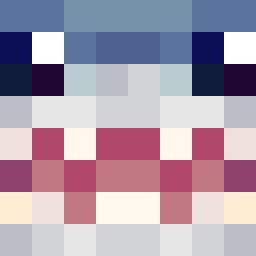
Minecraft skin of SelLeR1e. Rotate the 3D model with your mouse or finger to view the skin from every angle, then download it as a PNG file and use it in Minecraft: Bedrock Edition or Java Edition for free. Rate the skin with stars to help other players find the best skins in our collection.
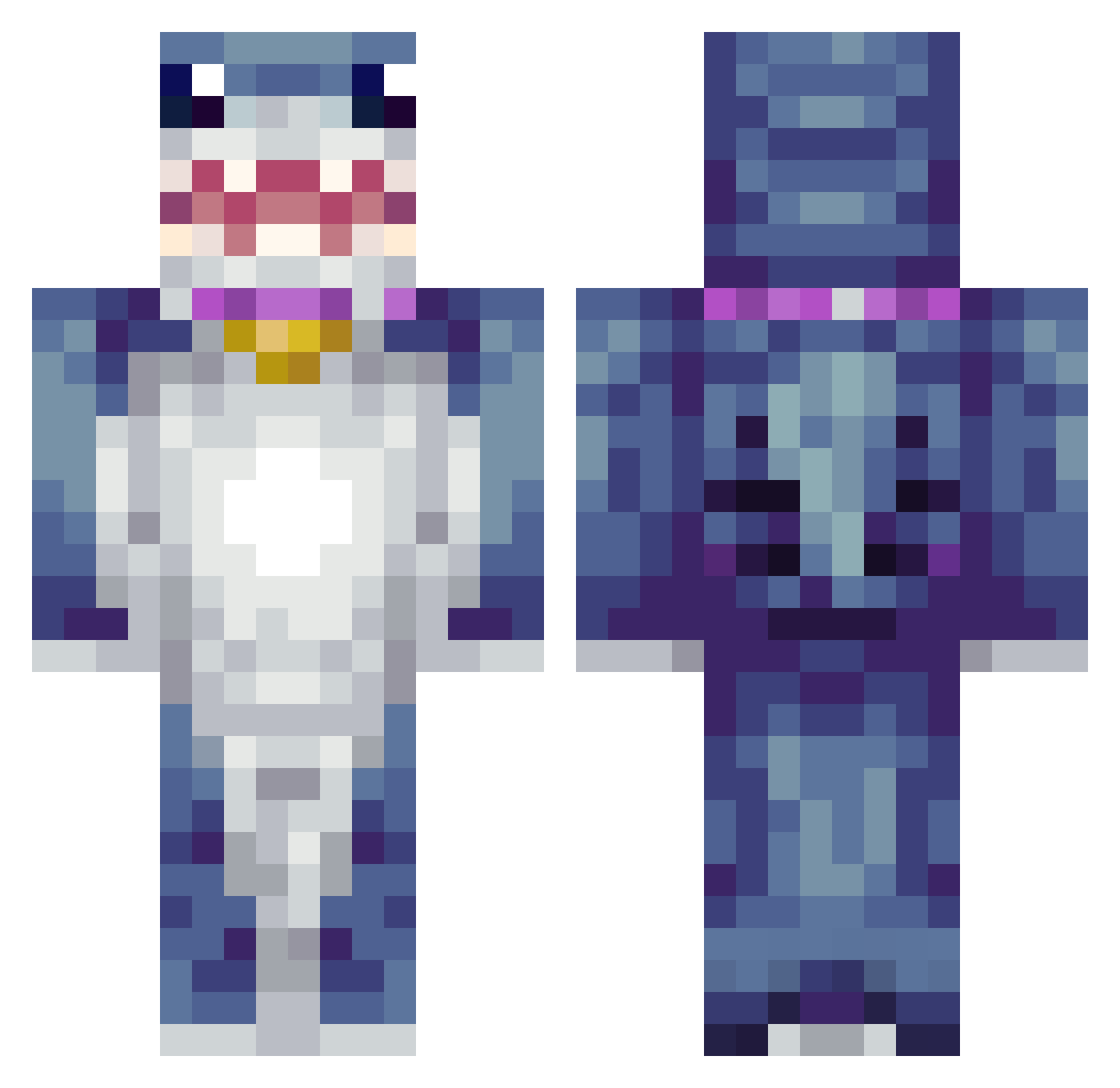
How to install the SelLeR1e skin
- Press the Download button above to save the skin as a PNG file.
- Minecraft: Bedrock Edition (PE): open the Dressing Room from the main menu (or tap your character → Edit Character), go to Classic Skins → Owned, press the + (new skin) button, choose the downloaded PNG and pick the Classic (Steve) model. Works on PC and mobile; consoles cannot import custom skins.
- Minecraft: Java Edition: open the Minecraft Launcher, go to the Skins tab, click New Skin, load the PNG, pick the Classic (Steve) model and press Save & Use. You can also upload it at minecraft.net → Profile → Change Skin.
The skin does not show up after import - what should I do?
Restart Minecraft and open the Dressing Room again - imported skins sometimes appear only after a restart. Also make sure you selected the imported skin and picked the Classic (Steve) model.
Which model should I choose, Classic or Slim?
This skin is designed for the Classic (Steve) model. If you pick the wrong model, the arms of the skin will look stretched or squeezed.
Is this skin free to use?
Yes. Press Download, save the PNG file and use it in Minecraft: Bedrock Edition or Java Edition - no payment or registration needed. The skin also works on multiplayer servers and Realms.
More Shark Minecraft skins
More skins
Looking for more? Go back to all Minecraft skins and check the top skins of the week, month and all time, or find any player's skin by nickname.