
VilleMoss - Minecraft Skins & Skin History
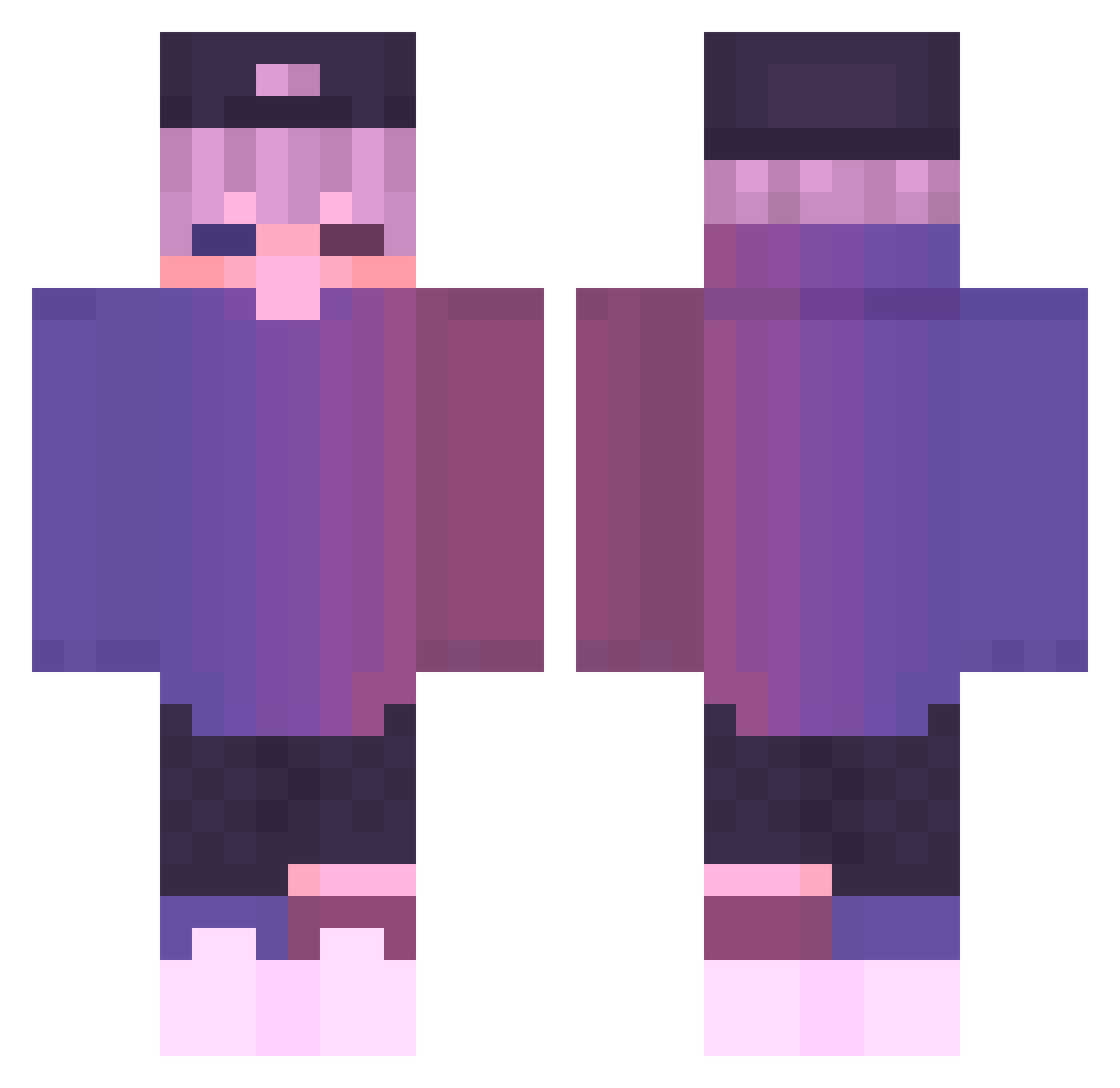
Current Minecraft skin of the player VilleMoss, loaded from the official Mojang API. Rotate the 3D model with your mouse or finger, then download the skin as a PNG file and use it in Minecraft: Bedrock Edition or Java Edition for free. When VilleMoss changes their skin, this page updates automatically and the old skin stays in the history below.
Other players with this skin (730)
VilleMoss was the 176th player we have seen with this skin, first spotted on 24.08.2026. The same skin was seen on these players. Open a nickname to see their current skin and skin history.
 tmxl08 W_Ev3resT RivYM_ SAW2005 umutances NeDaumGwanJong Custom_url Shido1004 UpstageGem61977 OasisTroTropical butterflytrace uvixx Hanako_hana s0n30m3 BabyLudo ZeroCalo Sebastian300 daddySHLARE KriKoXx_21 XIKuro AvinLMAO Duszek04 Latasz_ Tabascoohd Muhammet_K11 jun_Cola nismott83 apeach_04 andresitotryhard InfinityZac Forescik5 Its_Sunny4 Gempajo2 seonbin777 Viixlo xxDeAdLyxCaQxx ITheEcaa julipapi2021 Janek1710 gunesx42 lelele657 samuelhsieh corina04 Adetdragon0809 happpppppppy123 AlooParantha Performability TRIXSOS_F4D3 Bakkayaro hare_black _Ashway_ IIniskoyII NotVeeti Rajaser freekido_112 LZH0622 hmT4 Mini_Ning Wolfiex23k stark19002
More Cap Minecraft skins
How to install the VilleMoss skin
- Press the Download button above to save the skin as a PNG file.
- Minecraft: Bedrock Edition (PE): open the Dressing Room from the main menu (or tap your character → Edit Character), go to Classic Skins → Owned, press the + (new skin) button, choose the downloaded PNG and pick the Classic (Steve) model. Works on PC and mobile; consoles cannot import custom skins.
- Minecraft: Java Edition: open the Minecraft Launcher, go to the Skins tab, click New Skin, load the PNG, pick the Classic (Steve) model and press Save & Use. You can also upload it at minecraft.net → Profile → Change Skin.
The skin does not show up after import - what should I do?
Restart Minecraft and open the Dressing Room again - imported skins sometimes appear only after a restart. Also make sure you selected the imported skin and picked the Classic (Steve) model.
Which model should I choose, Classic or Slim?
This skin is designed for the Classic (Steve) model. If you pick the wrong model, the arms of the skin will look stretched or squeezed.
Is the skin of VilleMoss free to download?
Yes. Press Download, save the PNG file and use it in Minecraft: Bedrock Edition or Java Edition - no payment or registration needed. The skin also works on multiplayer servers and Realms.
More skins
Looking for more? Go back to all Minecraft skins and check the top skins of the week, month and all time, or find any player's skin by nickname.