
VIP6Vad6im6VIP - Minecraft Skins & Skin History
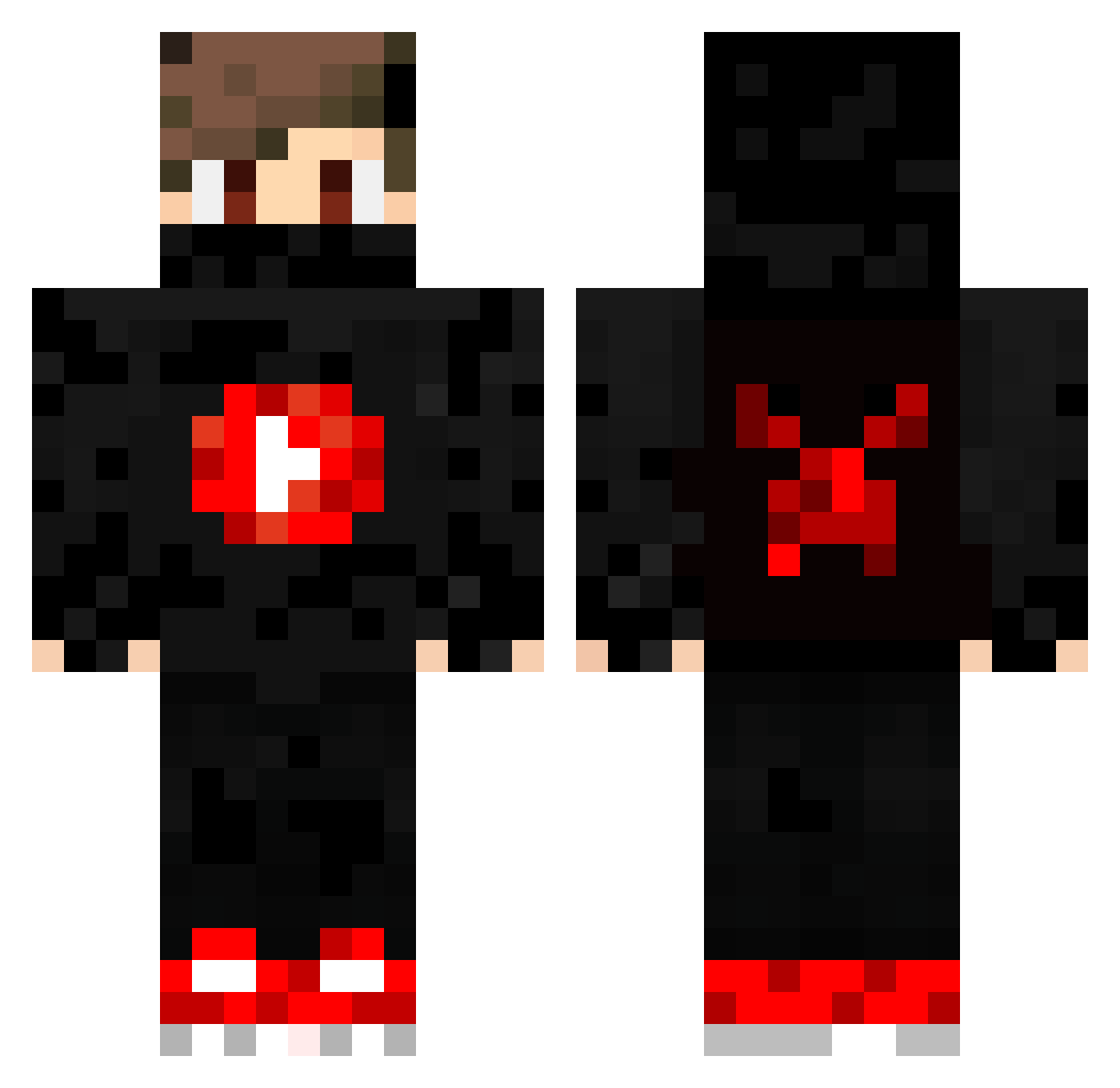
Current Minecraft skin of the player VIP6Vad6im6VIP, loaded from the official Mojang API. Rotate the 3D model with your mouse or finger, then download the skin as a PNG file and use it in Minecraft: Bedrock Edition or Java Edition for free. When VIP6Vad6im6VIP changes their skin, this page updates automatically and the old skin stays in the history below.
Other players with this skin (196)
VIP6Vad6im6VIP was the 25th player we have seen with this skin, first spotted on 07.08.2026. The same skin was seen on these players. Open a nickname to see their current skin and skin history.
 Vhal Oshuiz albertBMB AdminCool Kalito37 riko0308 aAnLsLoYnOp Ber_1v4 justinon60hz Micro1710 Doryan0609 ClamingEagle1 M0zareIIa AaronShelby MikhaelCasanova mykael475 AlinGIML_YT logan252627 SantiFarra07 juul_keeper CheckerProRo Scv1Mix KillerIsFake The_ProGamer95 LiviCraft Noffo KuyeDan Michaeltjeeh NSpyder poisoN_31 LeoTheFighter10 Bulleminator Kr1spyKareem Xhamser Giuseppe427 fumi0222 Nathan26210 ReyCZE SrFormiguinha vartan2001 FRY4747 Jungle_Arko BlueBoy_VN IanTong13 palmieri _Darkness_Legend Turtle_Commander InkognitoI8 Joseph050 Xiamer7 kingstone26 dendegrod fordnike GUMOREIRA23 BioHaseYT Batuhanzecik ironcrasher _Fxlix_ MaastyY_ BRZK
More Youtuber Minecraft skins
How to install the VIP6Vad6im6VIP skin
- Press the Download button above to save the skin as a PNG file.
- Minecraft: Bedrock Edition (PE): open the Dressing Room from the main menu (or tap your character → Edit Character), go to Classic Skins → Owned, press the + (new skin) button, choose the downloaded PNG and pick the Classic (Steve) model. Works on PC and mobile; consoles cannot import custom skins.
- Minecraft: Java Edition: open the Minecraft Launcher, go to the Skins tab, click New Skin, load the PNG, pick the Classic (Steve) model and press Save & Use. You can also upload it at minecraft.net → Profile → Change Skin.
The skin does not show up after import - what should I do?
Restart Minecraft and open the Dressing Room again - imported skins sometimes appear only after a restart. Also make sure you selected the imported skin and picked the Classic (Steve) model.
Which model should I choose, Classic or Slim?
This skin is designed for the Classic (Steve) model. If you pick the wrong model, the arms of the skin will look stretched or squeezed.
Is the skin of VIP6Vad6im6VIP free to download?
Yes. Press Download, save the PNG file and use it in Minecraft: Bedrock Edition or Java Edition - no payment or registration needed. The skin also works on multiplayer servers and Realms.
More skins
Looking for more? Go back to all Minecraft skins and check the top skins of the week, month and all time, or find any player's skin by nickname.