
 Zyreith xmiki17__ Ikard98 fanula Conrado772 benjipenji Sorielis HugoW34 zxcas666 CheTo_Melendez scytheyt___ PKE_Dark KsawekoJD GabrielNoTalent shimon180 clush444 quentin28100 kq_nata EladG ZNightWTF TwixTop1 Trickydolphin261 7no_Over daniizl yvoungkxris _Nerort_ N1sel DJReeps drack244 zLaser_ Nubank666 BlackSkarp omaroz20 chetoss_24 juicey15 NotRlyQality reimousss Mtri0101 Akachiro28 MatiRoma_ jihoo1oo4 Nay_x_x Ethan__2003 matijaee Sangwoo23 bachira18 senrex21 patsyk_ bakingvvitch SoyFr3ddy WchodzeNaBedr0k TheRumors nekrox4 TLALOC19 RavenMaybe KoGaJ ArtemisGamer64 KyurasFR Brus1a vWinter_
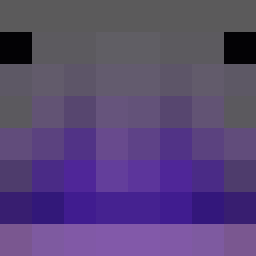
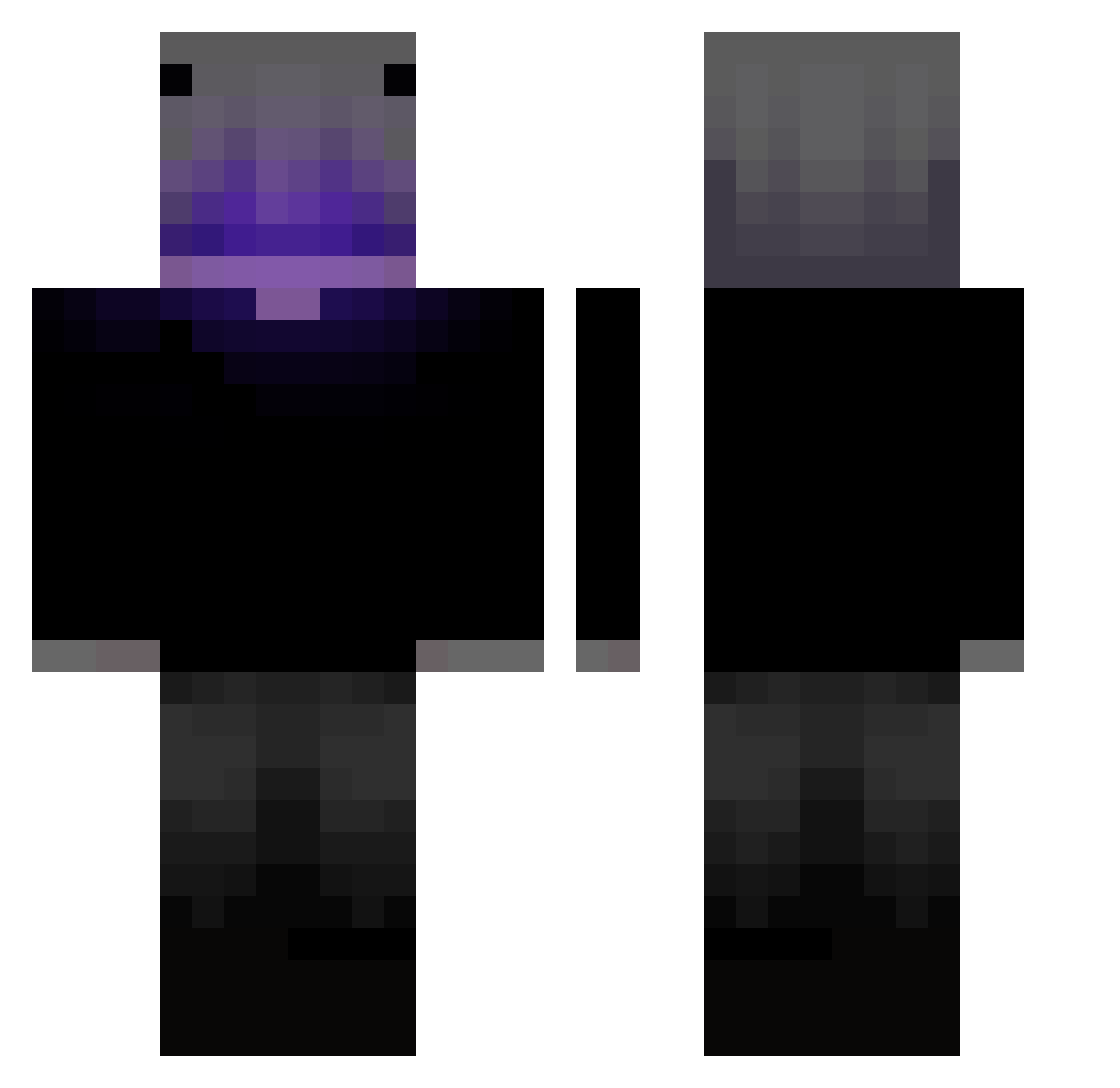
Minecraft skin of AxionLI. Rotate the 3D model with your mouse or finger to view the skin from every angle, then download it as a PNG file and use it in Minecraft: Bedrock Edition or Java Edition for free. Rate the skin with stars to help other players find the best skins in our collection.
How to install the AxionLI skin
- Press the Download button above to save the skin as a PNG file.
- Minecraft: Bedrock Edition (PE): open the Dressing Room from the main menu (or tap your character → Edit Character), go to Classic Skins → Owned, press the + (new skin) button, choose the downloaded PNG and pick the Classic (Steve) model. Works on PC and mobile; consoles cannot import custom skins.
- Minecraft: Java Edition: open the Minecraft Launcher, go to the Skins tab, click New Skin, load the PNG, pick the Classic (Steve) model and press Save & Use. You can also upload it at minecraft.net → Profile → Change Skin.
The skin does not show up after import - what should I do?
Restart Minecraft and open the Dressing Room again - imported skins sometimes appear only after a restart. Also make sure you selected the imported skin and picked the Classic (Steve) model.
Which model should I choose, Classic or Slim?
This skin is designed for the Classic (Steve) model. If you pick the wrong model, the arms of the skin will look stretched or squeezed.
Is this skin free to use?
Yes. Press Download, save the PNG file and use it in Minecraft: Bedrock Edition or Java Edition - no payment or registration needed. The skin also works on multiplayer servers and Realms.
More Parrot Minecraft skins
More skins
Looking for more? Go back to all Minecraft skins and check the top skins of the week, month and all time, or find any player's skin by nickname.