
V3kzy - Minecraft Skins & Skin History
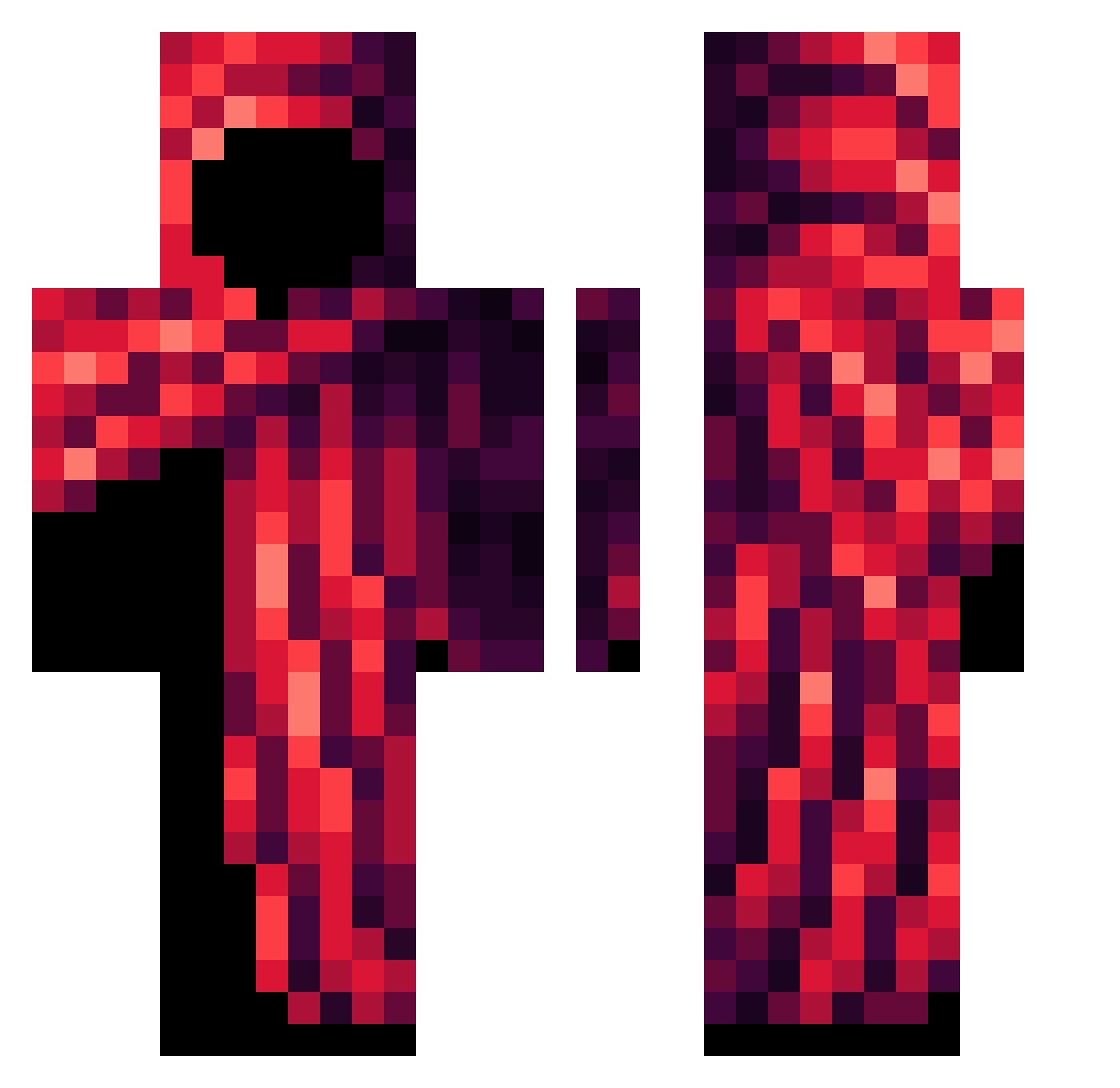
Current Minecraft skin of the player V3kzy, loaded from the official Mojang API. Rotate the 3D model with your mouse or finger, then download the skin as a PNG file and use it in Minecraft: Bedrock Edition or Java Edition for free. When V3kzy changes their skin, this page updates automatically and the old skin stays in the history below.
Other players with this skin (53)
V3kzy was the 13th player we have seen with this skin, first spotted on 16.08.2026. The same skin was seen on these players. Open a nickname to see their current skin and skin history.
 mantecol988 veryberrylarry
 TsarFrog
 YusufIbrahiml
 Unnamed4624 xiannnnnnn AdamSoffer smirybat Eric123345 xmatixr1 Itzz_Dxrk Mxgue SeniorToeChop _IXTR_ JOELAUFDIE1FFALP ABSV5 Eiskrieger12 Candy1Korn Faith_full
 Brody2525 StepbrotherDavie Adrian5656 Re_y6 Colonialiser MarkDemand LyconX7 AcidBandit Just_Me_999 Wemmbu_BG imFev deathwhisper404 RainbowKnight8 konkoshu ritzygore8917 D_est1nY_ CrzyFce Leon_20018 kaleblps20 bltzd wiewiorinio BotHandel_cb1 lori12346v ADG_Playz Neotheaven MK12771 Th3_Prophet BiggieJuJu CloudedFool qiusly Liuan666 TPKChubbzz Wundertroete shanaringan
More Cultist Minecraft skins
How to install the V3kzy skin
- Press the Download button above to save the skin as a PNG file.
- Minecraft: Bedrock Edition (PE): open the Dressing Room from the main menu (or tap your character → Edit Character), go to Classic Skins → Owned, press the + (new skin) button, choose the downloaded PNG and pick the Classic (Steve) model. Works on PC and mobile; consoles cannot import custom skins.
- Minecraft: Java Edition: open the Minecraft Launcher, go to the Skins tab, click New Skin, load the PNG, pick the Classic (Steve) model and press Save & Use. You can also upload it at minecraft.net → Profile → Change Skin.
The skin does not show up after import - what should I do?
Restart Minecraft and open the Dressing Room again - imported skins sometimes appear only after a restart. Also make sure you selected the imported skin and picked the Classic (Steve) model.
Which model should I choose, Classic or Slim?
This skin is designed for the Classic (Steve) model. If you pick the wrong model, the arms of the skin will look stretched or squeezed.
Is the skin of V3kzy free to download?
Yes. Press Download, save the PNG file and use it in Minecraft: Bedrock Edition or Java Edition - no payment or registration needed. The skin also works on multiplayer servers and Realms.
More skins
Looking for more? Go back to all Minecraft skins and check the top skins of the week, month and all time, or find any player's skin by nickname.