
Tzi_oZolmR_06_05 - Minecraft Skins & Skin History
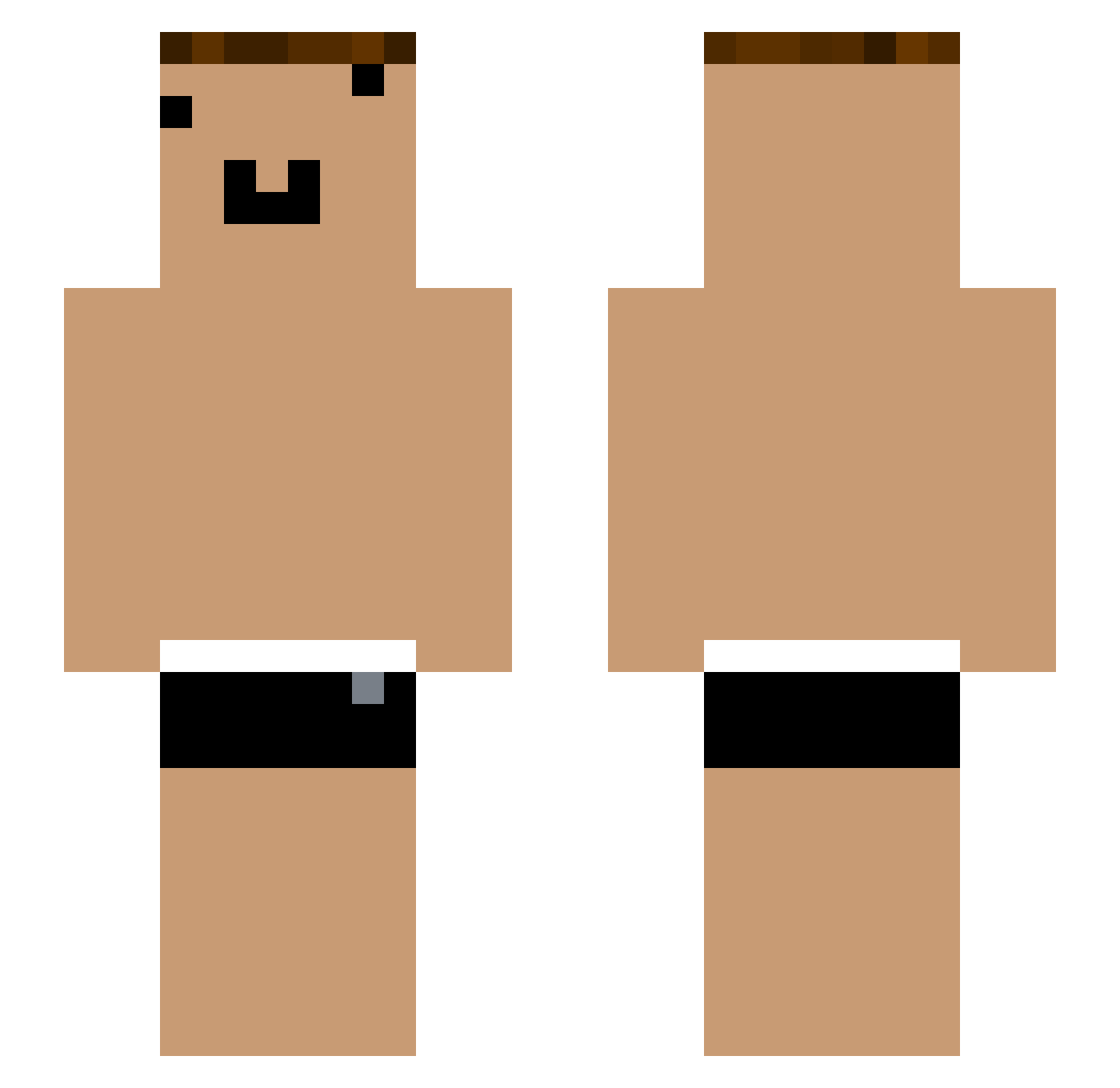
Current Minecraft skin of the player Tzi_oZolmR_06_05, loaded from the official Mojang API. Rotate the 3D model with your mouse or finger, then download the skin as a PNG file and use it in Minecraft: Bedrock Edition or Java Edition for free. When Tzi_oZolmR_06_05 changes their skin, this page updates automatically and the old skin stays in the history below.
Other players with this skin (1054)
Tzi_oZolmR_06_05 was the 982nd player we have seen with this skin, first spotted on 26.10.2026. The same skin was seen on these players. Open a nickname to see their current skin and skin history.
 yYa_Xee4fD_05_22 yz_ajh292 yYa_27kBnc_05_05 yYa_XTsigI_05_04 Tzi_k31TZ1_06_04 _ymQ1WE Tzi_Bvxb9i FortisFanas1 yYa_3Akwts_05_22 _WDO3hR yYa_GdMNFm_05_05 ermaolaoye_ yYa_sA91E9_05_02 Lampkuk yYa_cL9NtD_05_16 yYa_fDL6K8_06_17 el_ojos_claros yYa_hbtser_04_09 yYa_oygXLs_05_04 _yCKDkb Tzi_FRaqbC_05_01 yYa_NY1SWo_05_08 koverlhit_682984 Tzi_E3VsX7 yYa_FRaqbC_08_24 Tzi_eKzGZu_06_28 _3GykBb Tzi_IBAnwC_08_20 Wu_iR9Odu vLouTV Tom_NjVuMh_06_01 Tzi_jIvFt9_06_13 Tiamain yYa_h133tY_05_29 yYa_O6hm8U_04_09 yYa_WDO3hR_05_26 Xiaokun_KW4wp3 yYa_fTYSl1_06_18 lvao yYa_wrblZz_06_17 ya__Ovi5N5 yYa_KwRPQI_05_29 Tzi_iR9Odu_04_27 yYa_cYTjr8_07_30 yYa_V7NhGt_05_01 HY_wdc9Ij Tzi_FRaqbC_05_09 yYa_i89Qtp_05_07 it_cla982 yYa_RGryWt_04_08 yYa_0TzlYb_05_02 yYa_81Np7v_04_22 qwq_lbhsKd so_fby061 GLD_vSBHgM_07_10 yYa_9mK6PY_04_30 yYa_8wSA1X_04_14 xpp_FRaqbC_07_17 mini_AeRaNg Tzi_ih33PM_06_23
More Funny Face Minecraft skins
How to install the Tzi_oZolmR_06_05 skin
- Press the Download button above to save the skin as a PNG file.
- Minecraft: Bedrock Edition (PE): open the Dressing Room from the main menu (or tap your character → Edit Character), go to Classic Skins → Owned, press the + (new skin) button, choose the downloaded PNG and pick the Slim (Alex) model. Works on PC and mobile; consoles cannot import custom skins.
- Minecraft: Java Edition: open the Minecraft Launcher, go to the Skins tab, click New Skin, load the PNG, pick the Slim (Alex) model and press Save & Use. You can also upload it at minecraft.net → Profile → Change Skin.
The skin does not show up after import - what should I do?
Restart Minecraft and open the Dressing Room again - imported skins sometimes appear only after a restart. Also make sure you selected the imported skin and picked the Slim (Alex) model.
Which model should I choose, Classic or Slim?
This skin is designed for the Slim (Alex) model. If you pick the wrong model, the arms of the skin will look stretched or squeezed.
Is the skin of Tzi_oZolmR_06_05 free to download?
Yes. Press Download, save the PNG file and use it in Minecraft: Bedrock Edition or Java Edition - no payment or registration needed. The skin also works on multiplayer servers and Realms.
More skins
Looking for more? Go back to all Minecraft skins and check the top skins of the week, month and all time, or find any player's skin by nickname.