
TwstdReality - Minecraft Skins & Skin History
Current Minecraft skin of the player TwstdReality, loaded from the official Mojang API. Rotate the 3D model with your mouse or finger, then download the skin as a PNG file and use it in Minecraft: Bedrock Edition or Java Edition for free. When TwstdReality changes their skin, this page updates automatically and the old skin stays in the history below.
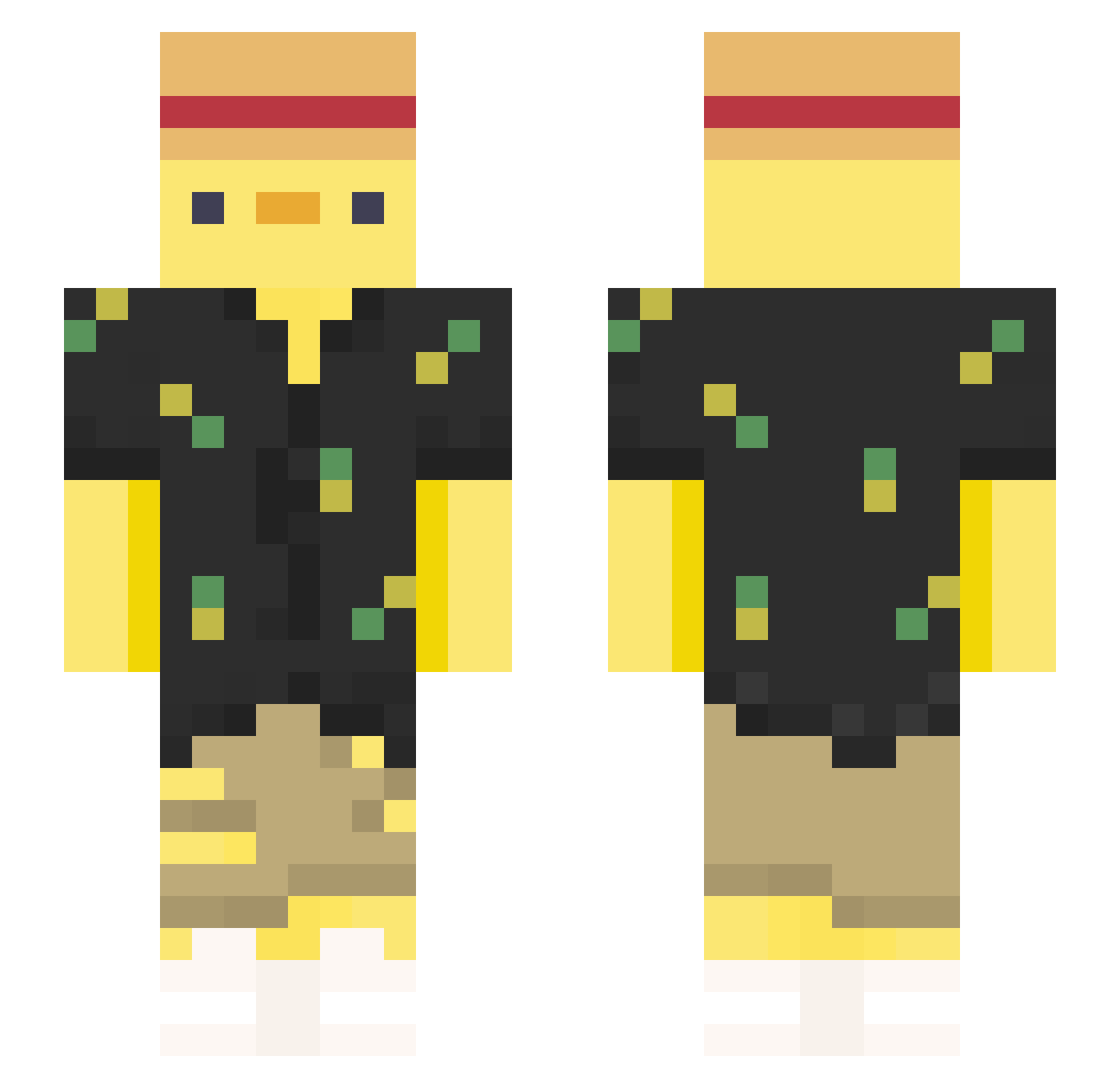
Other players with this skin (376)
TwstdReality was the 36th player we have seen with this skin, first spotted on 01.08.2026. The same skin was seen on these players. Open a nickname to see their current skin and skin history.
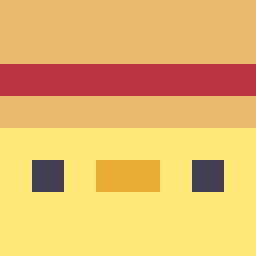 stmapCC
 IatetheFood_ Nasujr FatherFluke Tezzi_ NauanSB Oreovolador crLaros alejo3011 HzEmirs MaisterSante1 fishboytm hint0114 Duck777xd Macikafej NiuNiu_OuO Wylaaa radiosnail chuxk2 ErisGuru YaaNouX propizzagamer16 abgehobxnes Bartolini2009 HomieDuck guiixnm zaproszenie suricatodeoculo Scarmach524 OLOSLIME Ermiel cozmichobo Robsten advisor1 D1xonanxia MatBG PPDuck52 PrinceOswald_IV haguhaguhagu HawkRPC sheryf1324 liuli23 HandsomeCristo KageRyu730 kolinoh comprayjuega Zozo_S FoodWarrior789 hawaimati GaboDabest hi_ya_ Pancracio03 sillycat72 DonyZK z__NeX TacoTacos SmallBaoBoi YuXin_1129 geppemazz RapperPaul893
More Straw Hat Minecraft skins
How to install the TwstdReality skin
- Press the Download button above to save the skin as a PNG file.
- Minecraft: Bedrock Edition (PE): open the Dressing Room from the main menu (or tap your character → Edit Character), go to Classic Skins → Owned, press the + (new skin) button, choose the downloaded PNG and pick the Slim (Alex) model. Works on PC and mobile; consoles cannot import custom skins.
- Minecraft: Java Edition: open the Minecraft Launcher, go to the Skins tab, click New Skin, load the PNG, pick the Slim (Alex) model and press Save & Use. You can also upload it at minecraft.net → Profile → Change Skin.
The skin does not show up after import - what should I do?
Restart Minecraft and open the Dressing Room again - imported skins sometimes appear only after a restart. Also make sure you selected the imported skin and picked the Slim (Alex) model.
Which model should I choose, Classic or Slim?
This skin is designed for the Slim (Alex) model. If you pick the wrong model, the arms of the skin will look stretched or squeezed.
Is the skin of TwstdReality free to download?
Yes. Press Download, save the PNG file and use it in Minecraft: Bedrock Edition or Java Edition - no payment or registration needed. The skin also works on multiplayer servers and Realms.
More skins
Looking for more? Go back to all Minecraft skins and check the top skins of the week, month and all time, or find any player's skin by nickname.