
TwentySevenJay - Minecraft Skins & Skin History
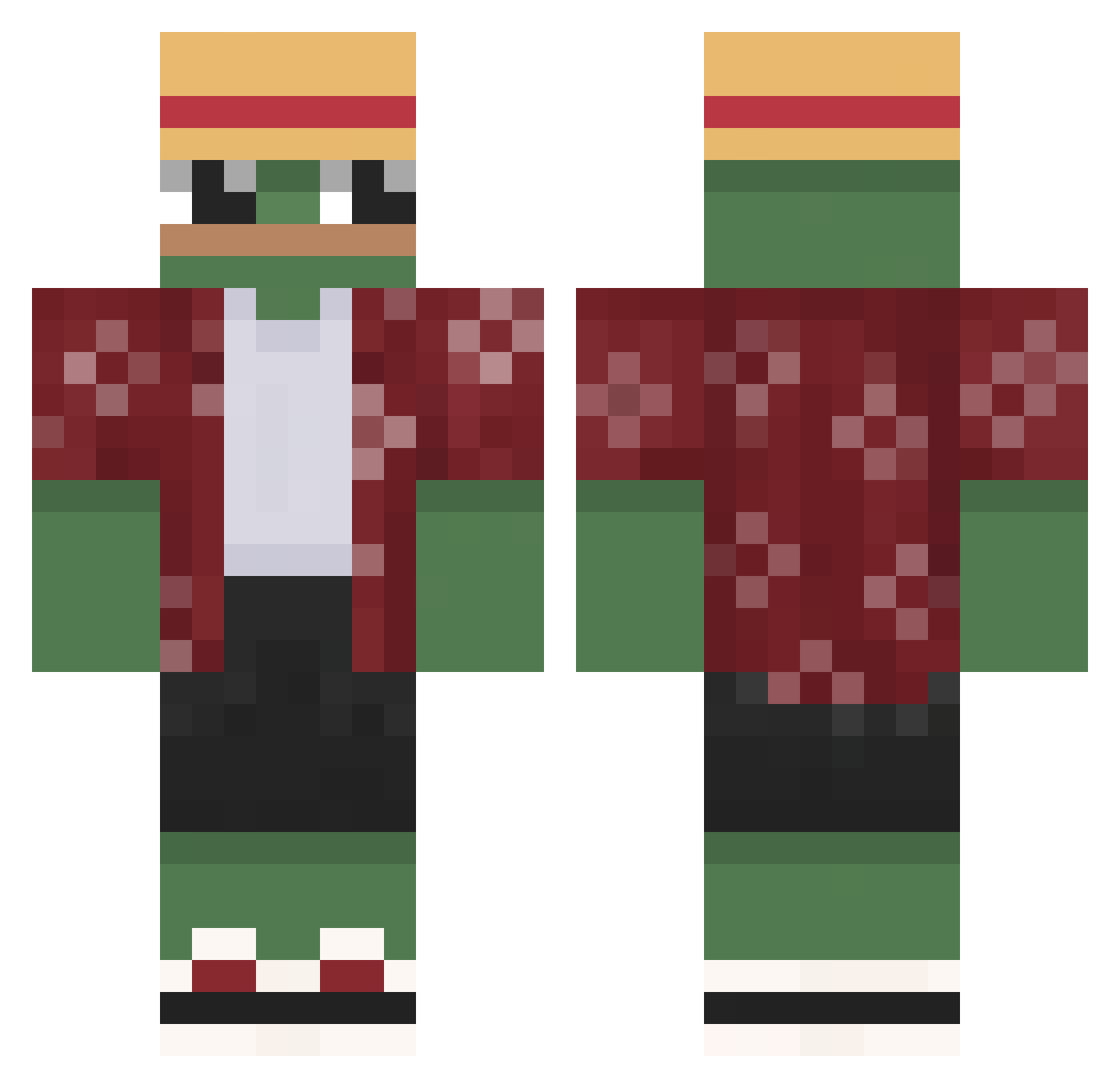
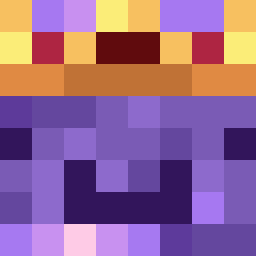
Current Minecraft skin of the player TwentySevenJay, loaded from the official Mojang API. Rotate the 3D model with your mouse or finger, then download the skin as a PNG file and use it in Minecraft: Bedrock Edition or Java Edition for free. When TwentySevenJay changes their skin, this page updates automatically and the old skin stays in the history below.
Other players with this skin (642)
TwentySevenJay was the 113th player we have seen with this skin, first spotted on 13.08.2026. The same skin was seen on these players. Open a nickname to see their current skin and skin history.
 Powercorn69 Red_Riot1337 MrsCoyote_ tortugboat pAciag102 Korniszon6912 Juonzitos_258 jeg_er_han minjae6176 Mind69 bajsklom YungSpades VA_Axtro gayger5 xAstro5 felanso Slamabun MisterKapster Sakup3n EpicBruh_Z itsMarcello_ 0wlowx9 Villinzo EL_RUBIO01 H3njo EjI8 MBACONBAPPE foxietail CryptHeaven Rebootpro117
 Veyar_ Molotovg1rl Dropewz
 Elcokets wanjuan12 Motorider1801 Fishmeat101 Elichito ytGameTime84 L1GHT_A13X StormyCarpenter1 Flxx1337 mmmmmmBread John_Willikers Rizo1205 withouthandson SmallE87 HydeTheBoss wildwilly1997
 Nookzi Prank3d_ victorio989898 McKeewa AustrianFemboy rybysalatik DefianceMuffin 42Hoca TyGuy1648 KrysztalowyMati0 Lov_e
More Monkey D Luffy Minecraft skins
See all 925 Monkey D Luffy skins
How to install the TwentySevenJay skin
- Press the Download button above to save the skin as a PNG file.
- Minecraft: Bedrock Edition (PE): open the Dressing Room from the main menu (or tap your character → Edit Character), go to Classic Skins → Owned, press the + (new skin) button, choose the downloaded PNG and pick the Classic (Steve) model. Works on PC and mobile; consoles cannot import custom skins.
- Minecraft: Java Edition: open the Minecraft Launcher, go to the Skins tab, click New Skin, load the PNG, pick the Classic (Steve) model and press Save & Use. You can also upload it at minecraft.net → Profile → Change Skin.
The skin does not show up after import - what should I do?
Restart Minecraft and open the Dressing Room again - imported skins sometimes appear only after a restart. Also make sure you selected the imported skin and picked the Classic (Steve) model.
Which model should I choose, Classic or Slim?
This skin is designed for the Classic (Steve) model. If you pick the wrong model, the arms of the skin will look stretched or squeezed.
Is the skin of TwentySevenJay free to download?
Yes. Press Download, save the PNG file and use it in Minecraft: Bedrock Edition or Java Edition - no payment or registration needed. The skin also works on multiplayer servers and Realms.
More skins
Looking for more? Go back to all Minecraft skins and check the top skins of the week, month and all time, or find any player's skin by nickname.