
TuranQAQ - Minecraft Skins & Skin History
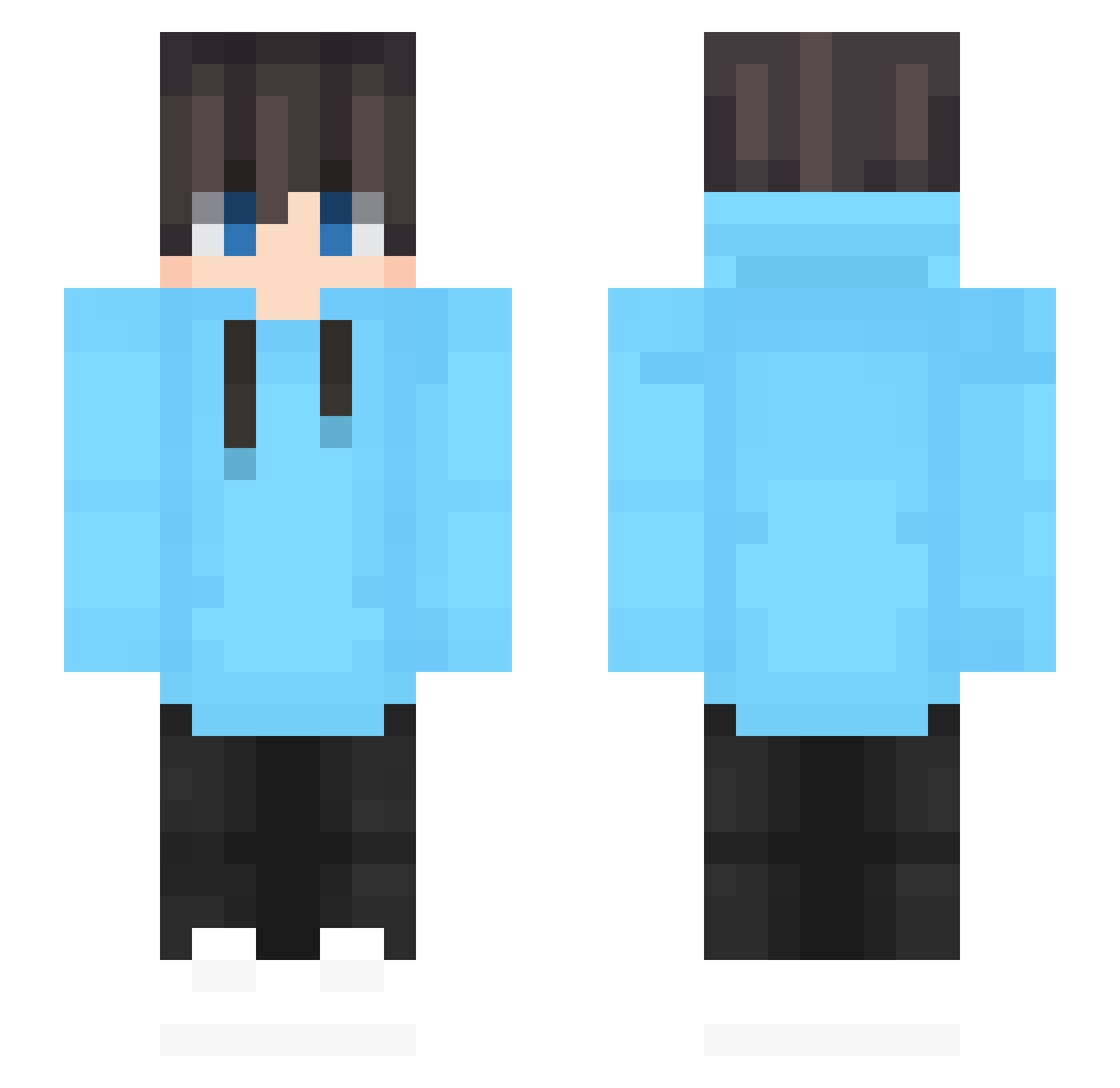
Current Minecraft skin of the player TuranQAQ, loaded from the official Mojang API. Rotate the 3D model with your mouse or finger, then download the skin as a PNG file and use it in Minecraft: Bedrock Edition or Java Edition for free. When TuranQAQ changes their skin, this page updates automatically and the old skin stays in the history below.
Other players with this skin (620)
TuranQAQ was the 113th player we have seen with this skin, first spotted on 13.08.2026. The same skin was seen on these players. Open a nickname to see their current skin and skin history.
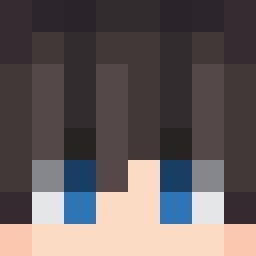 hate_xx tangdou123 JSL2 Vetto 0815_Keks Huangbojia windgamin95 TysKing1 Gewoonzain Tirkxz_ Frosty65 Pin_Xiao123 ItzArya Shao0707 Maddafakkaa WANGDADA666 FurryMuLang_UWU polliax Josmao_BR Miko6743 Solomon122 SUM3C_ kongogo Im_you_father JediJosh98 A_Wild_Simp WAQKAW Phybrs theigorinde kuo0941 Speedy971 Daaavidd HaoDayuyu Santsa4 GargamelClient2 mu19mc2 Cr5amICE DrealePereira Real_KUNGTIMMY NoahTheGoat10 Ciaran_Alt Xiaoye_star FierceTiger604 Momo08107 SaudWorldWide zideen Ronnisa2 Frankster343 Pr0veQ OwnerFreddy MrMcDanko SherwinGG _Vepe_ Lanameyr2 WeirdApple ACollaspeR BySplash adoumation Lamen3d Bob4517
How to install the TuranQAQ skin
- Press the Download button above to save the skin as a PNG file.
- Minecraft: Bedrock Edition (PE): open the Dressing Room from the main menu (or tap your character → Edit Character), go to Classic Skins → Owned, press the + (new skin) button, choose the downloaded PNG and pick the Slim (Alex) model. Works on PC and mobile; consoles cannot import custom skins.
- Minecraft: Java Edition: open the Minecraft Launcher, go to the Skins tab, click New Skin, load the PNG, pick the Slim (Alex) model and press Save & Use. You can also upload it at minecraft.net → Profile → Change Skin.
The skin does not show up after import - what should I do?
Restart Minecraft and open the Dressing Room again - imported skins sometimes appear only after a restart. Also make sure you selected the imported skin and picked the Slim (Alex) model.
Which model should I choose, Classic or Slim?
This skin is designed for the Slim (Alex) model. If you pick the wrong model, the arms of the skin will look stretched or squeezed.
Is the skin of TuranQAQ free to download?
Yes. Press Download, save the PNG file and use it in Minecraft: Bedrock Edition or Java Edition - no payment or registration needed. The skin also works on multiplayer servers and Realms.
More skins
Looking for more? Go back to all Minecraft skins and check the top skins of the week, month and all time, or find any player's skin by nickname.