
 tapikun7 WHY_QAQ GuitarPet Nickyenigma ellpacino ChampagneLane Zxmps xLargeKebap woodys25 CanadianMind Fire6654 AlexGod5 snow0 Carnet258 RockMorf syynb666 CPT_M4TH baihe778899 EmptyJungle9645 Liwin_T wesley0906595 Anjinhodobem blueskycosmos Krycha21 honeyece FigSlyz BIESTEN QQ477 Banana007craft hrhl thetur3ba Dreyonas _whenever StuntManMason Senolce HuiBoy Flays__ salieri17 Foam__ wardenjack1 XxbenxD AlfoOnzZ H3SHAM03 oPLZo sptrtyssss FQ_Love ZhuoNao kyuboem CairTV Hwan2002 ASODYGAMER PaRaDoX_MDB Dtar380 Larankio hotEnte whifty_is_cool Kraken_Slayer 2mils Shankar_PlayZ ikee_YT
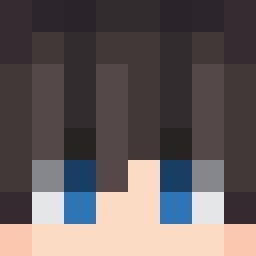
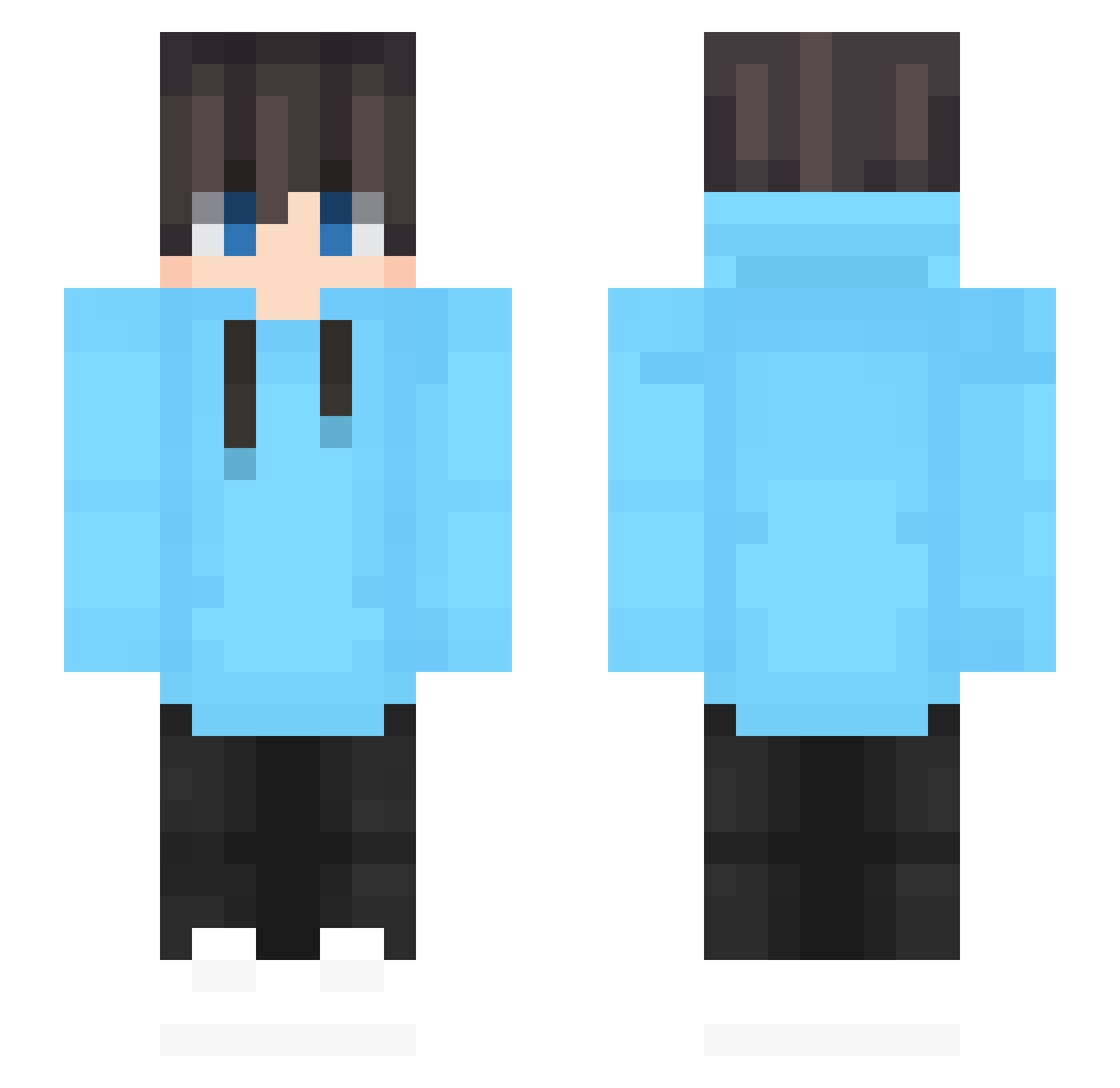
Minecraft skin of justkala. Rotate the 3D model with your mouse or finger to view the skin from every angle, then download it as a PNG file and use it in Minecraft: Bedrock Edition or Java Edition for free. Rate the skin with stars to help other players find the best skins in our collection.
How to install the justkala skin
- Press the Download button above to save the skin as a PNG file.
- Minecraft: Bedrock Edition (PE): open the Dressing Room from the main menu (or tap your character → Edit Character), go to Classic Skins → Owned, press the + (new skin) button, choose the downloaded PNG and pick the Slim (Alex) model. Works on PC and mobile; consoles cannot import custom skins.
- Minecraft: Java Edition: open the Minecraft Launcher, go to the Skins tab, click New Skin, load the PNG, pick the Slim (Alex) model and press Save & Use. You can also upload it at minecraft.net → Profile → Change Skin.
The skin does not show up after import - what should I do?
Restart Minecraft and open the Dressing Room again - imported skins sometimes appear only after a restart. Also make sure you selected the imported skin and picked the Slim (Alex) model.
Which model should I choose, Classic or Slim?
This skin is designed for the Slim (Alex) model. If you pick the wrong model, the arms of the skin will look stretched or squeezed.
Is this skin free to use?
Yes. Press Download, save the PNG file and use it in Minecraft: Bedrock Edition or Java Edition - no payment or registration needed. The skin also works on multiplayer servers and Realms.
More skins
Looking for more? Go back to all Minecraft skins and check the top skins of the week, month and all time, or find any player's skin by nickname.