
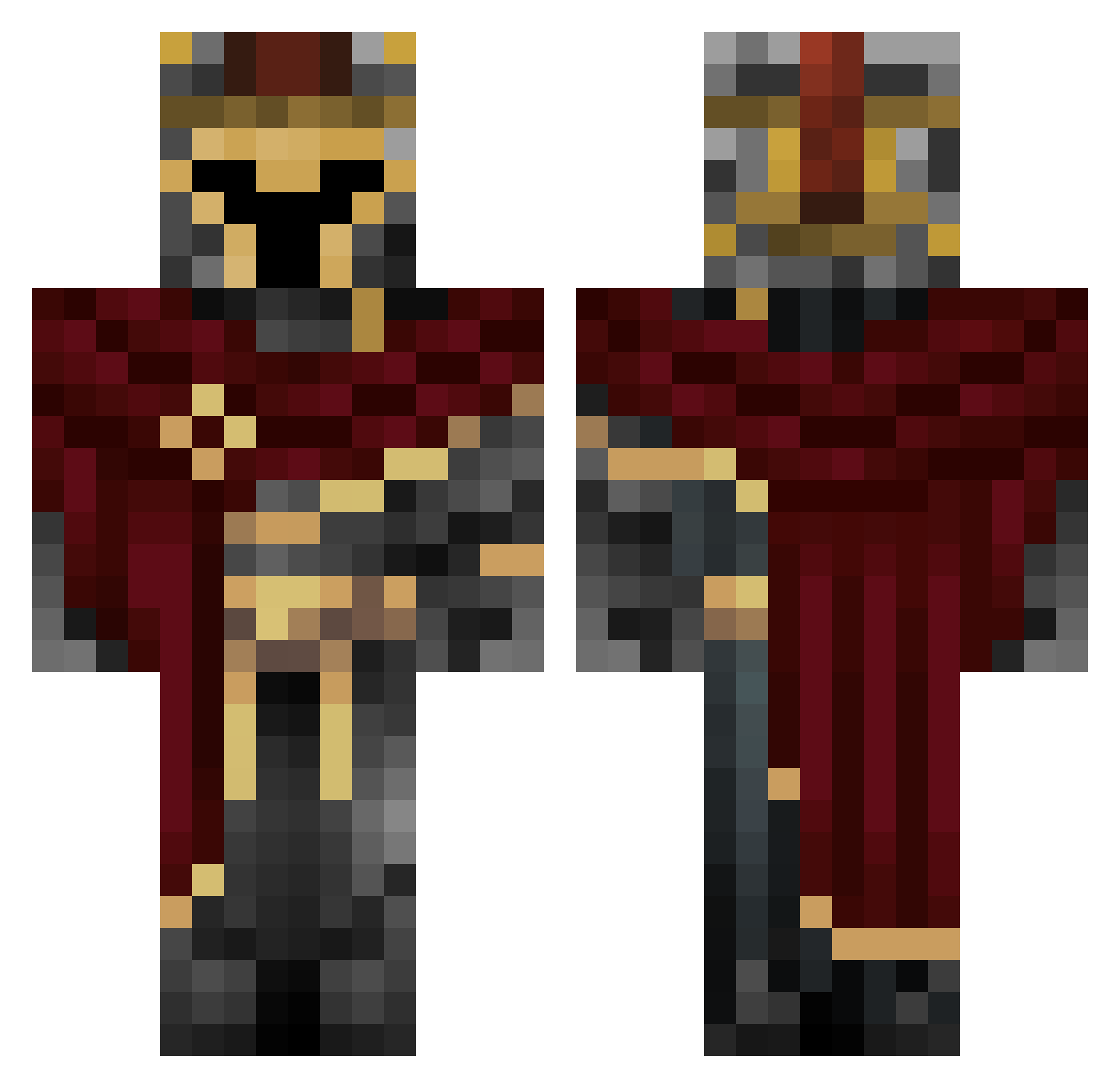
Current Minecraft skin of the player Tron33, loaded from the official Mojang API. Rotate the 3D model with your mouse or finger, then download the skin as a PNG file and use it in Minecraft: Bedrock Edition or Java Edition for free. When Tron33 changes their skin, this page updates automatically and the old skin stays in the history below.
Other players with this skin (497)
Tron33 was the 82nd player we have seen with this skin, first spotted on 06.08.2026. The same skin was seen on these players. Open a nickname to see their current skin and skin history.
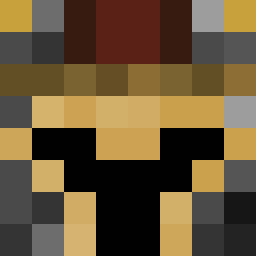 iZeric2 1QuantumStrings1 Dene3310 AshnKnight bensonhsu33 hop191 arca22 SanyxDx Crashpelusa KaedithasClone Draconisnox FernCookie948 AlajasF1 blue_stormy laurencio303 _Braindamage_ Emin3nc3 Ceiling_Fan12 ckickenbutt DaBoss2357 acurss superlaxman sienaxo The_Flamings snoopy1201 Asrazar badgamerbas
 sinnamondadd Nexcius_ CroneYT890 Kaxel03
 mehmetzahid70 V4MPERS Nickx333 Max7371 SlayerChris99 PeKereke karolgg1_337
 jojonordyTw SirP00PER vinxory CoolerCars Tosterikeczap1
 GULIWIEREQ Mota32 tostbrot_09 xAlex1906 Morin0 Epeecraft Tokm4 Pcs_03 TimonT5
 nthn0 Sp33dorz1012 regenboogman Qlip calloooooooom
 Jun1or16 akkisto NotMe250
More Spartan Minecraft skins
How to install the Tron33 skin
- Press the Download button above to save the skin as a PNG file.
- Minecraft: Bedrock Edition (PE): open the Dressing Room from the main menu (or tap your character → Edit Character), go to Classic Skins → Owned, press the + (new skin) button, choose the downloaded PNG and pick the Classic (Steve) model. Works on PC and mobile; consoles cannot import custom skins.
- Minecraft: Java Edition: open the Minecraft Launcher, go to the Skins tab, click New Skin, load the PNG, pick the Classic (Steve) model and press Save & Use. You can also upload it at minecraft.net → Profile → Change Skin.
The skin does not show up after import - what should I do?
Restart Minecraft and open the Dressing Room again - imported skins sometimes appear only after a restart. Also make sure you selected the imported skin and picked the Classic (Steve) model.
Which model should I choose, Classic or Slim?
This skin is designed for the Classic (Steve) model. If you pick the wrong model, the arms of the skin will look stretched or squeezed.
Is the skin of Tron33 free to download?
Yes. Press Download, save the PNG file and use it in Minecraft: Bedrock Edition or Java Edition - no payment or registration needed. The skin also works on multiplayer servers and Realms.
More skins
Looking for more? Go back to all Minecraft skins and check the top skins of the week, month and all time, or find any player's skin by nickname.